Ravi Sir's Cyber Security Cards › Revision Cards
Optional: Keeping DNS in Route 53
Optional: Keeping DNS in Route 53 You can buy a domain at GoDaddy but run its DNS in Route 53 (Amazon’s DNS service). Route 53 → Create hosted zone for your domain. It gives you 4 name servers . In GoDaddy, replace the name servers with those 4. Create an A record in Route 53 pointing to your Elasti
Read card text
What this card says
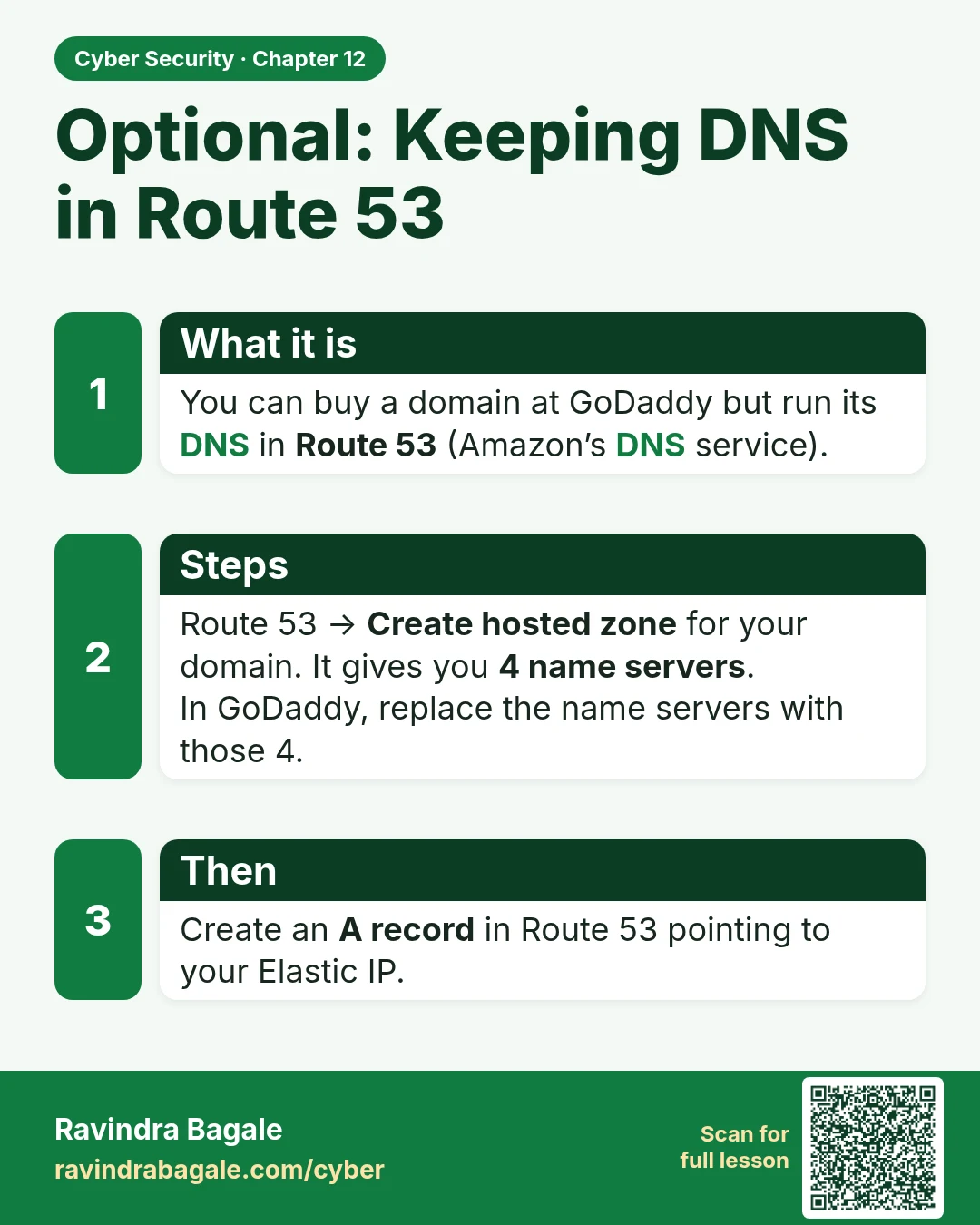
What it is
You can buy a domain at GoDaddy but run its DNS in Route 53 (Amazon’s DNS service).
Steps
Route 53 → Create hosted zone for your domain. It gives you 4 name servers.
In GoDaddy, replace the name servers with those 4.
Then
Create an A record in Route 53 pointing to your Elastic IP.
Learn more in the lesson: 12.4 Optional: Keeping DNS in Route 53