Ravi Sir's Cyber Security Cards › Revision Cards
Navigation
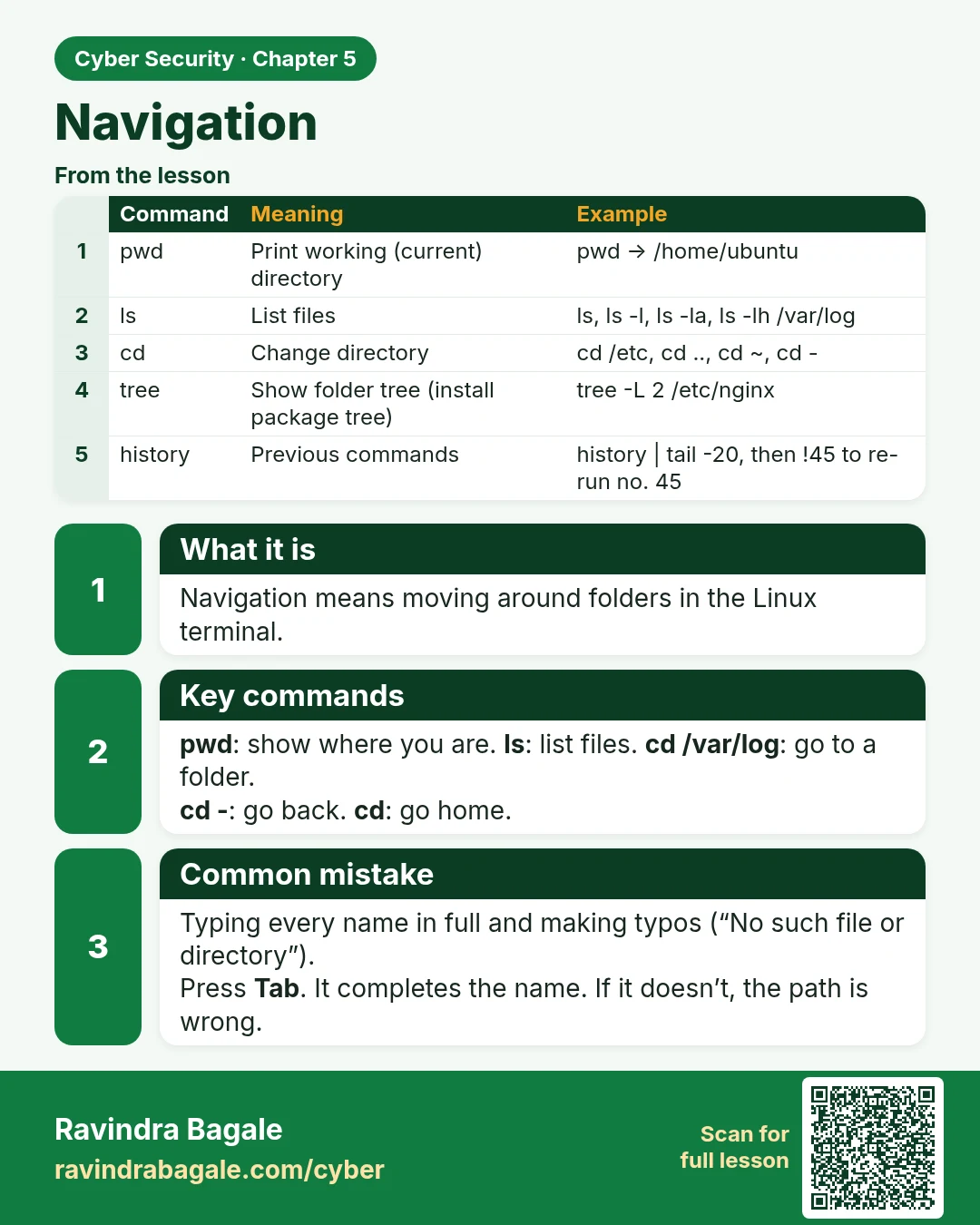
Navigation Navigation means moving around folders in the Linux terminal. pwd : show where you are. ls : list files. cd /var/log : go to a folder. cd - : go back. cd : go home. Typing every name in full and making typos (“No such file or directory”). Press Tab . It completes the name. If it doesn’t,
Read card text
What this card says
What it is
Navigation means moving around folders in the Linux terminal.
Key commands
pwd: show where you are. ls: list files. cd /var/log: go to a folder.
cd -: go back. cd: go home.
Common mistake
Typing every name in full and making typos (“No such file or directory”).
Press Tab. It completes the name. If it doesn’t, the path is wrong.
| Command | Meaning | Example |
|---|---|---|
| pwd | Print working (current) directory | pwd → /home/ubuntu |
| ls | List files | ls, ls -l, ls -la, ls -lh /var/log |
| cd | Change directory | cd /etc, cd .., cd ~, cd - |
| tree | Show folder tree (install package tree) | tree -L 2 /etc/nginx |
| history | Previous commands | history | tail -20, then !45 to re-run no. 45 |
Learn more in the lesson: 5.2 Navigation