Ravi Sir's Cyber Security Cards › Revision Cards
Multiple Sites with Nginx (Amazon Linux 2023 and Ubuntu)
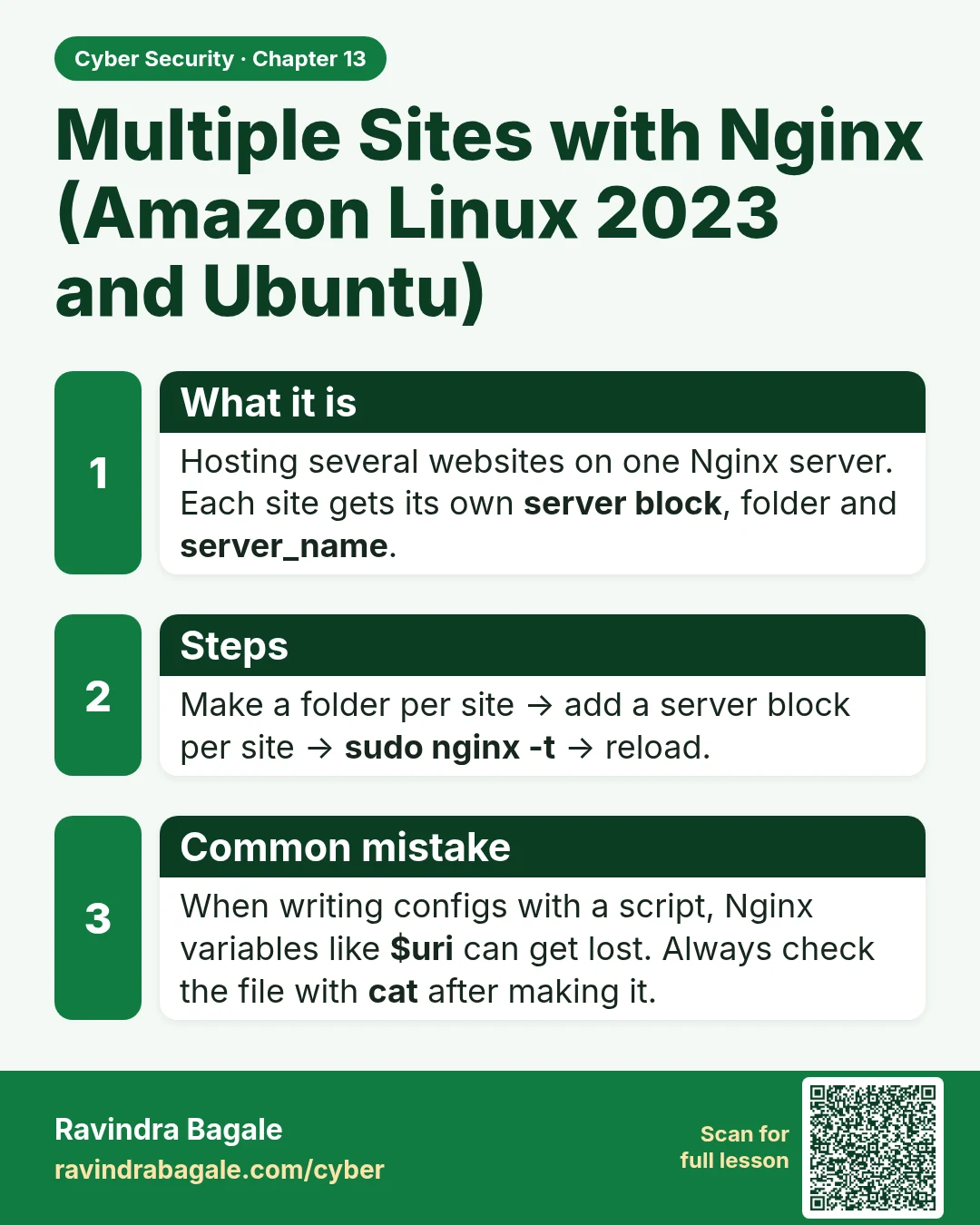
Multiple Sites with Nginx (Amazon Linux 2023 and Ubuntu) Hosting several websites on one Nginx server. Each site gets its own server block , folder and server_name . Make a folder per site → add a server block per site → sudo nginx -t → reload. When writing configs with a script, Nginx variables lik
Read card text
What this card says
What it is
Hosting several websites on one Nginx server. Each site gets its own server block, folder and server_name.
Steps
Make a folder per site → add a server block per site → sudo nginx -t → reload.
Common mistake
When writing configs with a script, Nginx variables like $uri can get lost. Always check the file with cat after making it.
Learn more in the lesson: 13.2 Multiple Sites with Nginx (Amazon Linux 2023 and Ubuntu)