Ravi Sir's Cyber Security Cards › Revision Cards
Linux on EC2 – Commands You Must Type Blind
Linux on EC2 – Commands You Must Type Blind The Linux commands a defender uses every day on an EC2 server. sudo yum install on Amazon Linux. sudo service name start|stop|status . Check permissions, users, logs and processes. Mixing up systemctl and service . In this course, use sudo service on Amazo
Read card text
What this card says
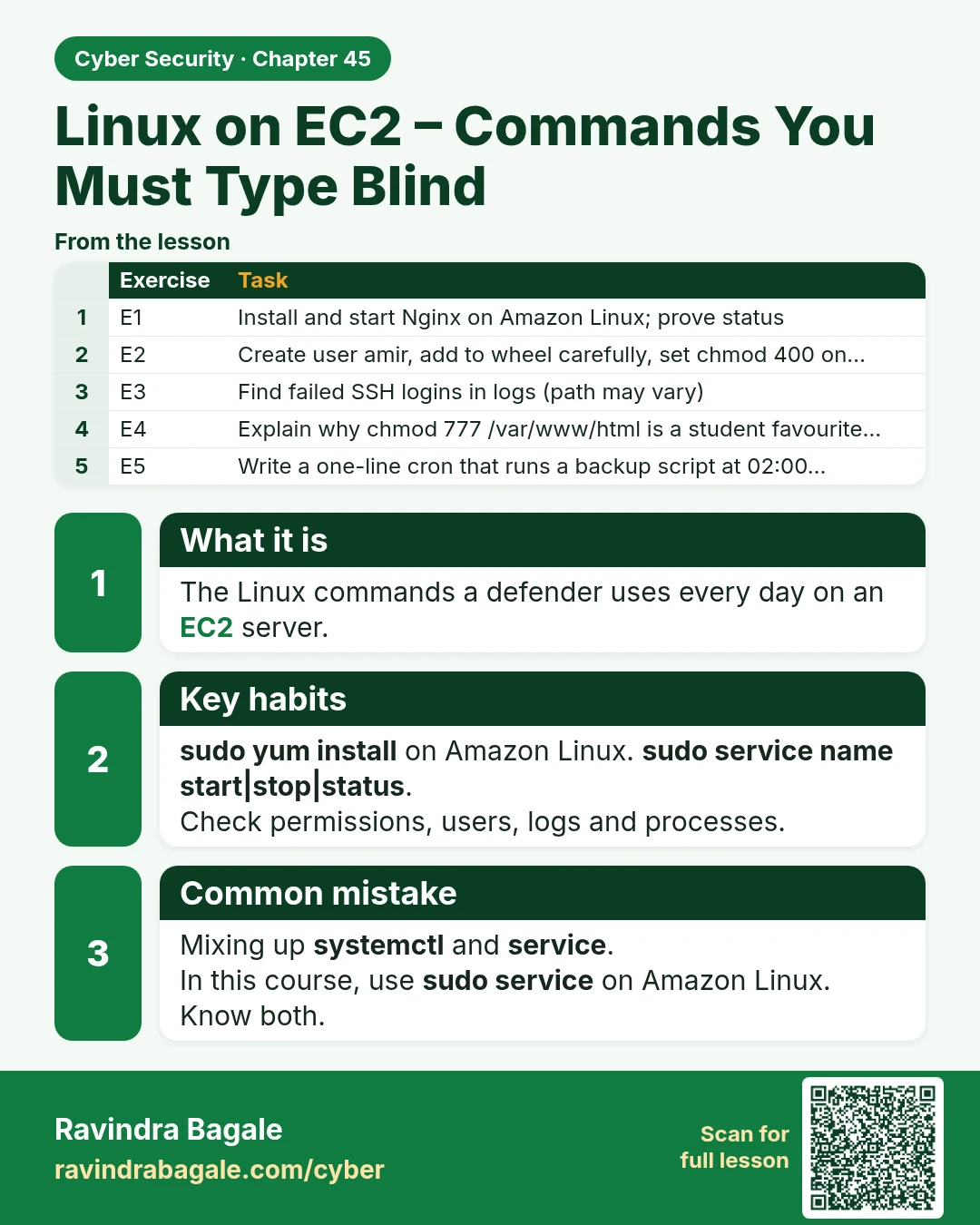
What it is
The Linux commands a defender uses every day on an EC2 server.
Key habits
sudo yum install on Amazon Linux. sudo service name start|stop|status.
Check permissions, users, logs and processes.
Common mistake
Mixing up systemctl and service.
In this course, use sudo service on Amazon Linux. Know both.
| Exercise | Task |
|---|---|
| E1 | Install and start Nginx on Amazon Linux; prove status |
| E2 | Create user amir, add to wheel carefully, set chmod 400 on… |
| E3 | Find failed SSH logins in logs (path may vary) |
| E4 | Explain why chmod 777 /var/www/html is a student favourite… |
| E5 | Write a one-line cron that runs a backup script at 02:00… |
Learn more in the lesson: 45.3 Linux on EC2 – Commands You Must Type Blind