Ravi Sir's Cyber Security Cards › Revision Cards
Launching an Instance Step by Step
Launching an Instance Step by Step Launching an instance means creating a new EC2 server from the AWS console. Open EC2 → Launch instance . Give it a name (example: web-server-1), pick an AMI and type, a key pair and a security group. The security group is your first firewall. Allow SSH only from My
Read card text
What this card says
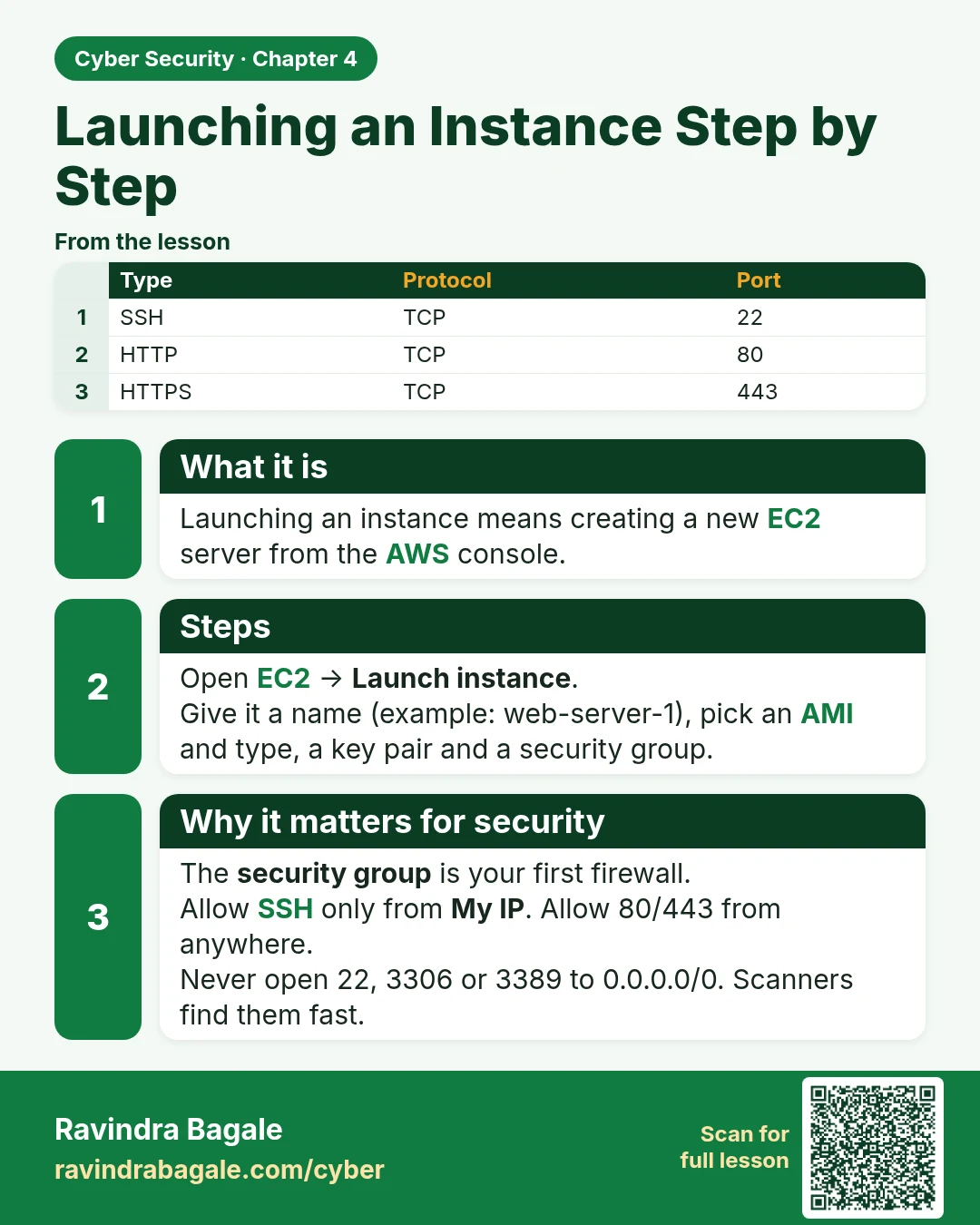
What it is
Launching an instance means creating a new EC2 server from the AWS console.
Steps
Open EC2 → Launch instance.
Give it a name (example: web-server-1), pick an AMI and type, a key pair and a security group.
Why it matters for security
The security group is your first firewall.
Allow SSH only from My IP. Allow 80/443 from anywhere.
Never open 22, 3306 or 3389 to 0.0.0.0/0. Scanners find them fast.
| Type | Protocol | Port |
|---|---|---|
| SSH | TCP | 22 |
| HTTP | TCP | 80 |
| HTTPS | TCP | 443 |
Learn more in the lesson: 4.3 Launching an Instance Step by Step