Ravi Sir's Cyber Security Cards › Revision Cards
Lab – Suricata or firewalld Logging on OWN VM
Lab – Suricata or firewalld Logging on OWN VM A lab to see detection work: run Suricata (an IDS) or firewalld logging on your own VM, then scan it. After a scan, you should see an alert or a “denied” log line. Zero alerts usually means the wrong network card, a wrong HOME_NET , or promiscuous mode o
Read card text
What this card says
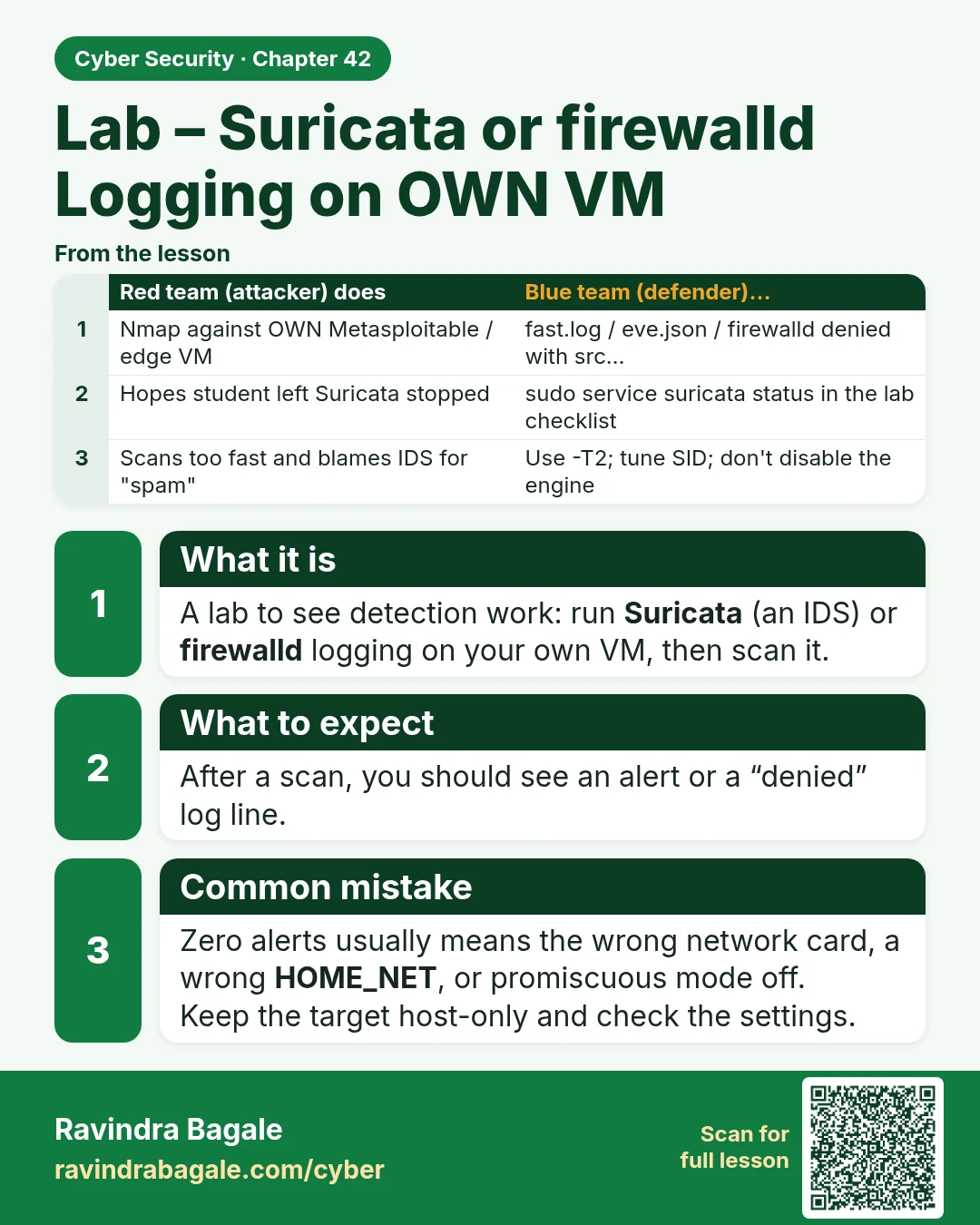
What it is
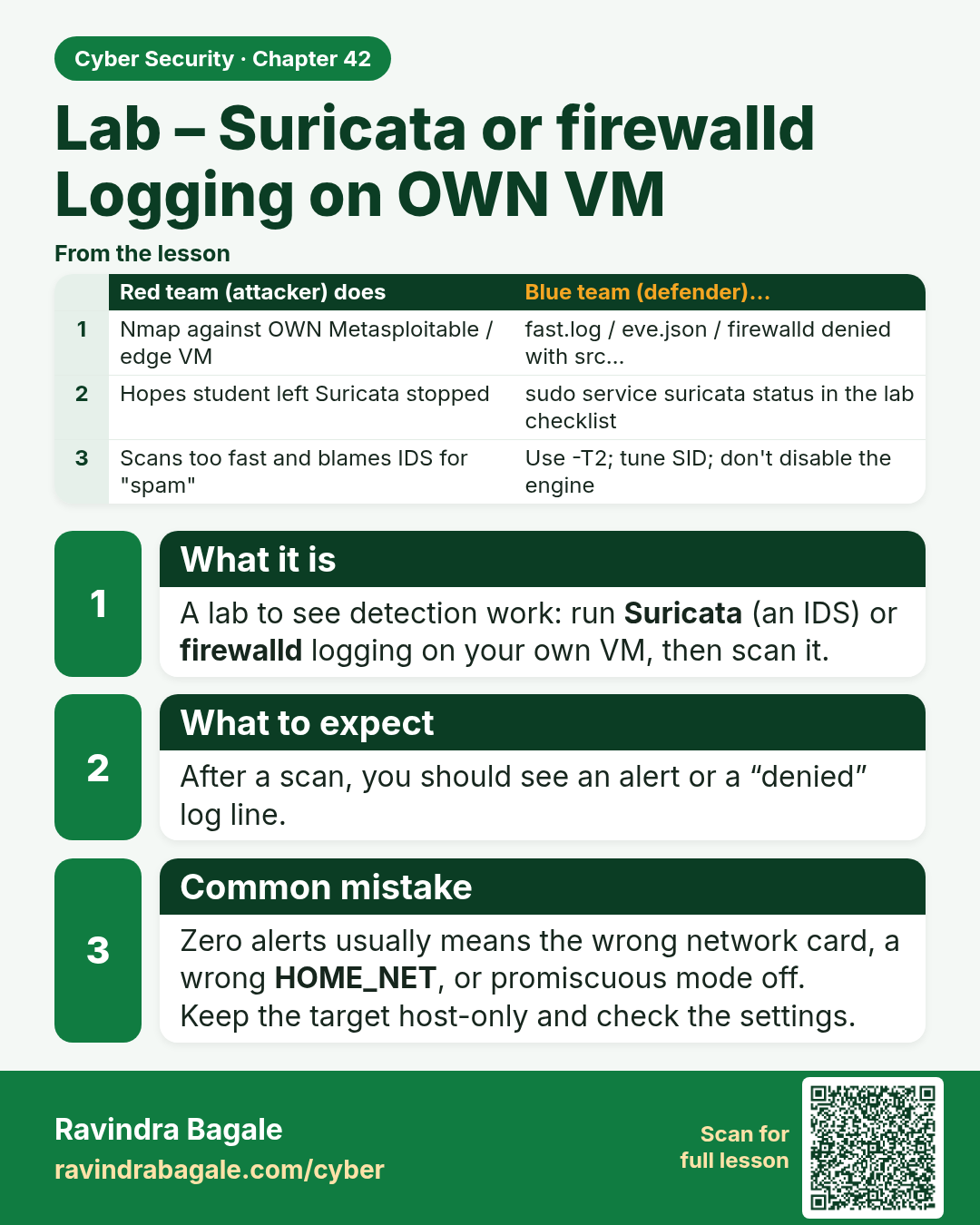
A lab to see detection work: run Suricata (an IDS) or firewalld logging on your own VM, then scan it.
What to expect
After a scan, you should see an alert or a “denied” log line.
Common mistake
Zero alerts usually means the wrong network card, a wrong HOME_NET, or promiscuous mode off.
Keep the target host-only and check the settings.
| Red team (attacker) does | Blue team (defender)… |
|---|---|
| Nmap against OWN Metasploitable / edge VM | fast.log / eve.json / firewalld denied with src… |
| Hopes student left Suricata stopped | sudo service suricata status in the lab checklist |
| Scans too fast and blames IDS for "spam" | Use -T2; tune SID; don't disable the engine |
Learn more in the lesson: 42.8 Lab – Suricata or firewalld Logging on OWN VM