Ravi Sir's Cyber Security Cards › Revision Cards
Instance Lifecycle: Stop, Reboot, Terminate
Instance Lifecycle: Stop, Reboot, Terminate An EC2 server can be stopped (paused), rebooted (restarted) or terminated (deleted for good). After a stop and start, the normal public IP changes . For a fixed IP, use an Elastic IP . Forgotten servers cost money and are not updated or watched. Easy targe
Read card text
What this card says
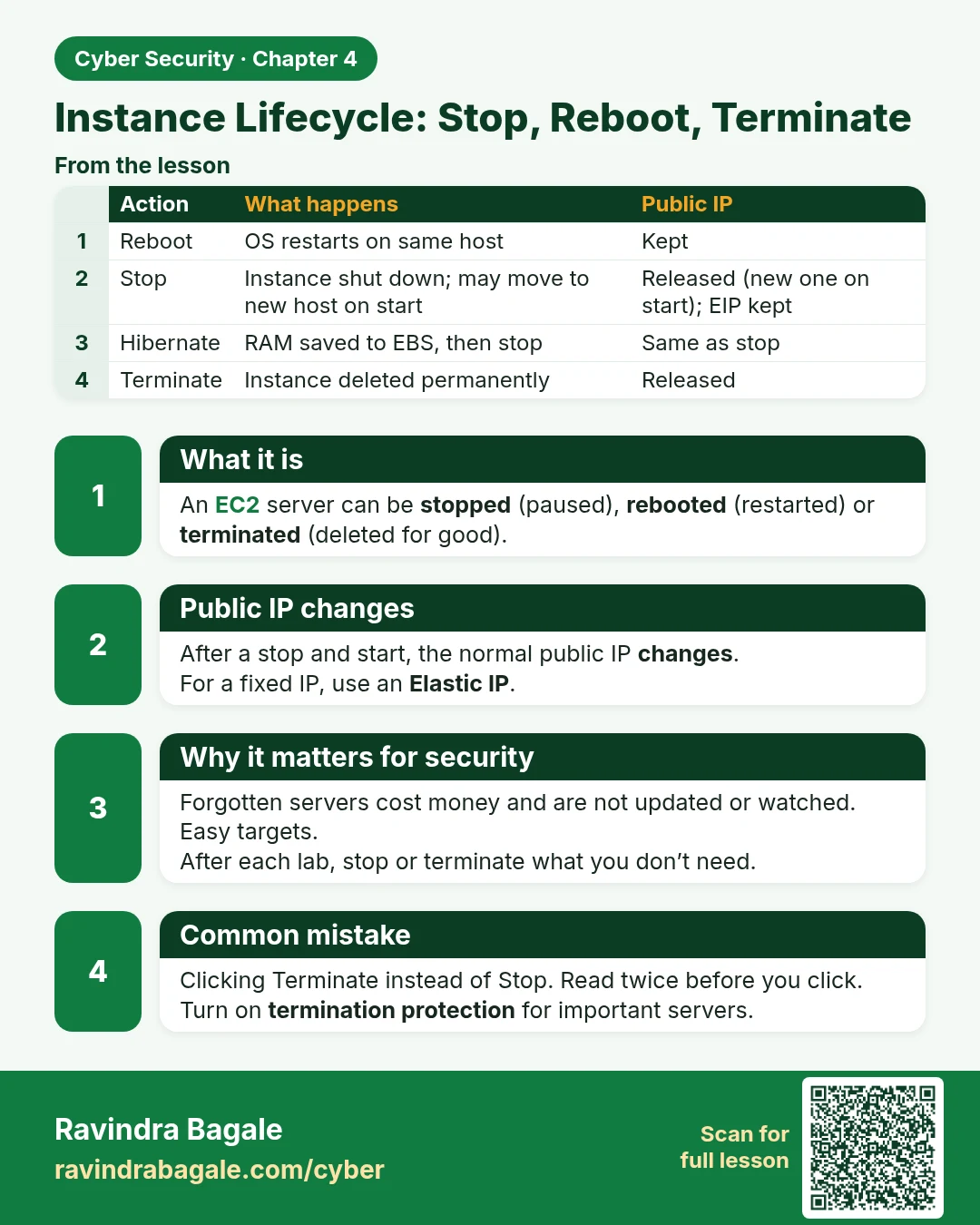
What it is
An EC2 server can be stopped (paused), rebooted (restarted) or terminated (deleted for good).
Public IP changes
After a stop and start, the normal public IP changes.
For a fixed IP, use an Elastic IP.
Why it matters for security
Forgotten servers cost money and are not updated or watched. Easy targets.
After each lab, stop or terminate what you don’t need.
Common mistake
Clicking Terminate instead of Stop. Read twice before you click.
Turn on termination protection for important servers.
| Action | What happens | Public IP |
|---|---|---|
| Reboot | OS restarts on same host | Kept |
| Stop | Instance shut down; may move to new host on start | Released (new one on start); EIP kept |
| Hibernate | RAM saved to EBS, then stop | Same as stop |
| Terminate | Instance deleted permanently | Released |
Learn more in the lesson: 4.7 Instance Lifecycle: Stop, Reboot, Terminate