Ravi Sir's Cyber Security Cards › Revision Cards
Installing PHP on Amazon Linux 2023 and Ubuntu
Installing PHP on Amazon Linux 2023 and Ubuntu PHP runs code on the server to build pages. PHP-FPM is the PHP service that the web server hands work to. Amazon Linux: sudo yum install -y php php-fpm . Ubuntu: sudo apt install -y php-fpm . Installing PHP but not starting php-fpm. Nginx shows 502 Bad
Read card text
What this card says
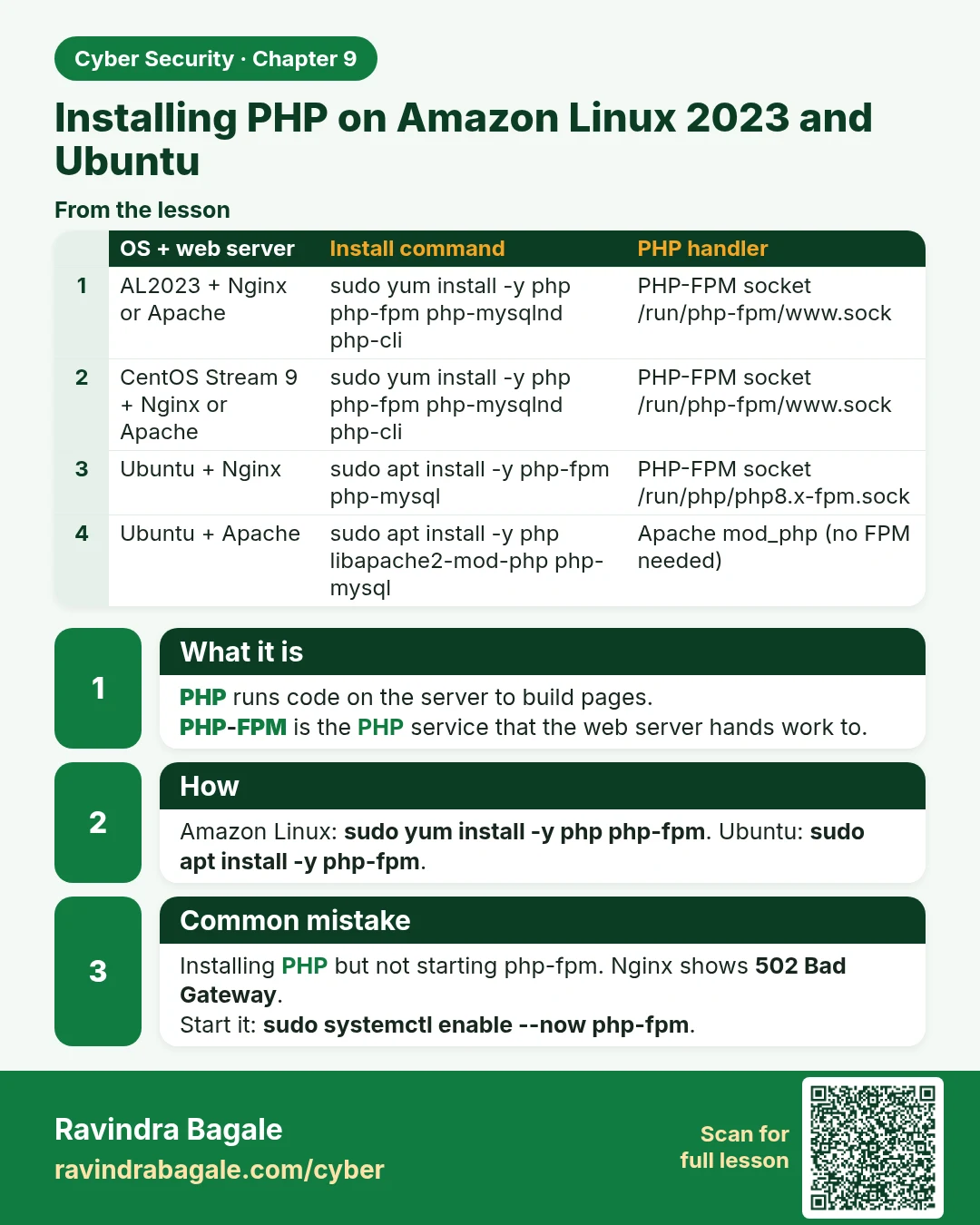
What it is
PHP runs code on the server to build pages.
PHP-FPM is the PHP service that the web server hands work to.
How
Amazon Linux: sudo yum install -y php php-fpm. Ubuntu: sudo apt install -y php-fpm.
Common mistake
Installing PHP but not starting php-fpm. Nginx shows 502 Bad Gateway.
Start it: sudo systemctl enable --now php-fpm.
| OS + web server | Install command | PHP handler |
|---|---|---|
| AL2023 + Nginx or Apache | sudo yum install -y php php-fpm php-mysqlnd php-cli | PHP-FPM socket /run/php-fpm/www.sock |
| CentOS Stream 9 + Nginx or Apache | sudo yum install -y php php-fpm php-mysqlnd php-cli | PHP-FPM socket /run/php-fpm/www.sock |
| Ubuntu + Nginx | sudo apt install -y php-fpm php-mysql | PHP-FPM socket /run/php/php8.x-fpm.sock |
| Ubuntu + Apache | sudo apt install -y php libapache2-mod-php php-mysql | Apache mod_php (no FPM needed) |
Learn more in the lesson: 9.2 Installing PHP on Amazon Linux 2023 and Ubuntu