Ravi Sir's Cyber Security Cards › Revision Cards
Installing Nginx and Apache on Ubuntu
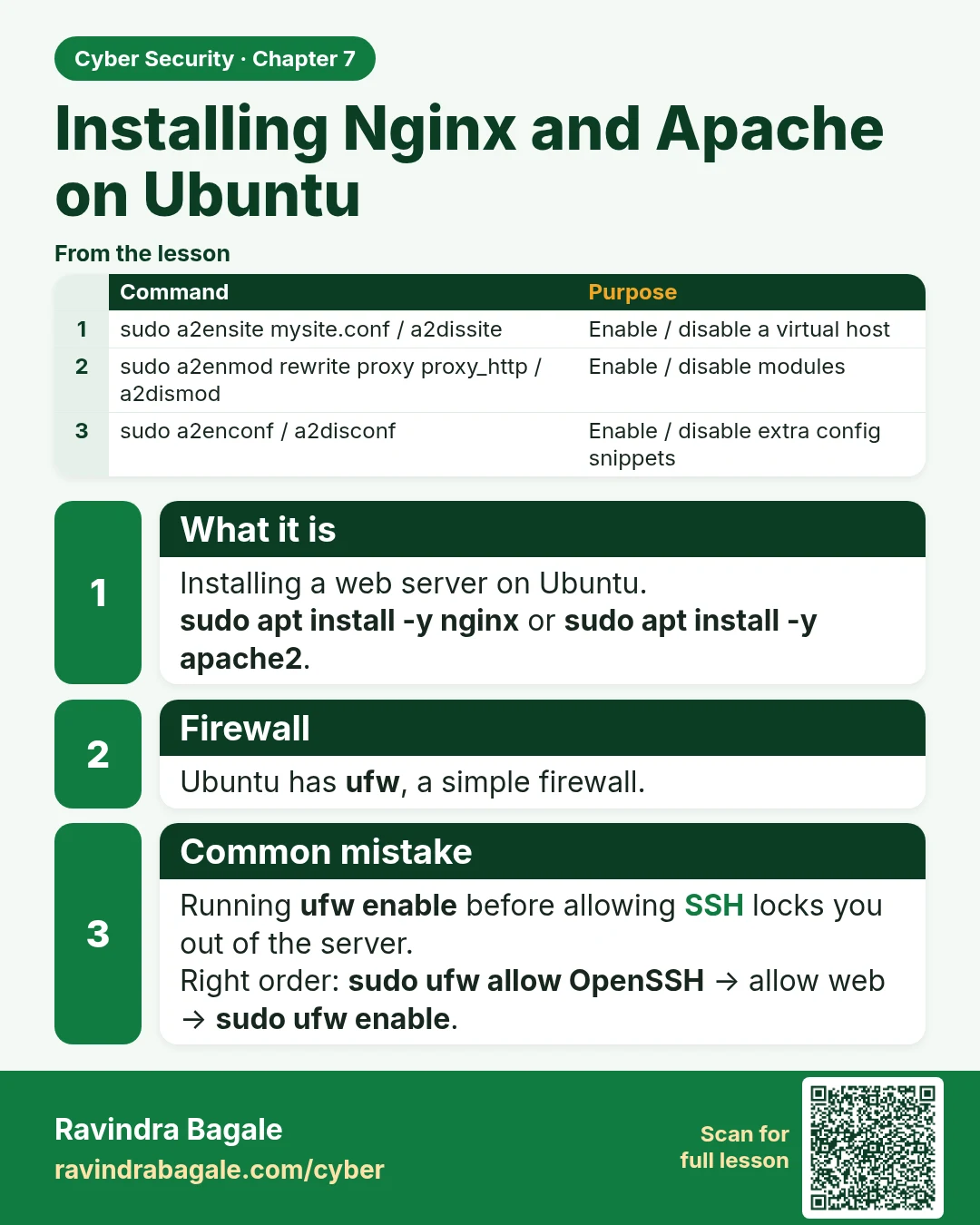
Installing Nginx and Apache on Ubuntu Installing a web server on Ubuntu. sudo apt install -y nginx or sudo apt install -y apache2 . Ubuntu has ufw , a simple firewall. Running ufw enable before allowing SSH locks you out of the server. Right order: sudo ufw allow OpenSSH → allow web → sudo ufw enabl
Read card text
What this card says
What it is
Installing a web server on Ubuntu.
sudo apt install -y nginx or sudo apt install -y apache2.
Firewall
Ubuntu has ufw, a simple firewall.
Common mistake
Running ufw enable before allowing SSH locks you out of the server.
Right order: sudo ufw allow OpenSSH → allow web → sudo ufw enable.
| Command | Purpose |
|---|---|
| sudo a2ensite mysite.conf / a2dissite | Enable / disable a virtual host |
| sudo a2enmod rewrite proxy proxy_http / a2dismod | Enable / disable modules |
| sudo a2enconf / a2disconf | Enable / disable extra config snippets |
Learn more in the lesson: 7.4 Installing Nginx and Apache on Ubuntu