Ravi Sir's Cyber Security Cards › Revision Cards
Installing Nginx and Apache on Amazon Linux 2023
Installing Nginx and Apache on Amazon Linux 2023 Installing a web server on Amazon Linux 2023. Nginx: sudo yum install -y nginx . Apache: sudo yum install -y httpd . sudo systemctl enable --now nginx starts it now and at every boot. A new install shows a default test page and the version number. Att
Read card text
What this card says
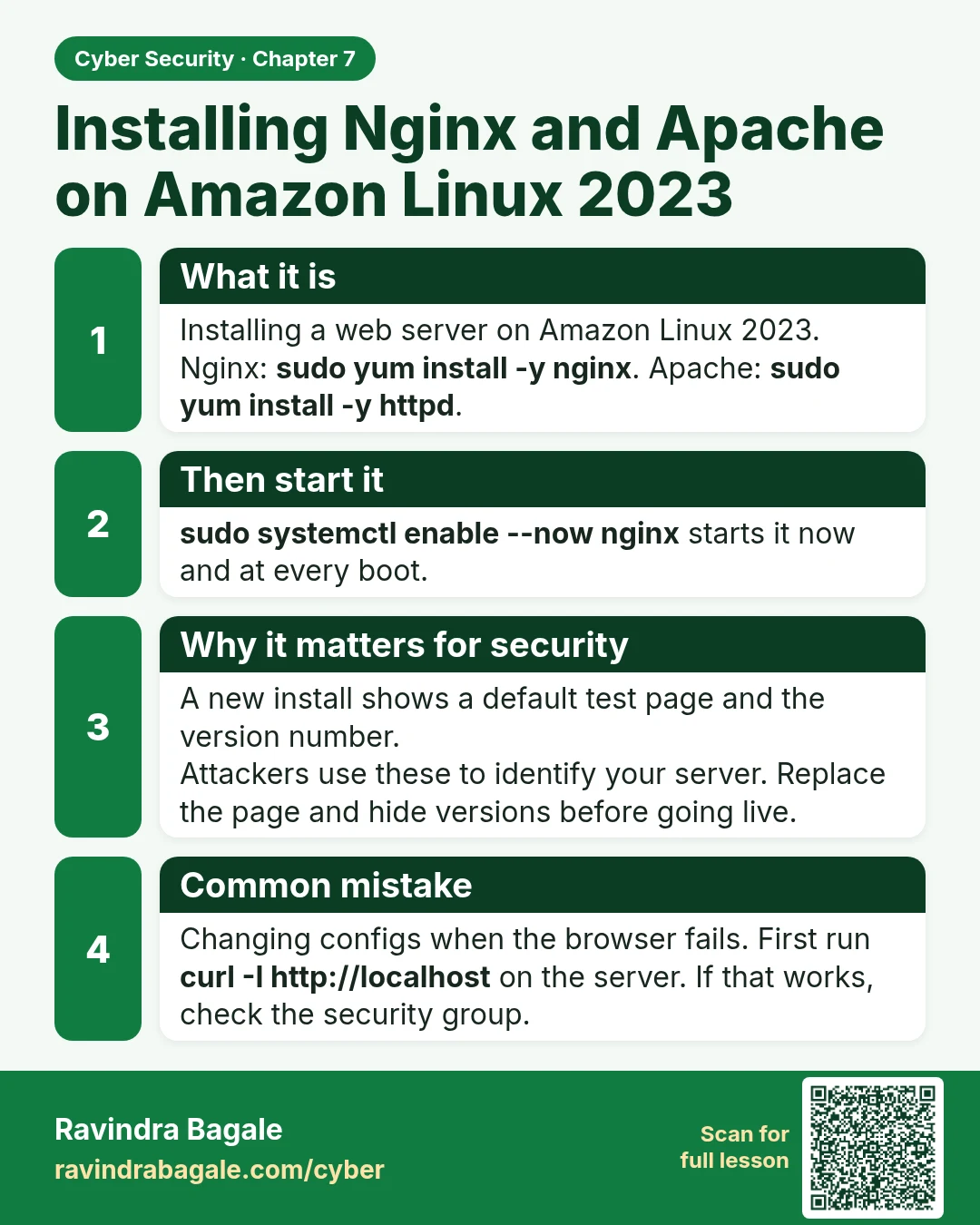
What it is
Installing a web server on Amazon Linux 2023.
Nginx: sudo yum install -y nginx. Apache: sudo yum install -y httpd.
Then start it
sudo systemctl enable --now nginx starts it now and at every boot.
Why it matters for security
A new install shows a default test page and the version number.
Attackers use these to identify your server. Replace the page and hide versions before going live.
Common mistake
Changing configs when the browser fails. First run curl -I http://localhost on the server. If that works, check the security group.
Learn more in the lesson: 7.3 Installing Nginx and Apache on Amazon Linux 2023