Ravi Sir's Cyber Security Cards › Revision Cards
Getting Help and Editing Files (nano, vim)
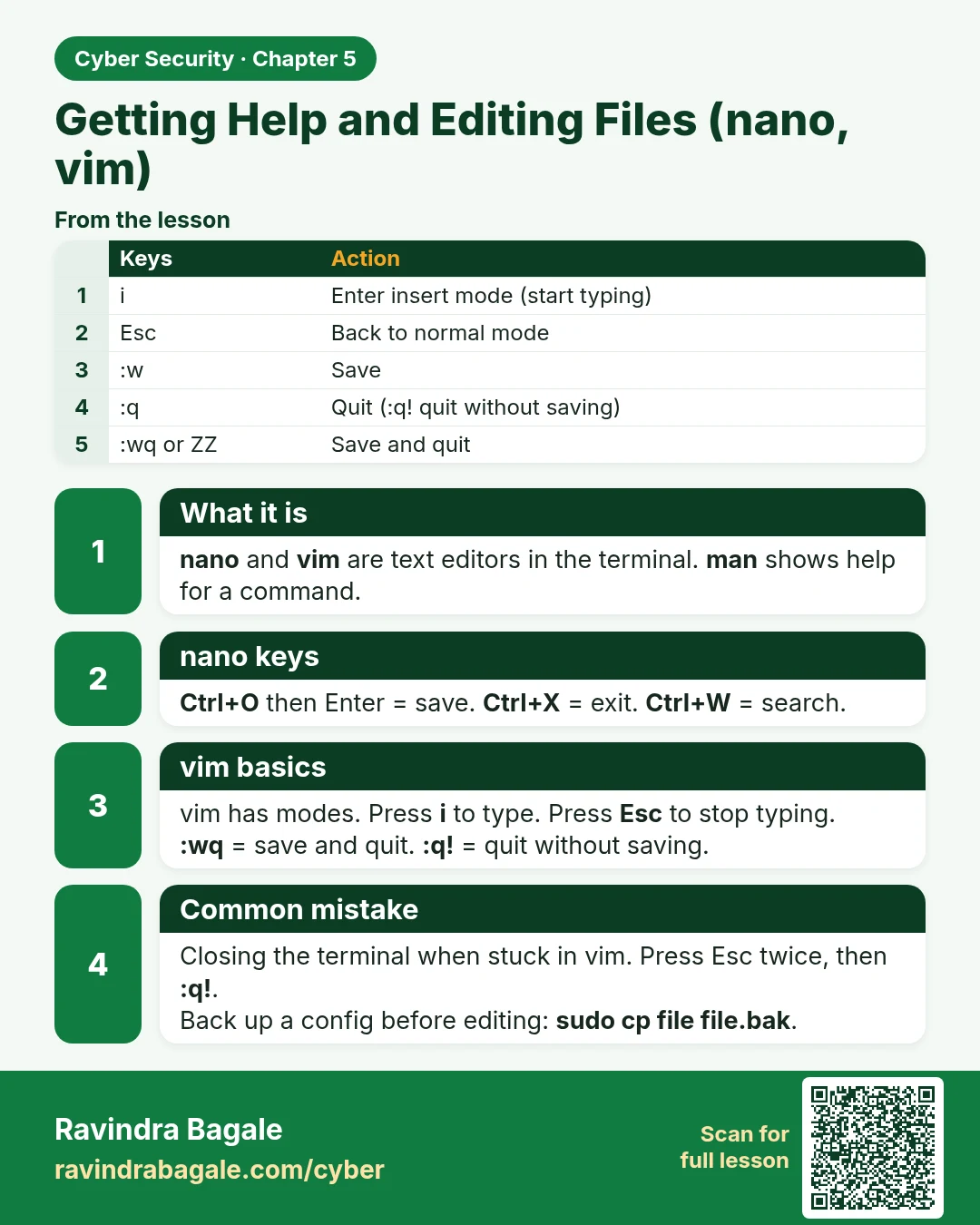
Getting Help and Editing Files (nano, vim) nano and vim are text editors in the terminal. man shows help for a command. Ctrl+O then Enter = save. Ctrl+X = exit. Ctrl+W = search. vim has modes. Press i to type. Press Esc to stop typing. :wq = save and quit. :q! = quit without saving. Closing the term
Read card text
What this card says
What it is
nano and vim are text editors in the terminal. man shows help for a command.
nano keys
Ctrl+O then Enter = save. Ctrl+X = exit. Ctrl+W = search.
vim basics
vim has modes. Press i to type. Press Esc to stop typing.
:wq = save and quit. :q! = quit without saving.
Common mistake
Closing the terminal when stuck in vim. Press Esc twice, then :q!.
Back up a config before editing: sudo cp file file.bak.
| Keys | Action |
|---|---|
| i | Enter insert mode (start typing) |
| Esc | Back to normal mode |
| :w | Save |
| :q | Quit (:q! quit without saving) |
| :wq or ZZ | Save and quit |
Learn more in the lesson: 5.9 Getting Help and Editing Files (nano, vim)