Ravi Sir's Cyber Security Cards › Revision Cards
First Commands After Login and Instance Metadata
First Commands After Login and Instance Metadata After logging in, check who and where you are: whoami , hostname , uptime . Instance metadata is info AWS gives the server at 169.254.169.254 . Metadata can give out temporary IAM role keys . In an SSRF attack, a buggy web app is tricked into fetching
Read card text
What this card says
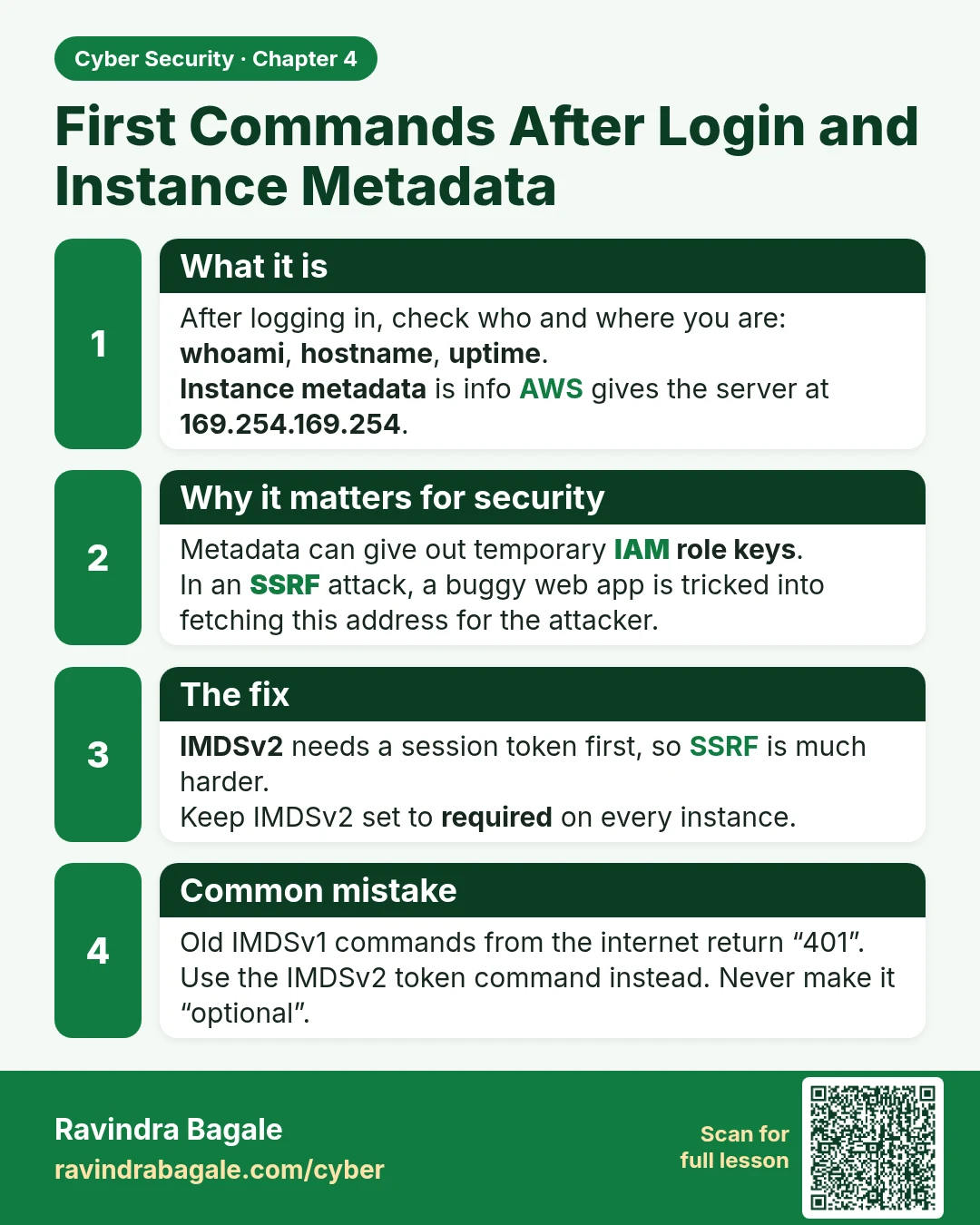
What it is
After logging in, check who and where you are: whoami, hostname, uptime.
Instance metadata is info AWS gives the server at 169.254.169.254.
Why it matters for security
Metadata can give out temporary IAM role keys.
In an SSRF attack, a buggy web app is tricked into fetching this address for the attacker.
The fix
IMDSv2 needs a session token first, so SSRF is much harder.
Keep IMDSv2 set to required on every instance.
Common mistake
Old IMDSv1 commands from the internet return “401”.
Use the IMDSv2 token command instead. Never make it “optional”.
Learn more in the lesson: 4.6 First Commands After Login and Instance Metadata