Ravi Sir's Cyber Security Cards › Revision Cards
Everyday Management Commands and SELinux Basics
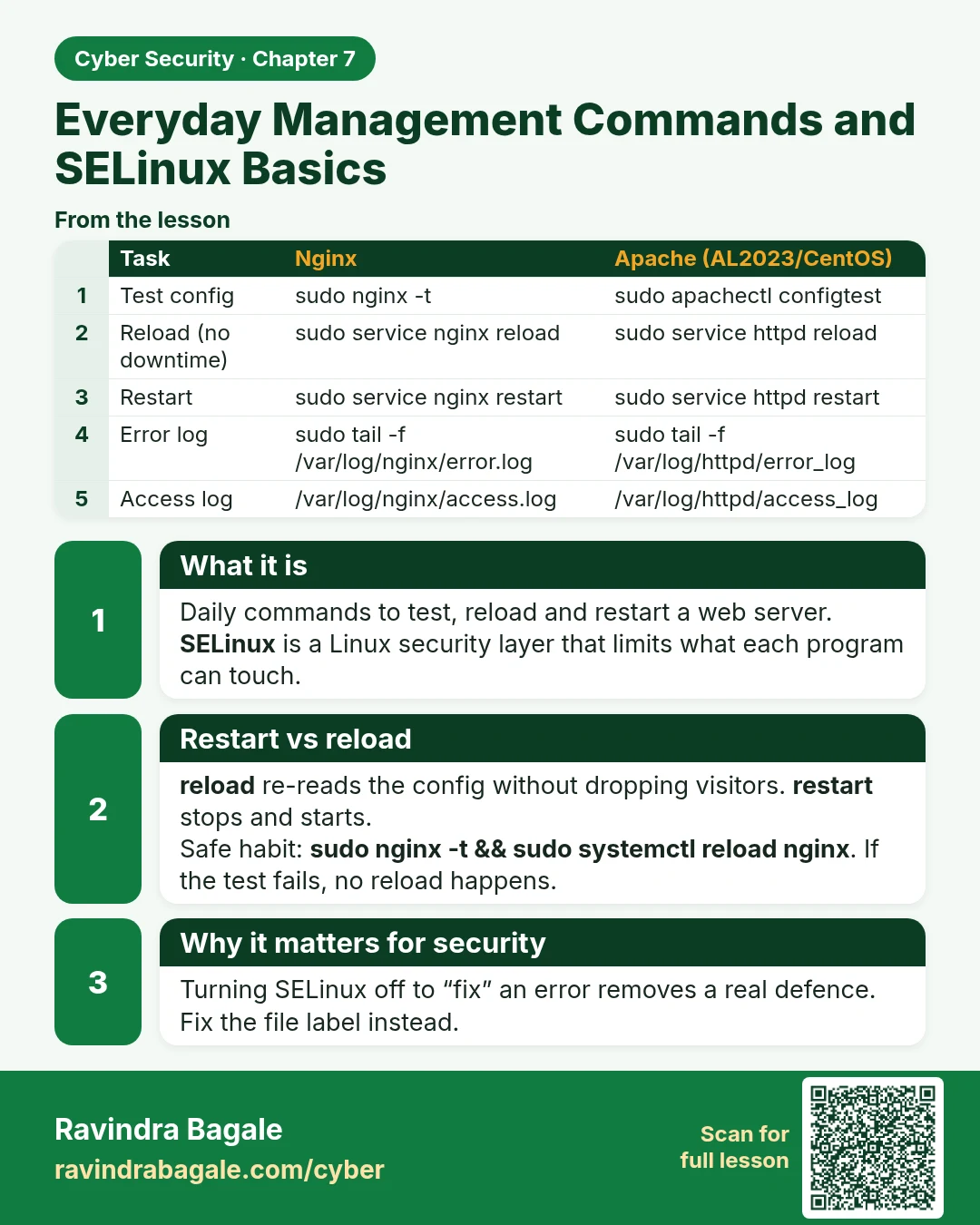
Everyday Management Commands and SELinux Basics Daily commands to test, reload and restart a web server. SELinux is a Linux security layer that limits what each program can touch. reload re-reads the config without dropping visitors. restart stops and starts. Safe habit: sudo nginx -t && sudo system
Read card text
What this card says
What it is
Daily commands to test, reload and restart a web server.
SELinux is a Linux security layer that limits what each program can touch.
Restart vs reload
reload re-reads the config without dropping visitors. restart stops and starts.
Safe habit: sudo nginx -t && sudo systemctl reload nginx. If the test fails, no reload happens.
Why it matters for security
Turning SELinux off to “fix” an error removes a real defence.
Fix the file label instead.
| Task | Nginx | Apache (AL2023/CentOS) |
|---|---|---|
| Test config | sudo nginx -t | sudo apachectl configtest |
| Reload (no downtime) | sudo service nginx reload | sudo service httpd reload |
| Restart | sudo service nginx restart | sudo service httpd restart |
| Error log | sudo tail -f /var/log/nginx/error.log | sudo tail -f /var/log/httpd/error_log |
| Access log | /var/log/nginx/access.log | /var/log/httpd/access_log |
Learn more in the lesson: 7.7 Everyday Management Commands and SELinux Basics