Ravi Sir's Cyber Security Cards › Revision Cards
Create the Sample Website and Upload Files
Create the Sample Website and Upload Files Putting your website files on the server. Ways: scp from your laptop, git clone on the server, or SFTP apps like WinSCP and FileZilla (port 22, your key). Folders 755 , files 644 . The web server can read them but not change them. If the web server could wr
Read card text
What this card says
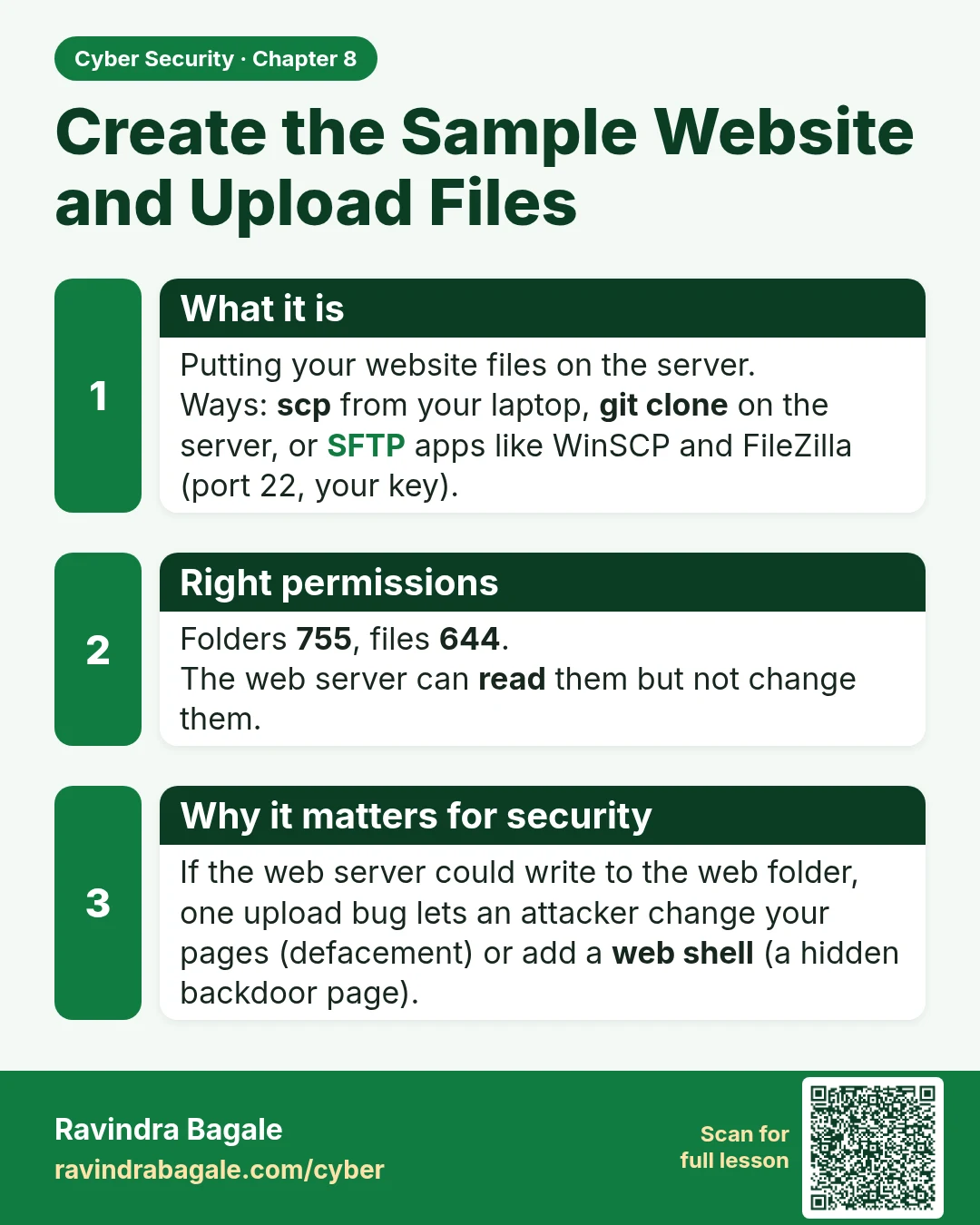
What it is
Putting your website files on the server.
Ways: scp from your laptop, git clone on the server, or SFTP apps like WinSCP and FileZilla (port 22, your key).
Right permissions
Folders 755, files 644.
The web server can read them but not change them.
Why it matters for security
If the web server could write to the web folder, one upload bug lets an attacker change your pages (defacement) or add a web shell (a hidden backdoor page).
Learn more in the lesson: 8.1 Create the Sample Website and Upload Files