Ravi Sir's Cyber Security Cards › Revision Cards
Connecting from EC2 and Creating the Application User
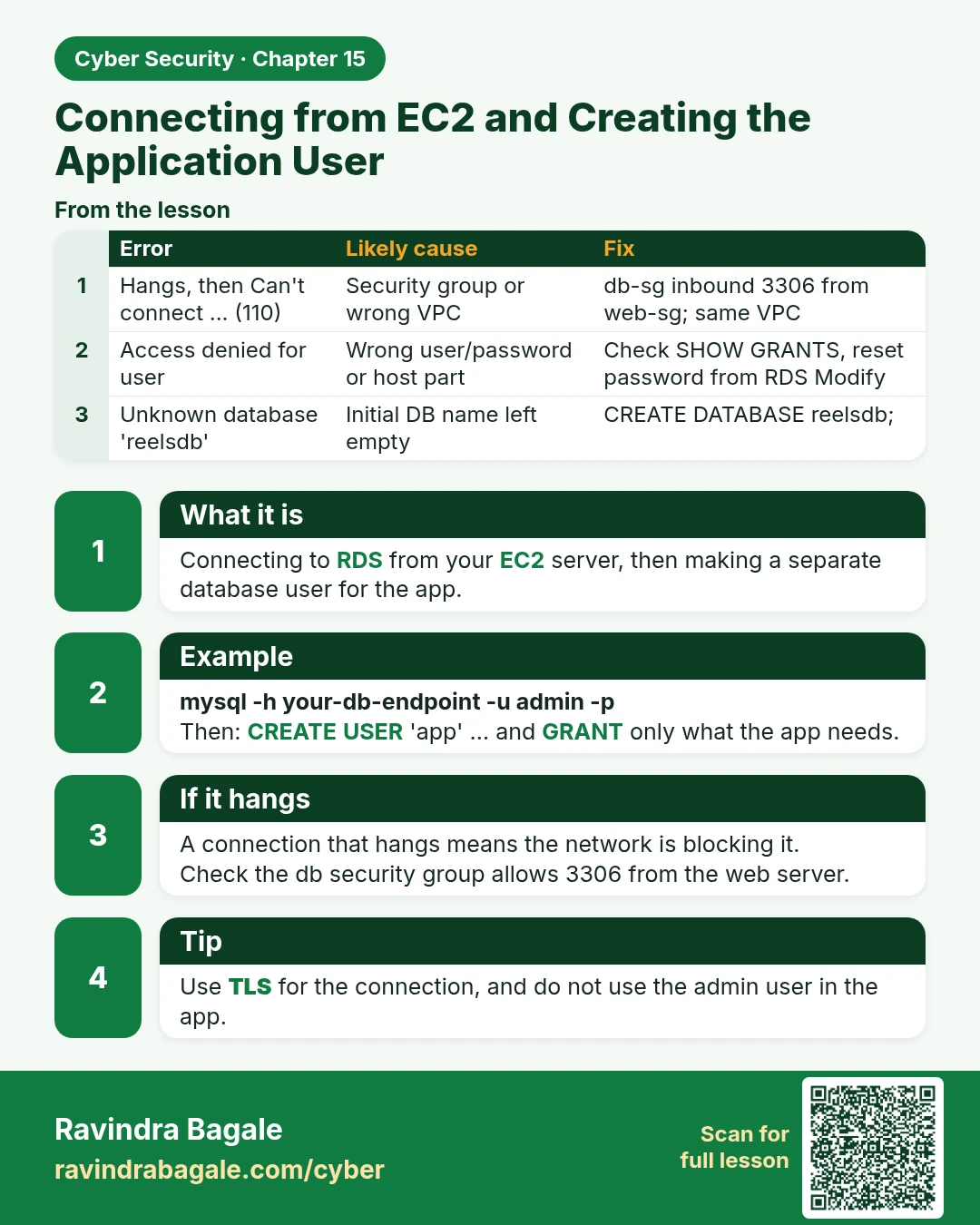
Connecting from EC2 and Creating the Application User Connecting to RDS from your EC2 server, then making a separate database user for the app. mysql -h your-db-endpoint -u admin -p Then: CREATE USER 'app' … and GRANT only what the app needs. A connection that hangs means the network is blocking it.
Read card text
What this card says
What it is
Connecting to RDS from your EC2 server, then making a separate database user for the app.
Example
mysql -h your-db-endpoint -u admin -p
Then: CREATE USER 'app' … and GRANT only what the app needs.
If it hangs
A connection that hangs means the network is blocking it.
Check the db security group allows 3306 from the web server.
Tip
Use TLS for the connection, and do not use the admin user in the app.
| Error | Likely cause | Fix |
|---|---|---|
| Hangs, then Can't connect ... (110) | Security group or wrong VPC | db-sg inbound 3306 from web-sg; same VPC |
| Access denied for user | Wrong user/password or host part | Check SHOW GRANTS, reset password from RDS Modify |
| Unknown database 'reelsdb' | Initial DB name left empty | CREATE DATABASE reelsdb; |
| Unknown MySQL server host | Typo in endpoint | Copy endpoint again from the console |
Learn more in the lesson: 15.4 Connecting from EC2 and Creating the Application User