Ravi Sir's Cyber Security Cards › Revision Cards
Configuring the Web Server for the Domain
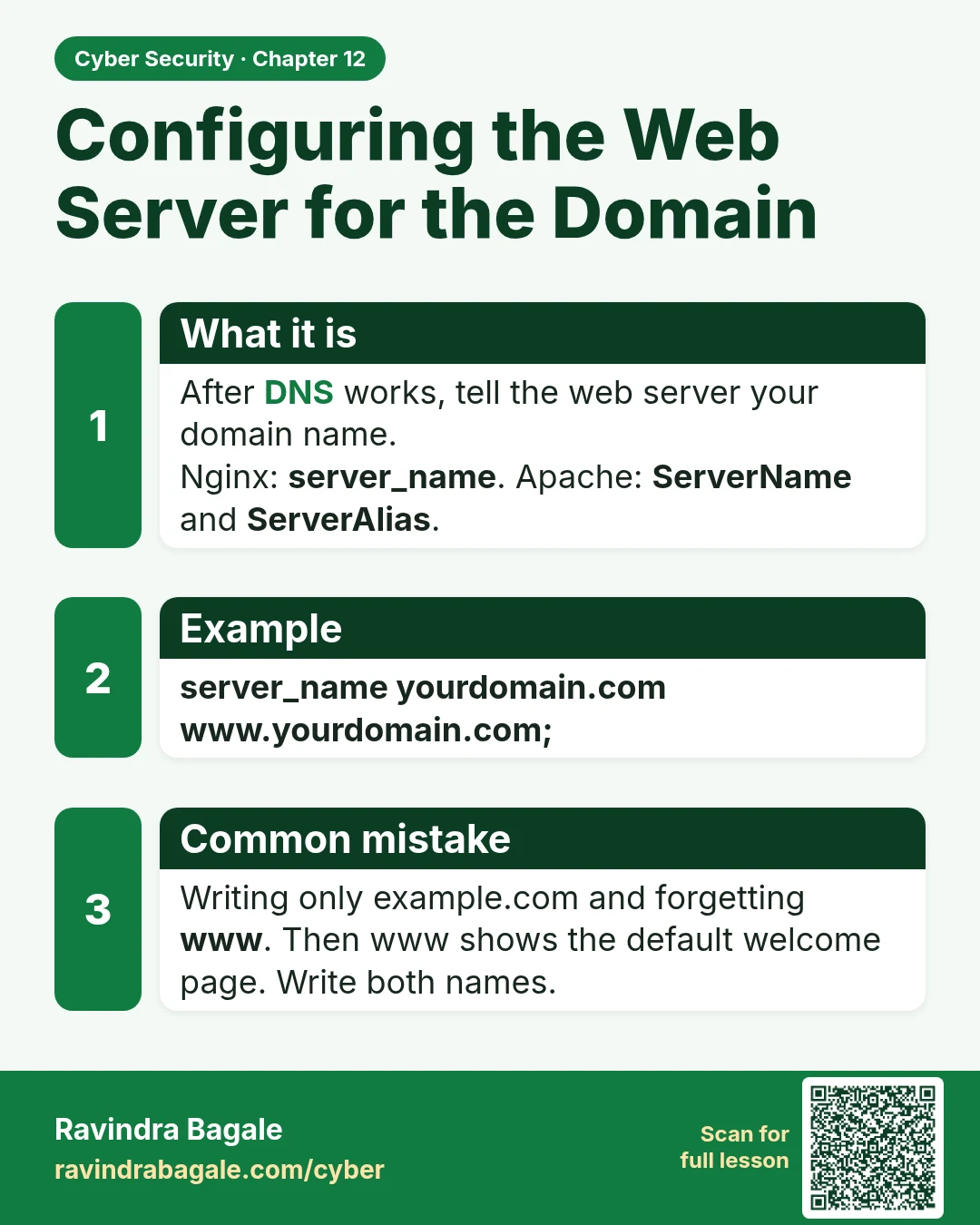
Configuring the Web Server for the Domain After DNS works, tell the web server your domain name. Nginx: server_name . Apache: ServerName and ServerAlias . server_name yourdomain.com www.yourdomain.com; Writing only example.com and forgetting www . Then www shows the default welcome page. Write both
Read card text
What this card says
What it is
After DNS works, tell the web server your domain name.
Nginx: server_name. Apache: ServerName and ServerAlias.
Example
server_name yourdomain.com www.yourdomain.com;
Common mistake
Writing only example.com and forgetting www. Then www shows the default welcome page. Write both names.
Learn more in the lesson: 12.5 Configuring the Web Server for the Domain