Ravi Sir's Cyber Security Cards › Revision Cards
Cleanup and Response – If You Believe the Phone Is Compromised
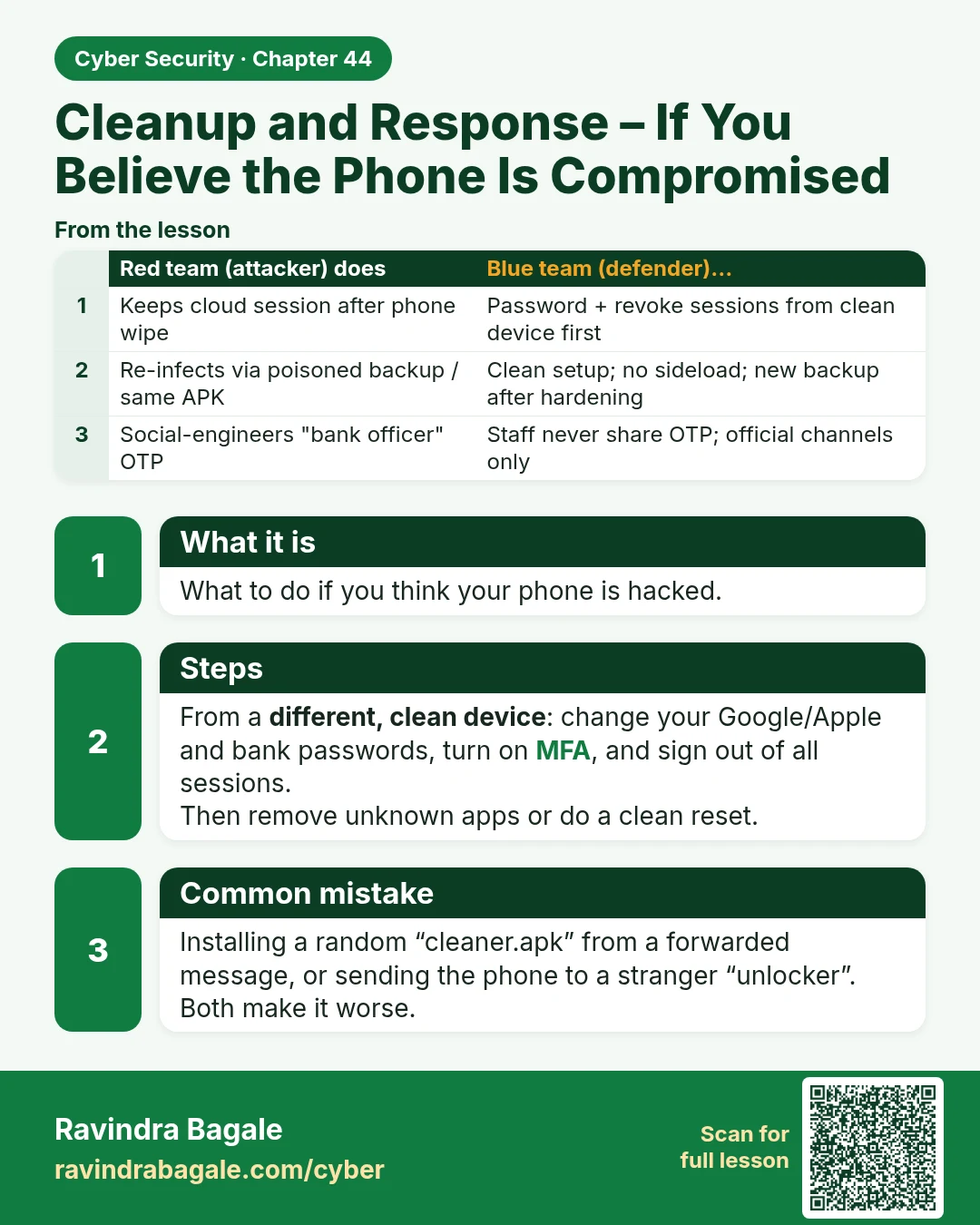
Cleanup and Response – If You Believe the Phone Is Compromised What to do if you think your phone is hacked. From a different, clean device : change your Google/Apple and bank passwords, turn on MFA, and sign out of all sessions. Then remove unknown apps or do a clean reset. Installing a random “cle
Read card text
What this card says
What it is
What to do if you think your phone is hacked.
Steps
From a different, clean device: change your Google/Apple and bank passwords, turn on MFA, and sign out of all sessions.
Then remove unknown apps or do a clean reset.
Common mistake
Installing a random “cleaner.apk” from a forwarded message, or sending the phone to a stranger “unlocker”. Both make it worse.
| Red team (attacker) does | Blue team (defender)… |
|---|---|
| Keeps cloud session after phone wipe | Password + revoke sessions from clean device first |
| Re-infects via poisoned backup / same APK | Clean setup; no sideload; new backup after hardening |
| Social-engineers "bank officer" OTP | Staff never share OTP; official channels only |
Learn more in the lesson: 44.5 Cleanup and Response – If You Believe the Phone Is Compromised