Ravi Sir's Cyber Security Cards › Revision Cards
Choosing an Instance Type
Choosing an Instance Type An instance type decides how much CPU and memory an EC2 server gets. Example: t3.micro = family t (general, burstable), generation 3, size micro. t4g.small : the “g” means Graviton (ARM chip). c7i = compute-heavy. r7i = memory-heavy. Choosing a Graviton type (t4g) with an x
Read card text
What this card says
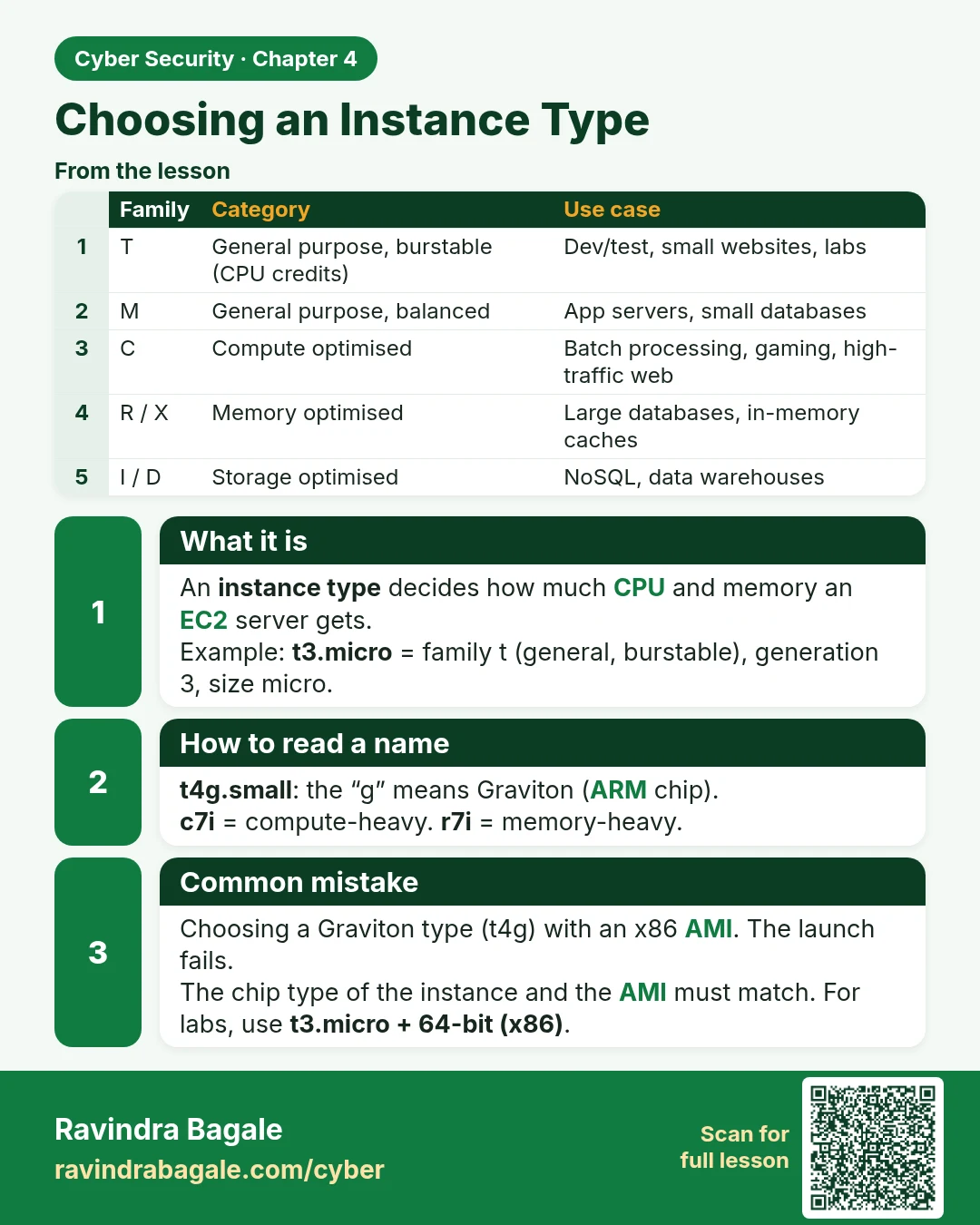
What it is
An instance type decides how much CPU and memory an EC2 server gets.
Example: t3.micro = family t (general, burstable), generation 3, size micro.
How to read a name
t4g.small: the “g” means Graviton (ARM chip).
c7i = compute-heavy. r7i = memory-heavy.
Common mistake
Choosing a Graviton type (t4g) with an x86 AMI. The launch fails.
The chip type of the instance and the AMI must match. For labs, use t3.micro + 64-bit (x86).
| Family | Category | Use case |
|---|---|---|
| T | General purpose, burstable (CPU credits) | Dev/test, small websites, labs |
| M | General purpose, balanced | App servers, small databases |
| C | Compute optimised | Batch processing, gaming, high-traffic web |
| R / X | Memory optimised | Large databases, in-memory caches |
| I / D | Storage optimised | NoSQL, data warehouses |
Learn more in the lesson: 4.2 Choosing an Instance Type