Ravi Sir's Cyber Security Cards › Revision Cards
Changing the Port
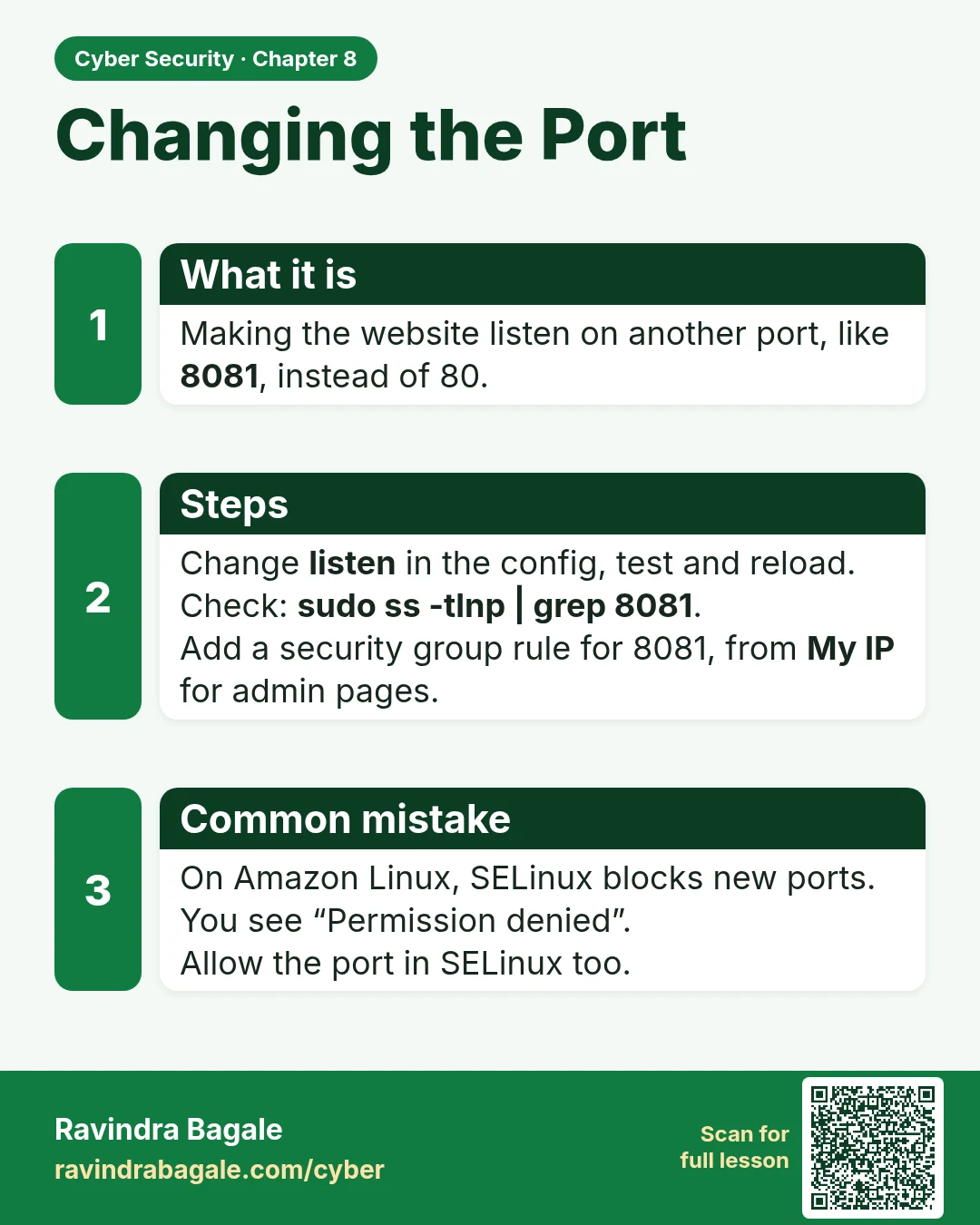
Changing the Port Making the website listen on another port, like 8081 , instead of 80. Change listen in the config, test and reload. Check: sudo ss -tlnp | grep 8081 . Add a security group rule for 8081, from My IP for admin pages. On Amazon Linux, SELinux blocks new ports. You see “Permission deni
Read card text
What this card says
What it is
Making the website listen on another port, like 8081, instead of 80.
Steps
Change listen in the config, test and reload.
Check: sudo ss -tlnp | grep 8081.
Add a security group rule for 8081, from My IP for admin pages.
Common mistake
On Amazon Linux, SELinux blocks new ports. You see “Permission denied”.
Allow the port in SELinux too.
Learn more in the lesson: 8.7 Changing the Port