Ravi Sir's Cyber Security Cards › Revision Cards
Changing the Index Page
Changing the Index Page The index page is the first file shown when someone opens a folder, like index.html. The server uses the first file it finds from the list. If no index file exists and listing is ON, the server shows every file in the folder. Keep autoindex off (Nginx) and Options -Indexes (A
Read card text
What this card says
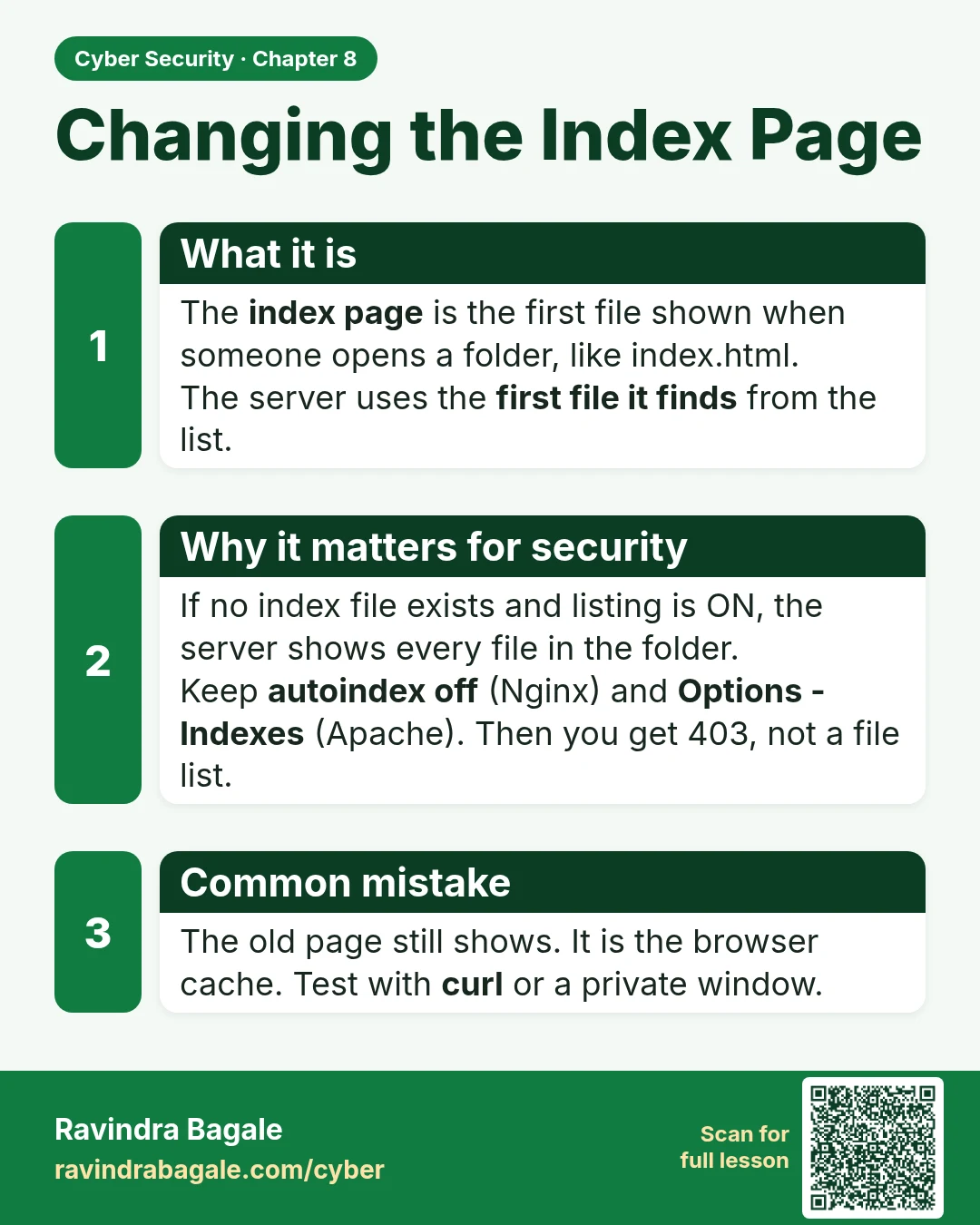
What it is
The index page is the first file shown when someone opens a folder, like index.html.
The server uses the first file it finds from the list.
Why it matters for security
If no index file exists and listing is ON, the server shows every file in the folder.
Keep autoindex off (Nginx) and Options -Indexes (Apache). Then you get 403, not a file list.
Common mistake
The old page still shows. It is the browser cache. Test with curl or a private window.
Learn more in the lesson: 8.8 Changing the Index Page