Ravi Sir's Cyber Security Cards › Revision Cards
BloodHound Attack-Path Analysis
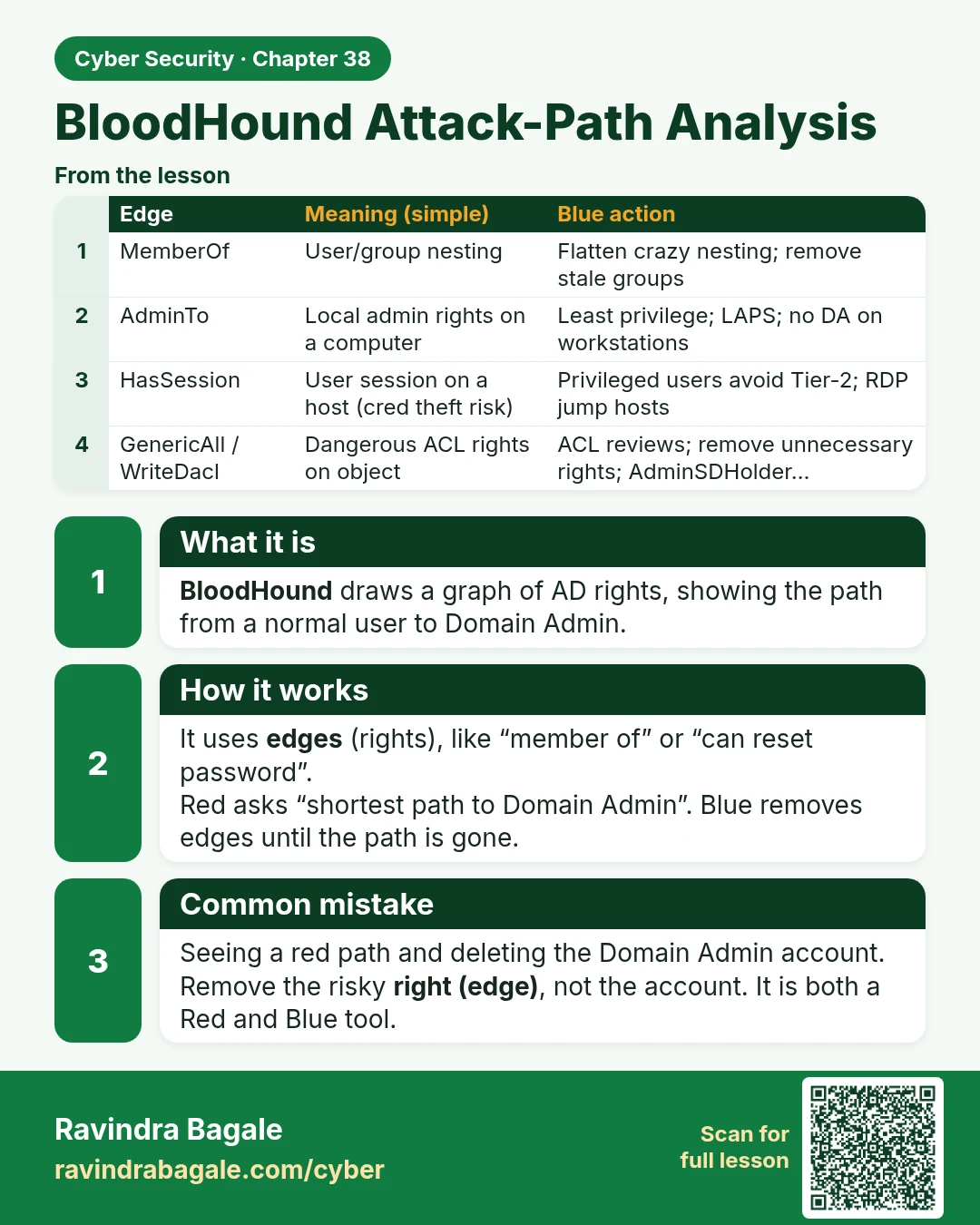
BloodHound Attack-Path Analysis BloodHound draws a graph of AD rights, showing the path from a normal user to Domain Admin. It uses edges (rights), like “member of” or “can reset password”. Red asks “shortest path to Domain Admin”. Blue removes edges until the path is gone. Seeing a red path and del
Read card text
What this card says
What it is
BloodHound draws a graph of AD rights, showing the path from a normal user to Domain Admin.
How it works
It uses edges (rights), like “member of” or “can reset password”.
Red asks “shortest path to Domain Admin”. Blue removes edges until the path is gone.
Common mistake
Seeing a red path and deleting the Domain Admin account.
Remove the risky right (edge), not the account. It is both a Red and Blue tool.
| Edge | Meaning (simple) | Blue action |
|---|---|---|
| MemberOf | User/group nesting | Flatten crazy nesting; remove stale groups |
| AdminTo | Local admin rights on a computer | Least privilege; LAPS; no DA on workstations |
| HasSession | User session on a host (cred theft risk) | Privileged users avoid Tier-2; RDP jump hosts |
| GenericAll / WriteDacl | Dangerous ACL rights on object | ACL reviews; remove unnecessary rights; AdminSDHolder… |
| ForceChangePassword | Can reset user password | Limit helpdesk scope; audit 4724 |
Learn more in the lesson: 38.6 BloodHound Attack-Path Analysis