Ravi Sir's Cyber Security Cards › Revision Cards
Basic Shell Scripting
Basic Shell Scripting A shell script is a text file of Linux commands that run one after another. Write NAME="Raja" with no spaces around =. Use it as "$NAME" , inside double quotes. A script that counts today’s failed SSH logins and shows the top 3 attacker IPs, using grep, awk, sort and uniq -c. N
Read card text
What this card says
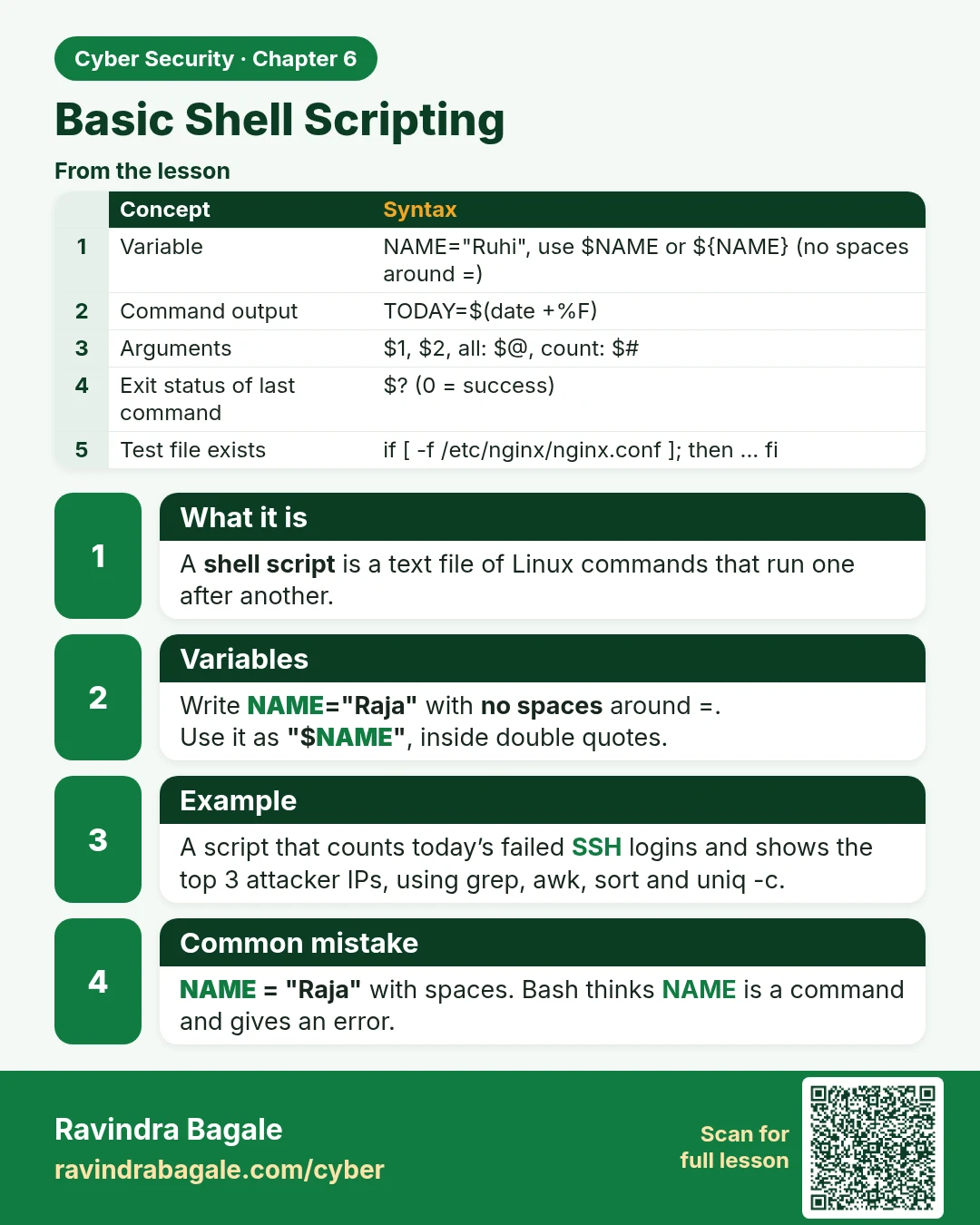
What it is
A shell script is a text file of Linux commands that run one after another.
Variables
Write NAME="Raja" with no spaces around =.
Use it as "$NAME", inside double quotes.
Example
A script that counts today’s failed SSH logins and shows the top 3 attacker IPs, using grep, awk, sort and uniq -c.
Common mistake
NAME = "Raja" with spaces. Bash thinks NAME is a command and gives an error.
| Concept | Syntax |
|---|---|
| Variable | NAME="Ruhi", use $NAME or ${NAME} (no spaces around =) |
| Command output | TODAY=$(date +%F) |
| Arguments | $1, $2, all: $@, count: $# |
| Exit status of last command | $? (0 = success) |
| Test file exists | if [ -f /etc/nginx/nginx.conf ]; then ... fi |
Learn more in the lesson: 6.11 Basic Shell Scripting