Ravi Sir's Cyber Security Cards › Revision Cards
Basic Hardening of a Static Web Server
Basic Hardening of a Static Web Server Hardening means small changes that make a server harder to attack. Hide the version: server_tokens off; (Nginx). Turn off folder listing. Add security headers, like X-Frame-Options . Scanners like Nikto spot these weak points at once. On Ubuntu Apache, turn on
Read card text
What this card says
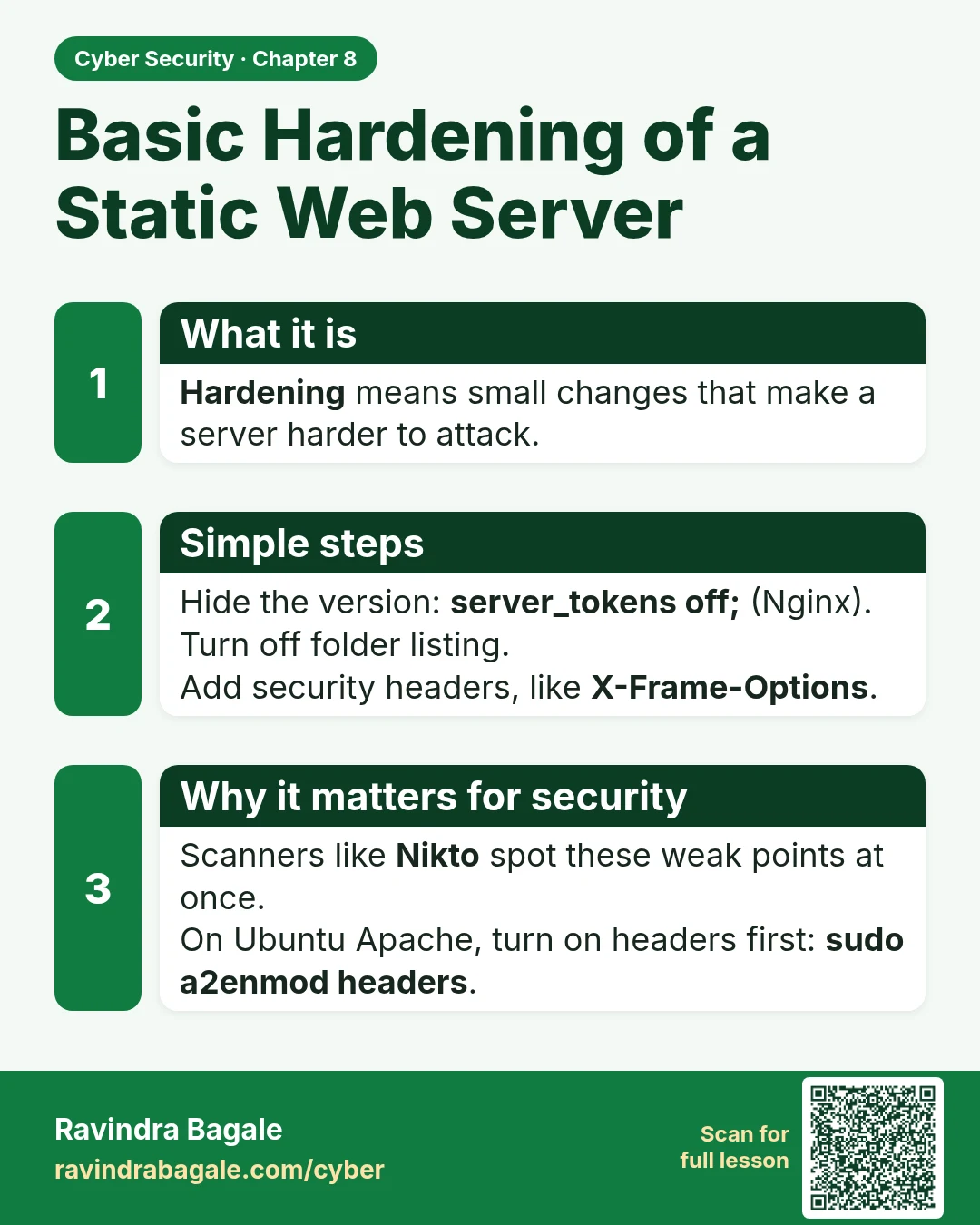
What it is
Hardening means small changes that make a server harder to attack.
Simple steps
Hide the version: server_tokens off; (Nginx).
Turn off folder listing.
Add security headers, like X-Frame-Options.
Why it matters for security
Scanners like Nikto spot these weak points at once.
On Ubuntu Apache, turn on headers first: sudo a2enmod headers.
Learn more in the lesson: 8.9 Basic Hardening of a Static Web Server