Ravi Sir's Cyber Security Cards › Revision Cards
Amazon Linux 2023 + Nginx
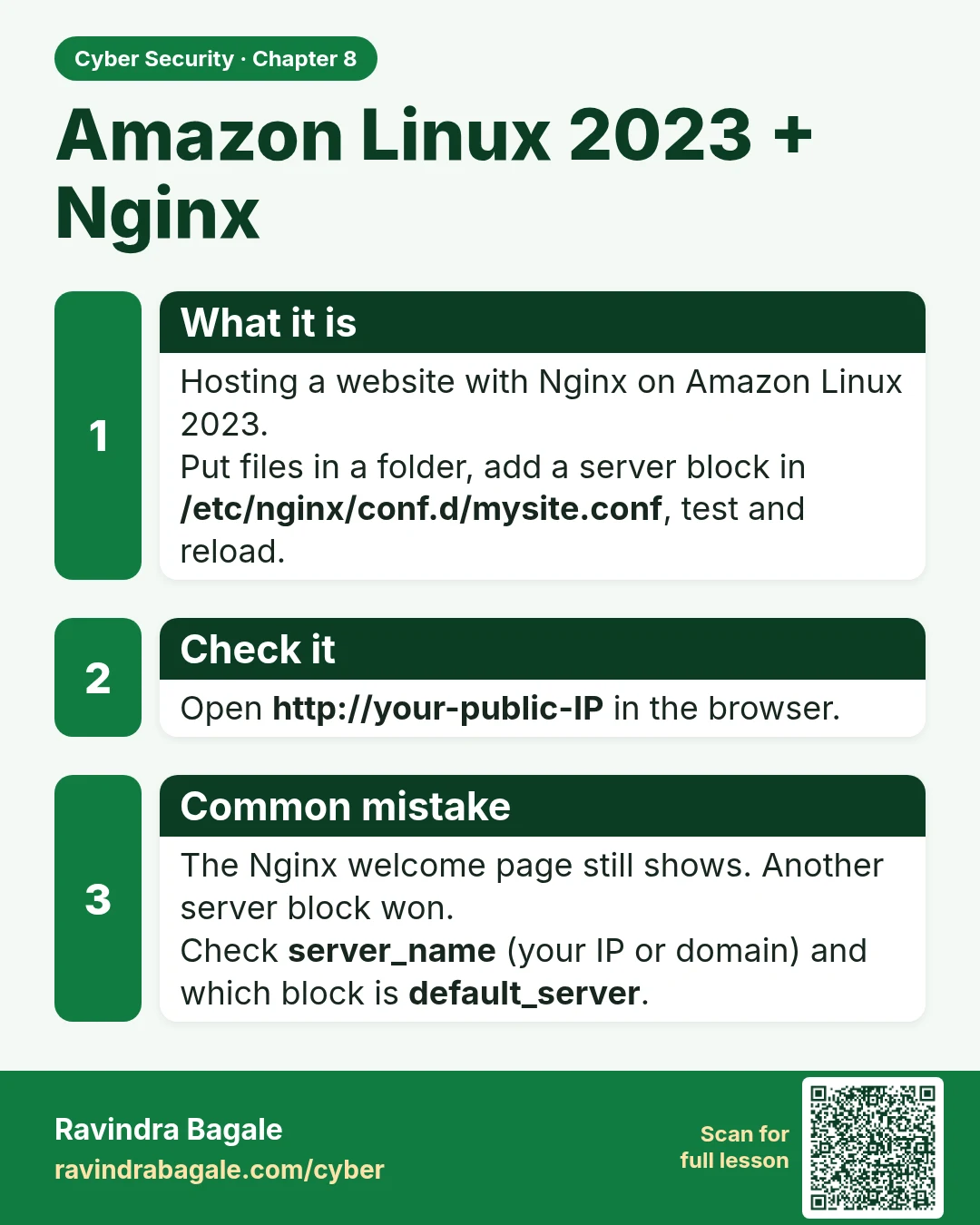
Amazon Linux 2023 + Nginx Hosting a website with Nginx on Amazon Linux 2023. Put files in a folder, add a server block in /etc/nginx/conf.d/mysite.conf , test and reload. Open http://your-public-IP in the browser. The Nginx welcome page still shows. Another server block won. Check server_name (your
Read card text
What this card says
What it is
Hosting a website with Nginx on Amazon Linux 2023.
Put files in a folder, add a server block in /etc/nginx/conf.d/mysite.conf, test and reload.
Check it
Open http://your-public-IP in the browser.
Common mistake
The Nginx welcome page still shows. Another server block won.
Check server_name (your IP or domain) and which block is default_server.
Learn more in the lesson: 8.2 Amazon Linux 2023 + Nginx