Ravi Sir's Cyber Security Cards › Interview Cards
User clicked a phishing URL – where do you look?
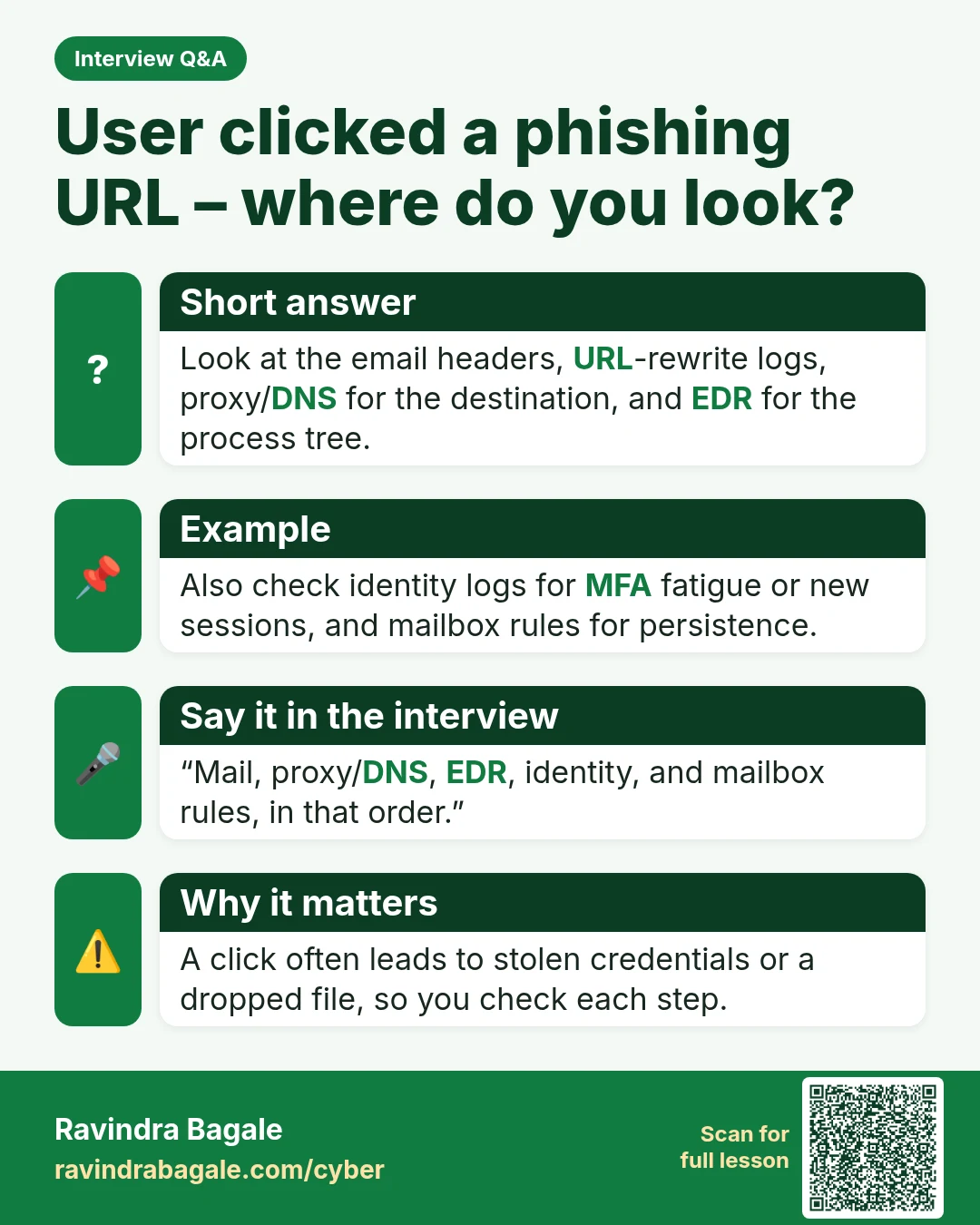
User clicked a phishing URL – where do you look? Look at the email headers, URL-rewrite logs, proxy/DNS for the destination, and EDR for the process tree. Also check identity logs for MFA fatigue or new sessions, and mailbox rules for persistence. “Mail, proxy/DNS, EDR, identity, and mailbox rules,
Read card text
What this card says
Short answer
Look at the email headers, URL-rewrite logs, proxy/DNS for the destination, and EDR for the process tree.
Example
Also check identity logs for MFA fatigue or new sessions, and mailbox rules for persistence.
Say it in the interview
“Mail, proxy/DNS, EDR, identity, and mailbox rules, in that order.”
Why it matters
A click often leads to stolen credentials or a dropped file, so you check each step.
Learn more in the lesson: 47.7 OWASP / Web / Email Auth (SPF DKIM DMARC)