Ravi Sir's Cyber Security Cards › Interview Cards
Observed ping.exe on a Windows host – how do you investigate at L1 level?
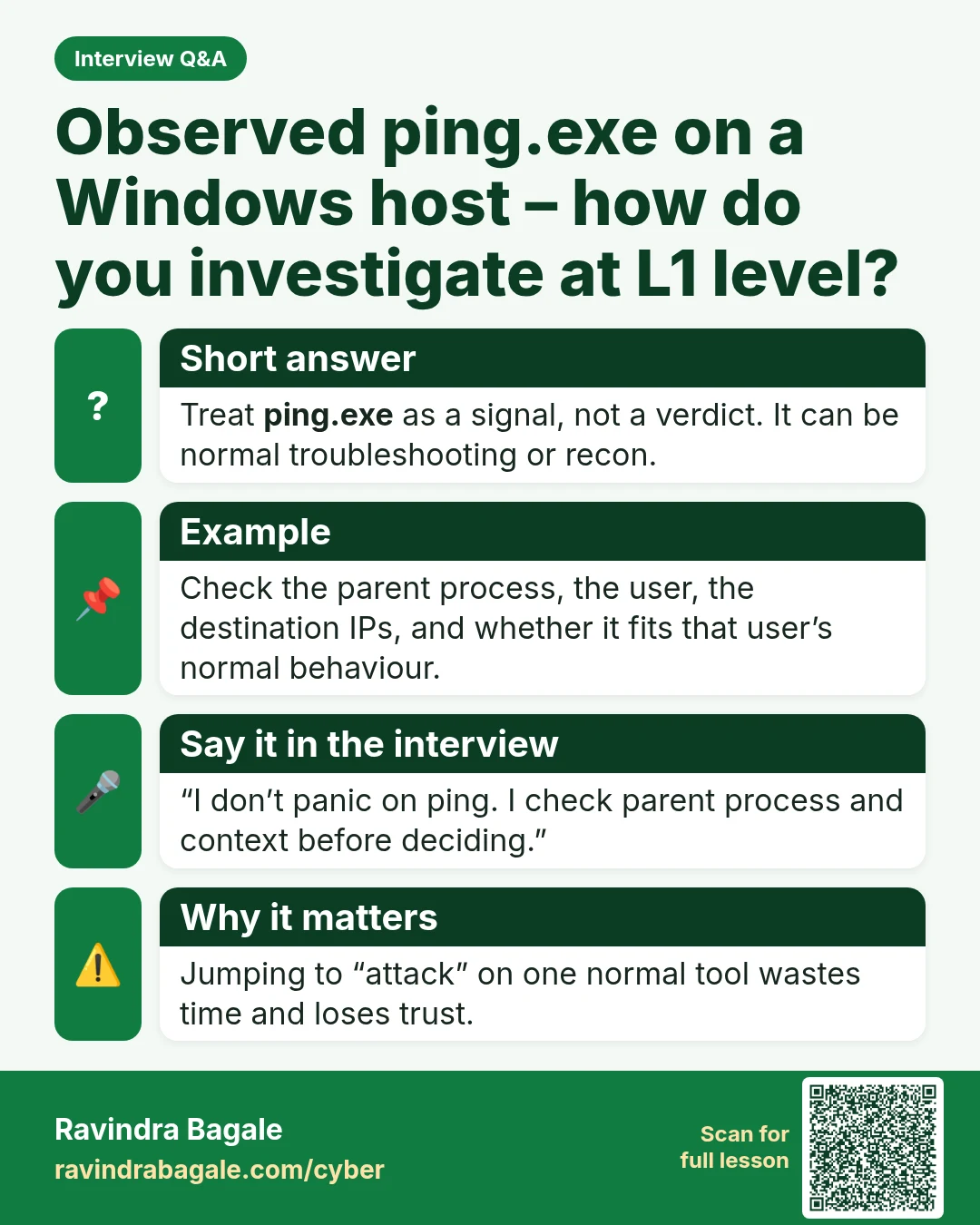
Observed ping.exe on a Windows host – how do you investigate at L1 level? Treat ping.exe as a signal, not a verdict. It can be normal troubleshooting or recon. Check the parent process, the user, the destination IPs, and whether it fits that user’s normal behaviour. “I don’t panic on ping. I check p
Read card text
What this card says
Short answer
Treat ping.exe as a signal, not a verdict. It can be normal troubleshooting or recon.
Example
Check the parent process, the user, the destination IPs, and whether it fits that user’s normal behaviour.
Say it in the interview
“I don’t panic on ping. I check parent process and context before deciding.”
Why it matters
Jumping to “attack” on one normal tool wastes time and loses trust.
Learn more in the lesson: 47.3 Linux, Logs and Windows Event IDs