Ravi Sir's Cyber Security Cards › Interview Cards
How do you secure SSH on a public EC2 instance?
How do you secure SSH on a public EC2 instance? Use key-based login, turn off password login, turn off root login, and allow port 22 only from your IP. Keep packages updated with sudo yum update and add fail2ban . A non-default port is extra depth, not a secret. “Keys only, no password, no root, por
Read card text
What this card says
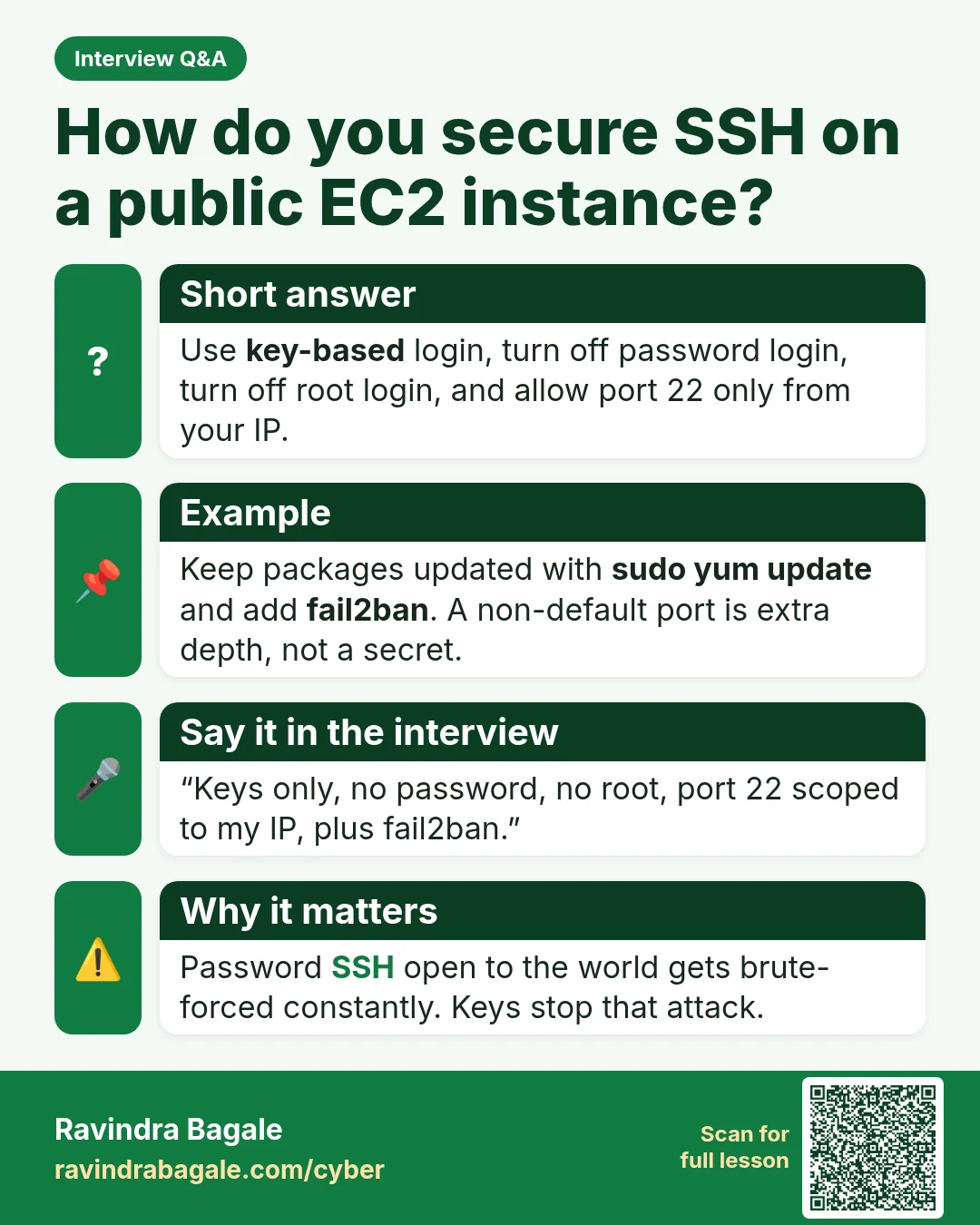
Short answer
Use key-based login, turn off password login, turn off root login, and allow port 22 only from your IP.
Example
Keep packages updated with sudo yum update and add fail2ban. A non-default port is extra depth, not a secret.
Say it in the interview
“Keys only, no password, no root, port 22 scoped to my IP, plus fail2ban.”
Why it matters
Password SSH open to the world gets brute-forced constantly. Keys stop that attack.
Learn more in the lesson: 46.3 Linux on EC2 Interview Questions