Ravi Sir's Cyber Security Cards › Interview Cards
What do you do if AWS access keys leak on GitHub?
What do you do if AWS access keys leak on GitHub? Access keys are a username + password for programs to use AWS. If they leak, anyone can use your AWS account. Act fast: turn off the keys first . 1. Deactivate or delete the keys. 2. Change (rotate) other secrets. 3. Check CloudTrail (AWS activity lo
Read card text
What this card says
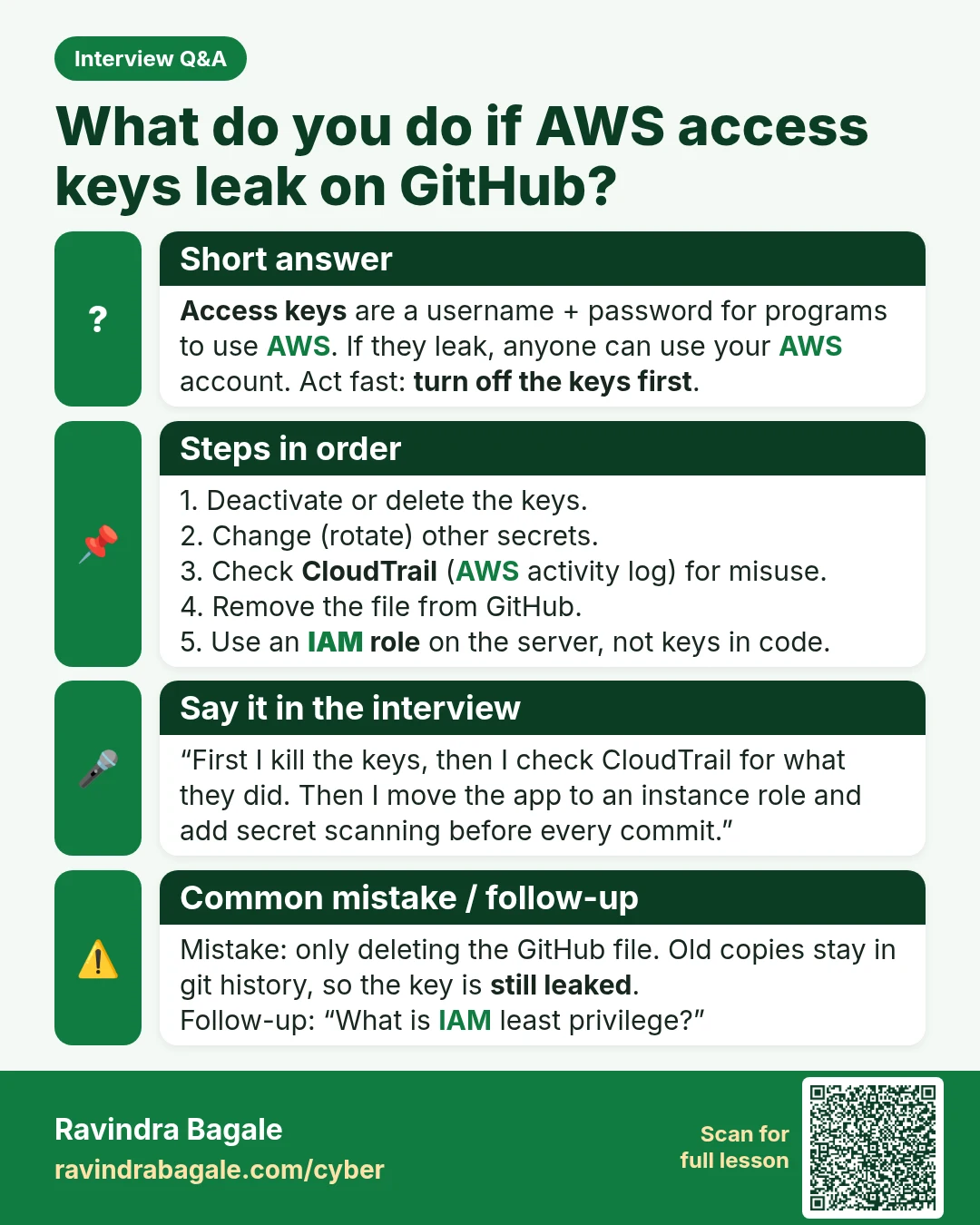
Short answer
Access keys are a username + password for programs to use AWS. If they leak, anyone can use your AWS account. Act fast: turn off the keys first.
Steps in order
1. Deactivate or delete the keys.
2. Change (rotate) other secrets.
3. Check CloudTrail (AWS activity log) for misuse.
4. Remove the file from GitHub.
5. Use an IAM role on the server, not keys in code.
Say it in the interview
“First I kill the keys, then I check CloudTrail for what they did. Then I move the app to an instance role and add secret scanning before every commit.”
Common mistake / follow-up
Mistake: only deleting the GitHub file. Old copies stay in git history, so the key is still leaked.
Follow-up: “What is IAM least privilege?”
Learn more in the lesson: 46.6 AWS Cloud Security Interview Questions