Ravi Sir's Cyber Security Cards › Interview Cards
How do you install and start Nginx on Amazon Linux in this course style?
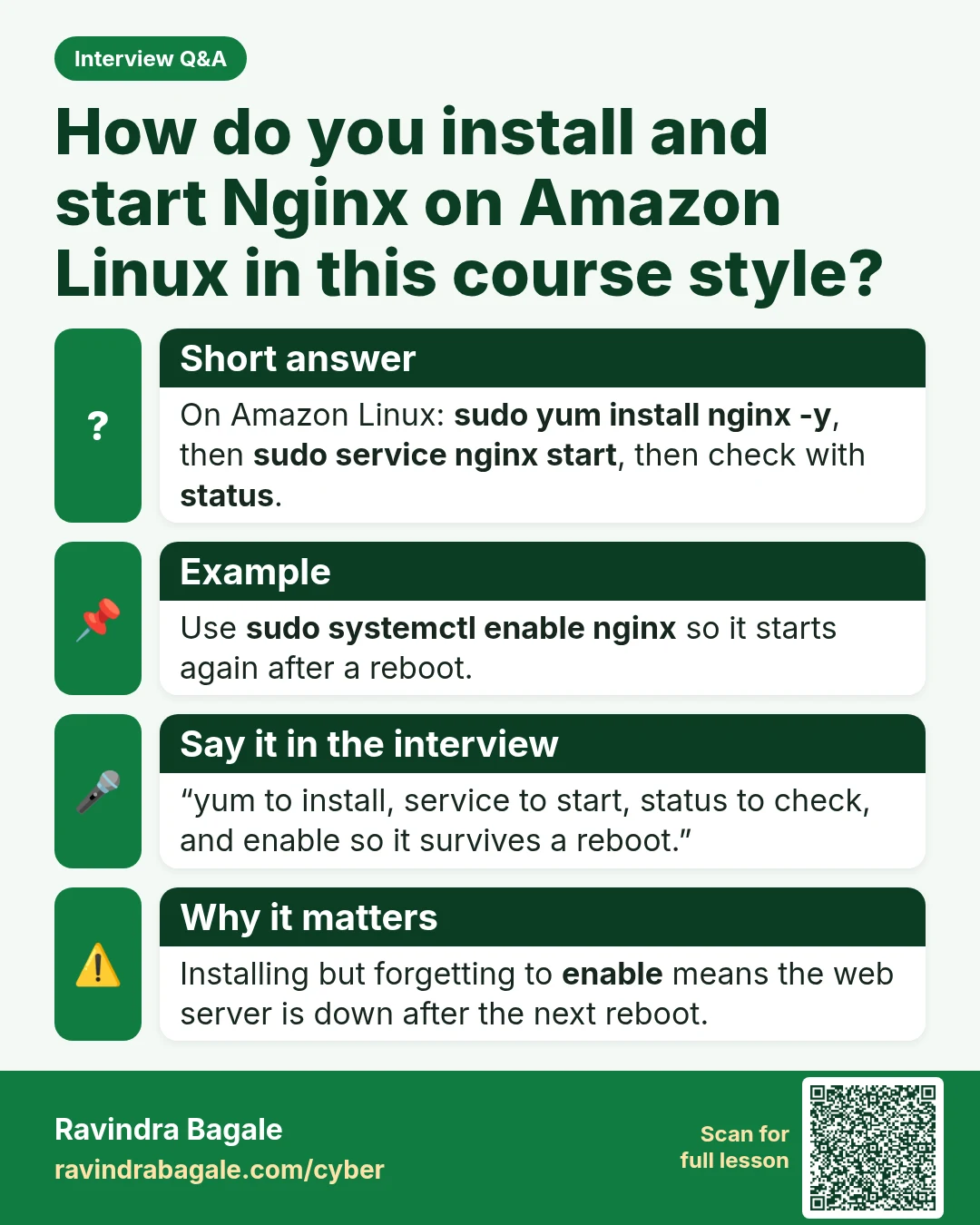
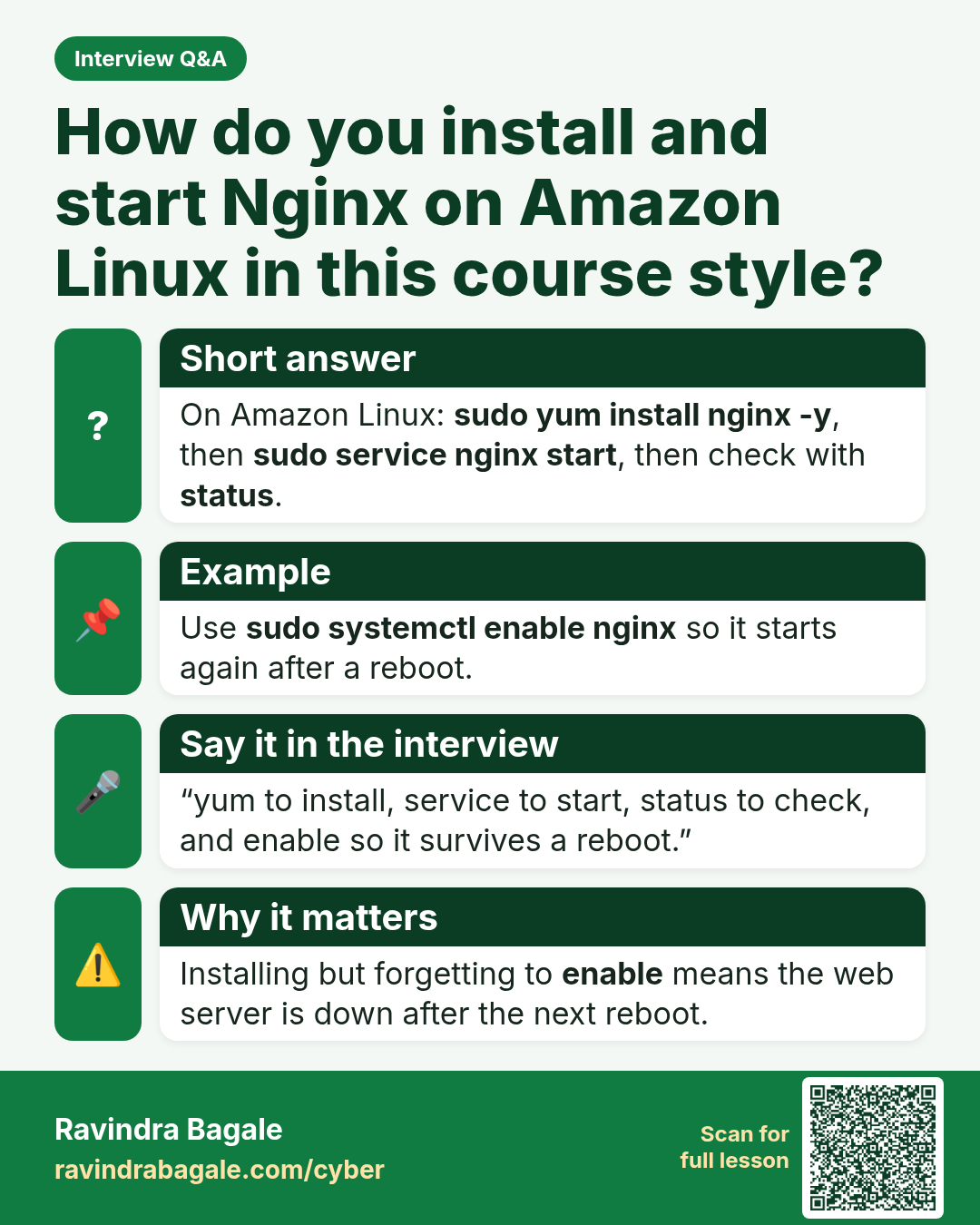
How do you install and start Nginx on Amazon Linux in this course style? On Amazon Linux: sudo yum install nginx -y , then sudo service nginx start , then check with status . Use sudo systemctl enable nginx so it starts again after a reboot. “yum to install, service to start, status to check, and en
Read card text
What this card says
Short answer
On Amazon Linux: sudo yum install nginx -y, then sudo service nginx start, then check with status.
Example
Use sudo systemctl enable nginx so it starts again after a reboot.
Say it in the interview
“yum to install, service to start, status to check, and enable so it survives a reboot.”
Why it matters
Installing but forgetting to enable means the web server is down after the next reboot.
Learn more in the lesson: 46.3 Linux on EC2 Interview Questions