Ravi Sir's Cyber Security Cards › Interview Cards
How do you install and check a web service on Amazon Linux in this course style?
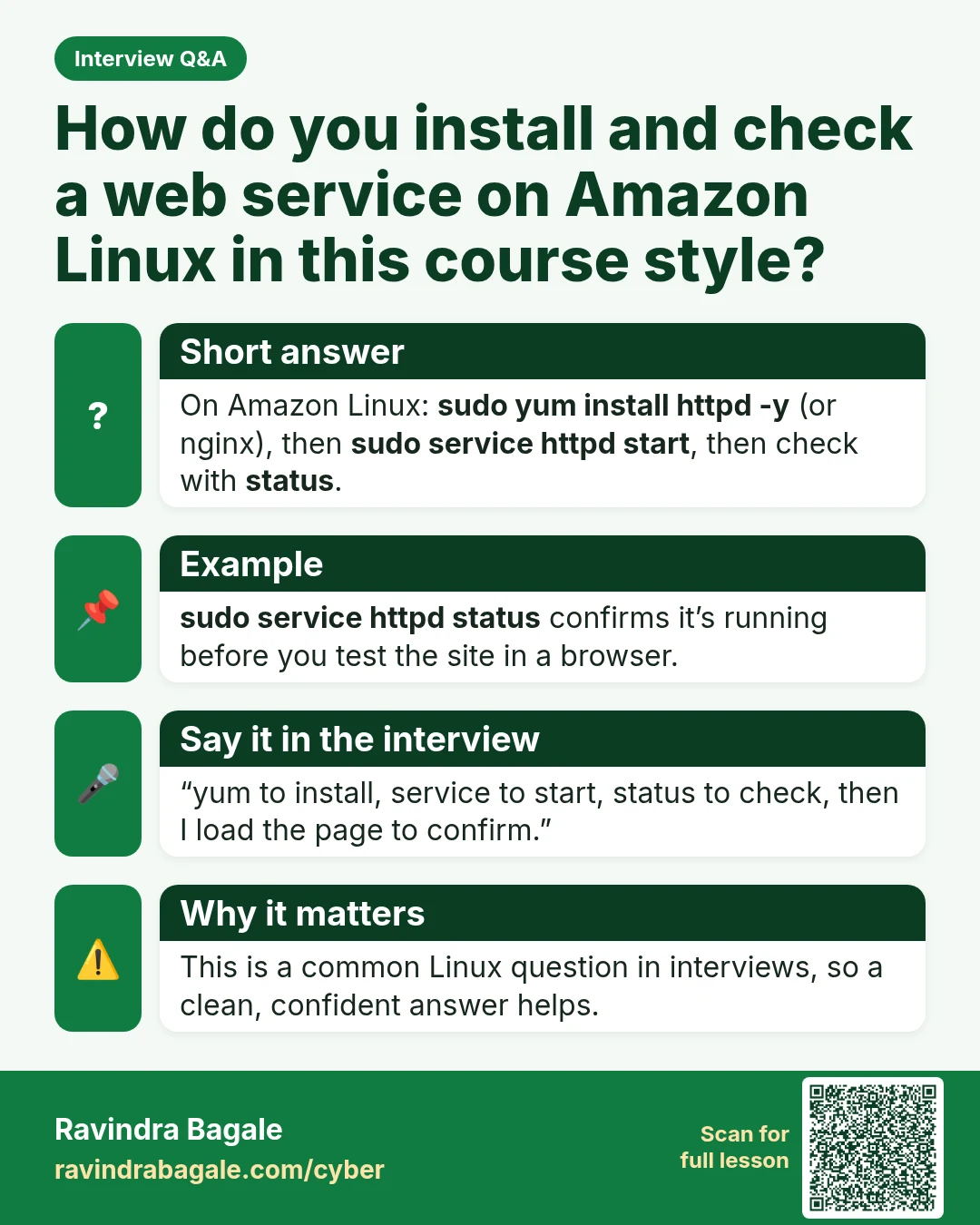
How do you install and check a web service on Amazon Linux in this course style? On Amazon Linux: sudo yum install httpd -y (or nginx), then sudo service httpd start , then check with status . sudo service httpd status confirms it’s running before you test the site in a browser. “yum to install, ser
Read card text
What this card says
Short answer
On Amazon Linux: sudo yum install httpd -y (or nginx), then sudo service httpd start, then check with status.
Example
sudo service httpd status confirms it’s running before you test the site in a browser.
Say it in the interview
“yum to install, service to start, status to check, then I load the page to confirm.”
Why it matters
This is a common Linux question in interviews, so a clean, confident answer helps.
Learn more in the lesson: 47.3 Linux, Logs and Windows Event IDs