Ravi Sir's Cyber Security Cards › Interview Cards
How do you harden a default web server install?
How do you harden a default web server install? Remove default pages, hide the version, turn off directory listing, run as non-root, patch, and add TLS. A default install often shows a test page and the exact server version, which helps attackers. “I strip defaults, run as a non-root user, add HTTPS
Read card text
What this card says
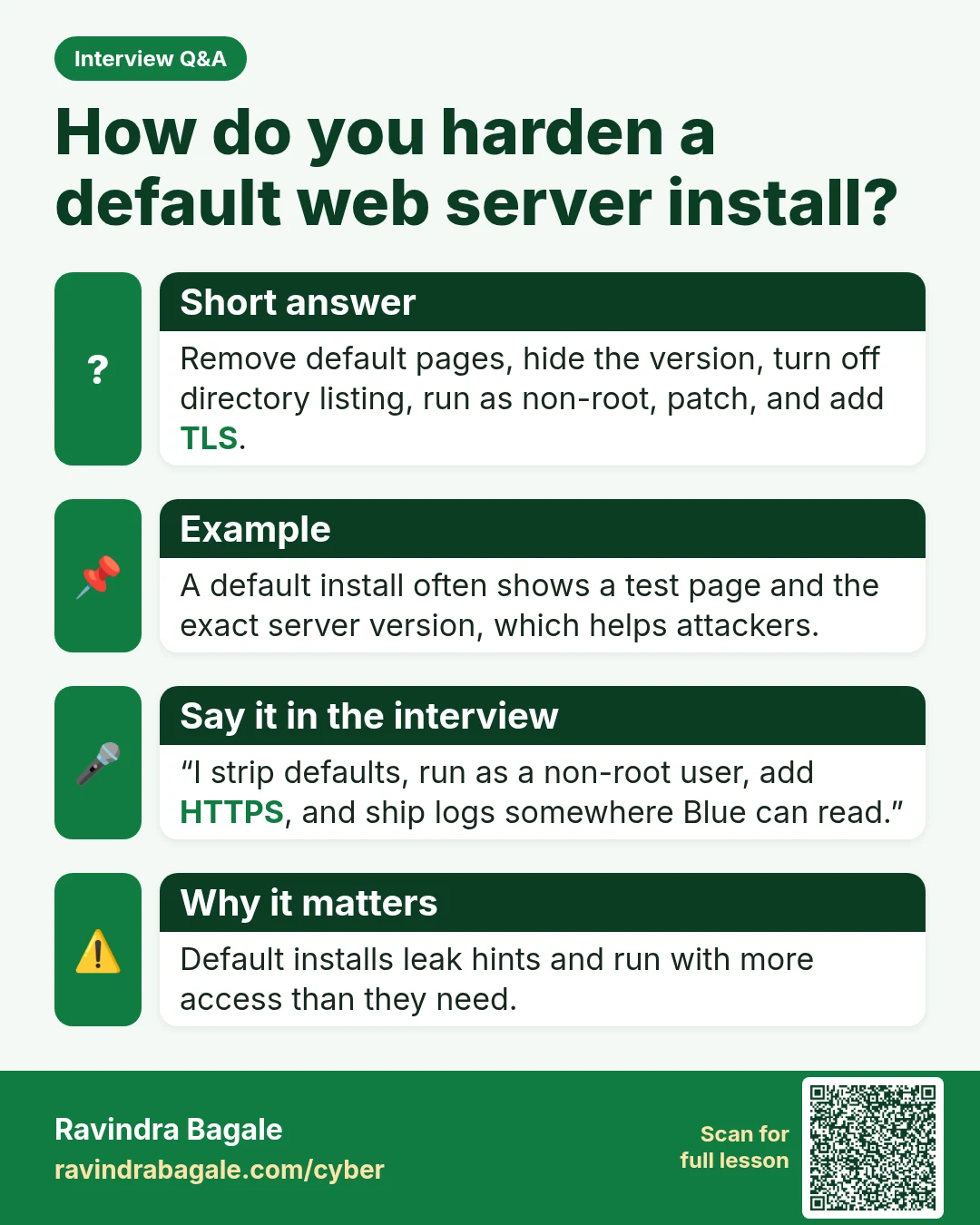
Short answer
Remove default pages, hide the version, turn off directory listing, run as non-root, patch, and add TLS.
Example
A default install often shows a test page and the exact server version, which helps attackers.
Say it in the interview
“I strip defaults, run as a non-root user, add HTTPS, and ship logs somewhere Blue can read.”
Why it matters
Default installs leak hints and run with more access than they need.
Learn more in the lesson: 46.4 Web Servers and MySQL Interview Questions