Ravi Sir's Cyber Security Cards › Interview Cards
How do you change the Nginx document root safely?
How do you change the Nginx document root safely? Edit the root in the server block, run sudo nginx -t , then sudo service nginx reload . If the test fails, fix the config first; do not reload. On enforcing SELinux, the new folder may need the right context. “Change the root, config-test, then reloa
Read card text
What this card says
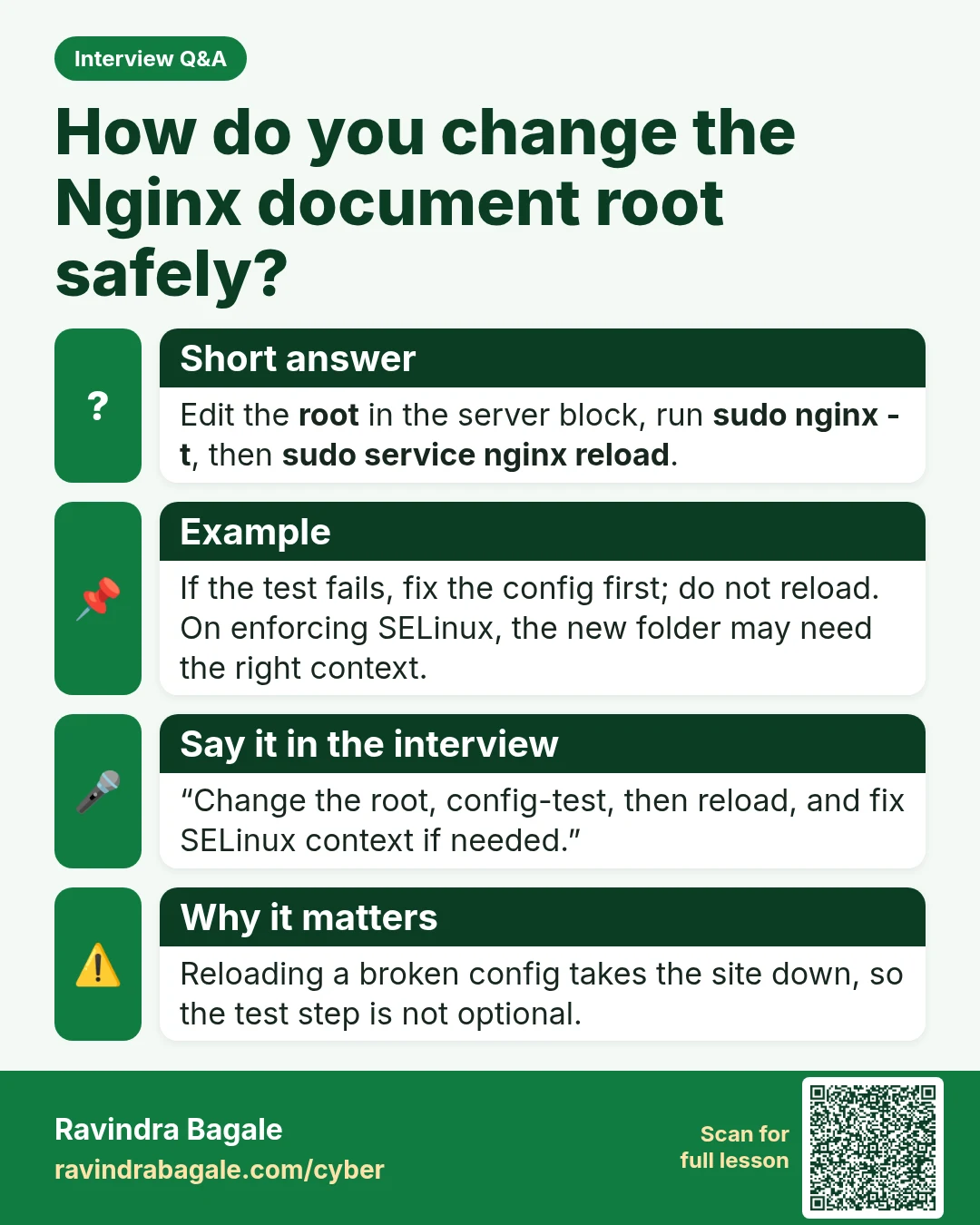
Short answer
Edit the root in the server block, run sudo nginx -t, then sudo service nginx reload.
Example
If the test fails, fix the config first; do not reload. On enforcing SELinux, the new folder may need the right context.
Say it in the interview
“Change the root, config-test, then reload, and fix SELinux context if needed.”
Why it matters
Reloading a broken config takes the site down, so the test step is not optional.
Learn more in the lesson: 46.4 Web Servers and MySQL Interview Questions