Ravi Sir's Cyber Security Cards › Comparison Cards
Static vs Dynamic IP and DHCP
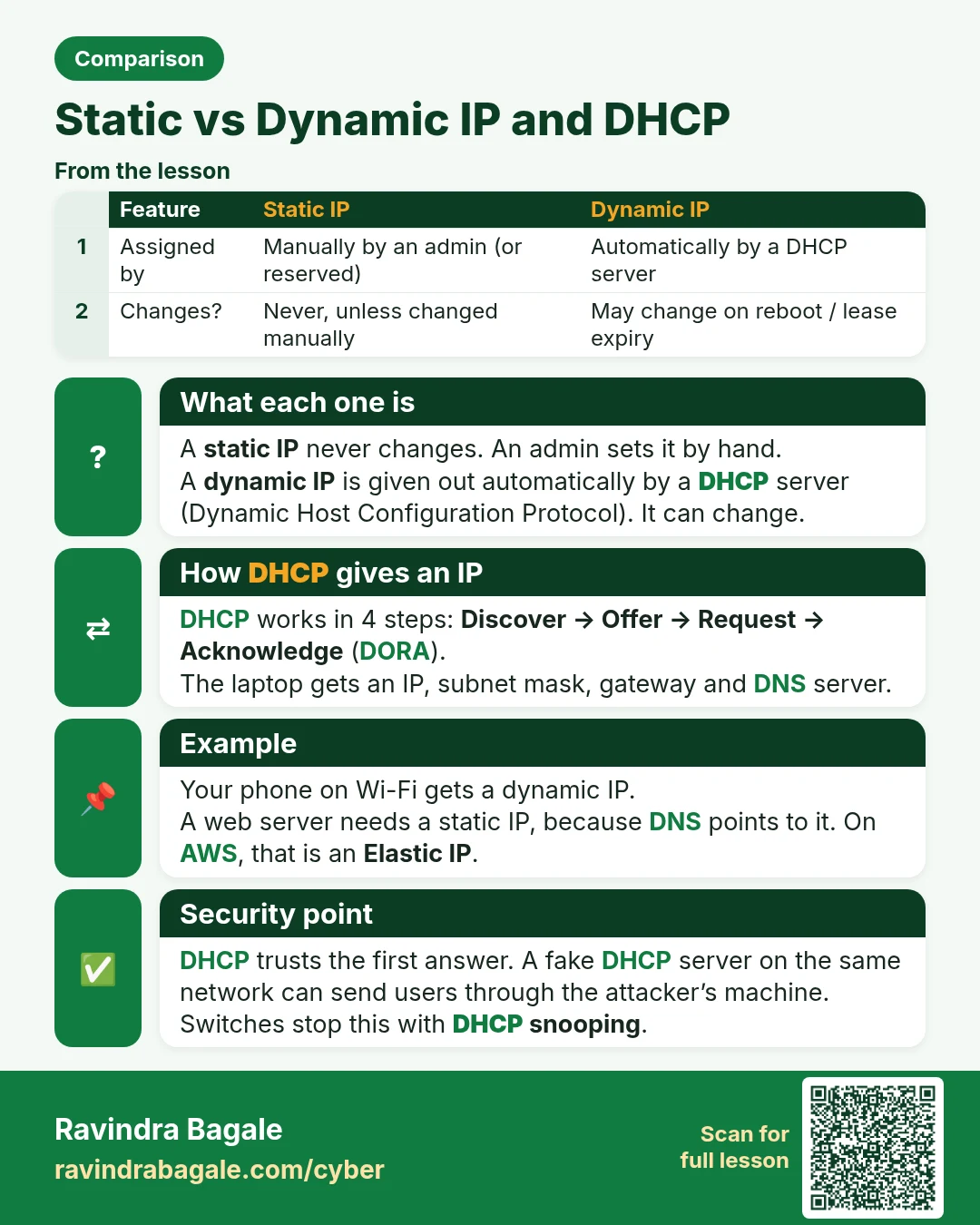
Static vs Dynamic IP and DHCP A static IP never changes. An admin sets it by hand. A dynamic IP is given out automatically by a DHCP server (Dynamic Host Configuration Protocol). It can change. DHCP works in 4 steps: Discover → Offer → Request → Acknowledge (DORA). The laptop gets an IP, subnet mask
Read card text
What this card says
What each one is
A static IP never changes. An admin sets it by hand.
A dynamic IP is given out automatically by a DHCP server (Dynamic Host Configuration Protocol). It can change.
How DHCP gives an IP
DHCP works in 4 steps: Discover → Offer → Request → Acknowledge (DORA).
The laptop gets an IP, subnet mask, gateway and DNS server.
Example
Your phone on Wi-Fi gets a dynamic IP.
A web server needs a static IP, because DNS points to it. On AWS, that is an Elastic IP.
Security point
DHCP trusts the first answer. A fake DHCP server on the same network can send users through the attacker’s machine.
Switches stop this with DHCP snooping.
| Feature | Static IP | Dynamic IP |
|---|---|---|
| Assigned by | Manually by an admin (or reserved) | Automatically by a DHCP server |
| Changes? | Never, unless changed manually | May change on reboot / lease expiry |
| Best for | Servers, DNS records, printers, VPN endpoints | Laptops, phones, home users |
| Cost | Often extra (ISPs charge) | Usually included |
| AWS equivalent | Elastic IP | Auto-assigned public IPv4 |
Learn more in the lesson: 1.6 Static vs Dynamic IP and DHCP