40.1 Row-Level and Object-Level Security in the Service
Chala mitrano — city managers see only their city; finance hides salary columns. RLS filters rows; OLS hides objects. We wire both safely in the Service.
चला मित्रांनो — city managers फक्त आपले शहर पाहतात; finance salary columns लपवते. RLS rows फिल्टर करते; OLS objects लपवते. Service मध्ये सुरक्षित लावतो.
चला मित्रों — city managers सिर्फ अपना शहर देखें; finance salary columns छुपाए। RLS rows फ़िल्टर करता है; OLS objects छुपाता है। Service में सुरक्षित जोड़ते हैं।
- Contrast static vs dynamic RLS (USERPRINCIPALNAME).
- Build a mapping table and roles in Desktop.
- Publish roles and assign users or groups in the Service.
- Use Test as role and explain why Viewer (or App) is required.
- Describe object-level security for tables and columns.
- Avoid the top RLS interview mistakes.
Start with a problem (fictional). Raja Patil (Nashik city manager, fictional) opened the Sales MH App and saw Kolhapur and Pune margins too. HR lead Sofia Müller asked why the same model showed SalaryINR to Viewer colleagues. Priya needs dynamic RLS by city email map, plus OLS to hide HR columns from the sales audience.
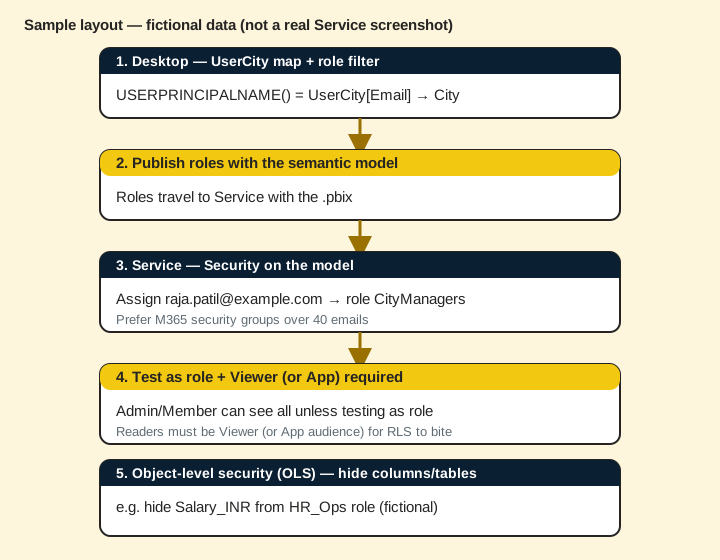
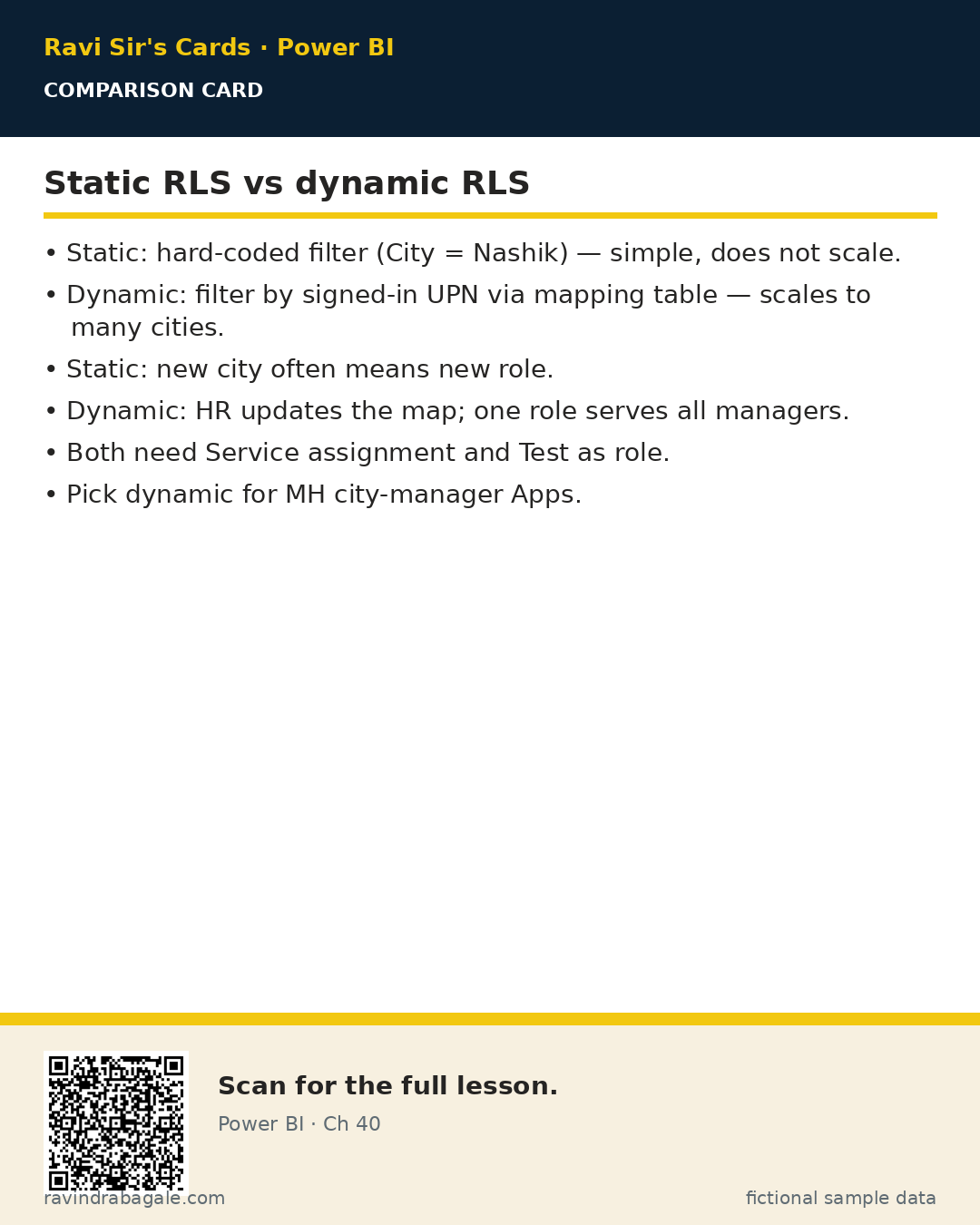
1. Static vs dynamic RLS (USERPRINCIPALNAME)
Why: Static roles multiply forever (one role per city). Dynamic roles scale with a mapping table.
What: Static RLS hard-codes a filter (e.g. City = "Nashik"). Dynamic RLS filters with the signed-in user, often via USERPRINCIPALNAME() joined to a user-city map.
How — choose the pattern:
Vertical steps (one under another)
- Few fixed audiences that rarely change? Static can be fine.
- Many cities / managers? Dynamic + mapping table.
- Write the DAX filter on the role against the dimension (or bridge) table.
Tiny example: Dynamic: filter DimCity where CityKey is in cities mapped to USERPRINCIPALNAME(). Raja sees only Nashik rows (fictional).
Ravindra Bagale's Tip
Friends, USERNAME() vs USERPRINCIPALNAME() — know which your tenant returns (often email-style UPN). Test as role with a real UPN.
Ravindra Bagale's Tip – मराठी
मित्रांनो, USERNAME() आणि USERPRINCIPALNAME() — तुमचा tenant काय देतो ते जाणा (बहुतेक email-style UPN). खऱ्या UPN ने Test as role करा.
Ravindra Bagale's Tip – हिंदी
दोस्तों, USERNAME() और USERPRINCIPALNAME() — आपका tenant क्या देता है जानें (अक्सर email-style UPN)। असली UPN से Test as role करें।
2. Mapping tables and roles in Desktop
Why: The map is the single place HR updates when a manager changes city.
What: A table like UserCity(Email, CityKey) related to DimCity. Role DAX uses that path so facts filter through relationships.
How — model the map:
Vertical steps (one under another)
- Create UserCity with Email and CityKey (fictional sample rows).
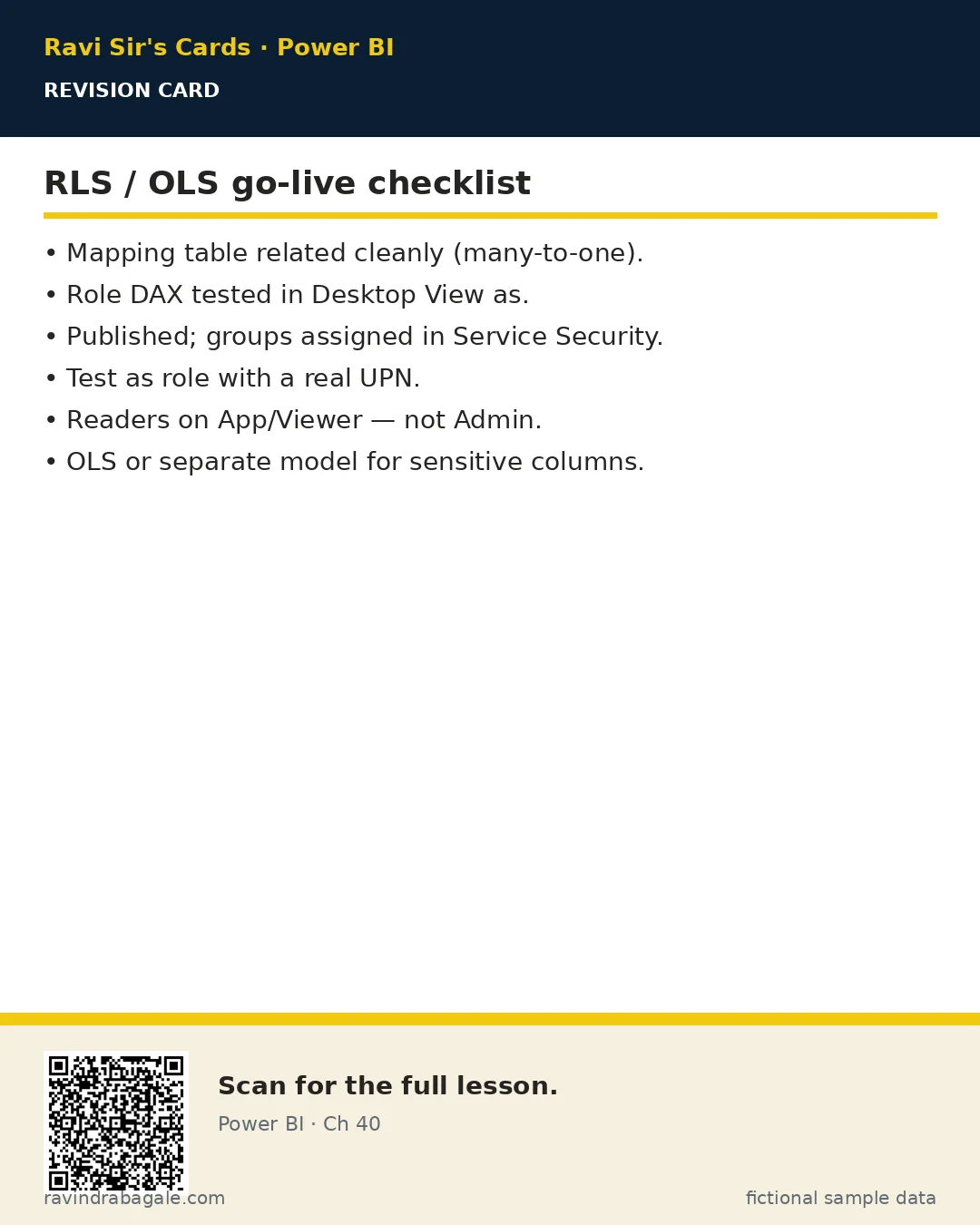
- Relate UserCity[CityKey] to DimCity[CityKey] (many-to-one).
- Manage roles — New — filter UserCity: [Email] = USERPRINCIPALNAME().
- Or filter DimCity with a CONTAINS/LOOKUP pattern — keep one clear path.
- Desktop: Modeling — View as — test Raja's email.
Tiny example: Row: raja.patil@contoso-training.example | Nashik. After View as, GMV shows ₹3.4L fictional for Nashik only.
Ravindra Bagale's Tip
Friends, bi-directional relationship tricks for RLS often backfire. Prefer a clean many-to-one path and simple role filters.
Ravindra Bagale's Tip – मराठी
मित्रांनो, RLS साठी bi-directional नाटकं बहुतेक अपयशी. स्वच्छ many-to-one आणि सोपे role filters ठेवा.
Ravindra Bagale's Tip – हिंदी
दोस्तों, RLS के लिए bi-directional तरकीबें अक्सर फेल। साफ़ many-to-one और सरल role filters रखें।
3. Publishing roles and assigning users/groups in the Service
Why: Desktop roles do nothing in the App until the Service maps people into them.
What: Publish the .pbix. In the Service semantic model — Security — add users or Azure AD groups to each role.
How — assign after publish:
Vertical steps (one under another)
- Publish to the shared workspace.
- Semantic model — Security (or ellipsis — Security).
- Select role CityManagers — add group sg-mh-city-managers (fictional).
- Save. Prefer groups over fifty individual emails.
Tiny example: Group sg-nashik-managers lands in role CityManagers. Raja inherits access when IT adds him to the group.
4. Test as role and why Viewer (or App) is required
Why: Workspace Admins/Members often see all data — RLS applies to Viewers and App consumers.
What: Use Test as role in the Service. Builders with high workspace roles may bypass RLS; readers need Viewer or App audience.
How — verify like a manager:
Vertical steps (one under another)
- In Security pane — Test as role — pick CityManagers (+ optional user).
- Confirm only Nashik appears for Raja.
- Share via App (Viewer audience) — do not make city managers workspace Admins.
- Document: RLS is for readers; editors still need discipline and separate HR models when needed.
Tiny example: Priya tests as role, sees Nashik-only. She publishes App audience MH City Managers — not workspace Member for everyone.
Ravindra Bagale's Tip
Friends, interview gold: RLS does not protect you from yourself as Admin. Least privilege for readers via App/Viewer.
Ravindra Bagale's Tip – मराठी
मित्रांनो, interview सोने: Admin म्हणून RLS तुमच्यापासून बचावत नाही. Readers साठी App/Viewer least privilege.
Ravindra Bagale's Tip – हिंदी
दोस्तों, interview सोना: Admin के तौर पर RLS आपसे बचाता नहीं। Readers के लिए App/Viewer least privilege।
5. Object-level security (tables and columns)
Why: RLS hides rows; salary columns can still exist on remaining rows.
What: OLS denies entire tables or columns to a role (often set with external tools like Tabular Editor). Viewers in that role cannot see or query those objects.
How — think in layers:
Vertical steps (one under another)
- RLS: which rows?
- OLS: which tables/columns even exist for this role?
- Combine: sales role sees Nashik rows and never sees SalaryINR column.
- Validate in Test as role / App — field list should omit denied columns.
Tiny example: OLS denies HR[SalaryINR] to CityManagers. Sofia's HR App uses a different workspace role that can see it.
Ravindra Bagale's Tip
Friends, OLS is easy to forget in interviews. Say: RLS filters rows; OLS hides objects. Both can apply together.
Ravindra Bagale's Tip – मराठी
मित्रांनो, interview मध्ये OLS विसरणे सोपे. सांगा: RLS rows फिल्टर; OLS objects लपवते. दोन्ही एकत्र लागू होऊ शकतात.
Ravindra Bagale's Tip – हिंदी
दोस्तों, interview में OLS भूलना आसान। कहें: RLS rows फ़िल्टर; OLS objects छुपाता है। दोनों साथ लागू हो सकते हैं।
6. Common RLS mistakes in interviews
Why: Hiring panels hear the same five wrong answers.
What: Memorise the failure modes so you sound like someone who shipped Apps.
How — avoid these:
Vertical steps (one under another)
- Do not say RLS replaces Share permissions — it filters inside a model readers can open.
- Do not forget to assign users/groups after publish.
- Do not test only as Admin and claim RLS works.
- Do not use bi-di spaghetti without a clear filter path.
- Do not put sensitive HR columns in the sales model without OLS or a separate model.
Tiny example: Wrong answer: I am Admin so RLS is fine. Better: I test as role and ship readers through an App.
7. Worked example — three industries
All numbers are fictional sample data.
Quick commerce (Maharashtra)
| Email (fictional) | City | GMV visible |
|---|---|---|
| raja.patil@contoso-training.example | Nashik | ₹3,40,000 |
| neha.kulkarni@contoso-training.example | Pune | ₹18,60,000 |
| admin builder (Member) | — | May see all in workspace — use Test as role |
About this data: This table uses columns: Email (fictional), City, GMV visible. This table uses columns: Wrong, Better. Values shown are the lesson examples already on this page (not a new dataset).
- UserCity map + role filter on Email = USERPRINCIPALNAME().
- Publish — assign sg-mh-city-managers to role.
- App audience for managers; OLS denies SalaryINR.
Hospital wards
Ward leads see only their ward's beds (dynamic RLS). Diagnosis code table denied via OLS to non-clinical roles.
EU SaaS (Lisbon)
Carlos Mendes maps tenants by UPN domain suffix for partner viewers — still Test as role before go-live.
Recap. Dynamic RLS scales with a map. Assign groups in the Service. Test as role. Readers via App/Viewer. OLS hides columns/tables.
Common mistakes
| Wrong | Better |
|---|---|
| Only Desktop View as — never Service Test as role | Test in Service after assign |
| City managers as workspace Admins | App / Viewer + RLS |
| RLS without OLS on salary columns | Hide columns or split models |
| Fifty individual emails in a role | Azure AD / Microsoft 365 groups |
Quiz (5 questions)
1. Dynamic RLS commonly uses:
2. After publishing roles you must:
3. RLS typically applies to:
4. Object-level security (OLS) hides:
5. Best practice for many city managers:
Practice tasks (12) — hints only, no full answers
- Task. Static vs dynamic RLS — four bullet comparison.
Hint: section 1. - Task. Design a UserCity table with three fictional rows.
Hint: Email + CityKey. - Task. Write the role filter idea using USERPRINCIPALNAME().
Hint: Email = UPN. - Task. List Service steps to assign a group to a role.
Hint: section 3. - Task. Why Test as role after publish?
Hint: Admin bypass. - Task. When do you need OLS in addition to RLS?
Hint: salary columns. - Task. Interview: explain RLS vs workspace permissions.
Hint: filter vs open door. - Task. Name two risks of bi-directional relationships for RLS.
Hint: section 2 tip. - Task. Hospital case: what does OLS deny to non-clinical roles?
Hint: worked example. - Task. Draft App audience vs workspace role for city managers.
Hint: section 4. - Task. Write one wrong interview answer and the fix.
Hint: section 6. - Task. How do groups beat individual emails in role assignment?
Hint: IT adds/removes membership.
Ravi Sir's cards (Excel card style)
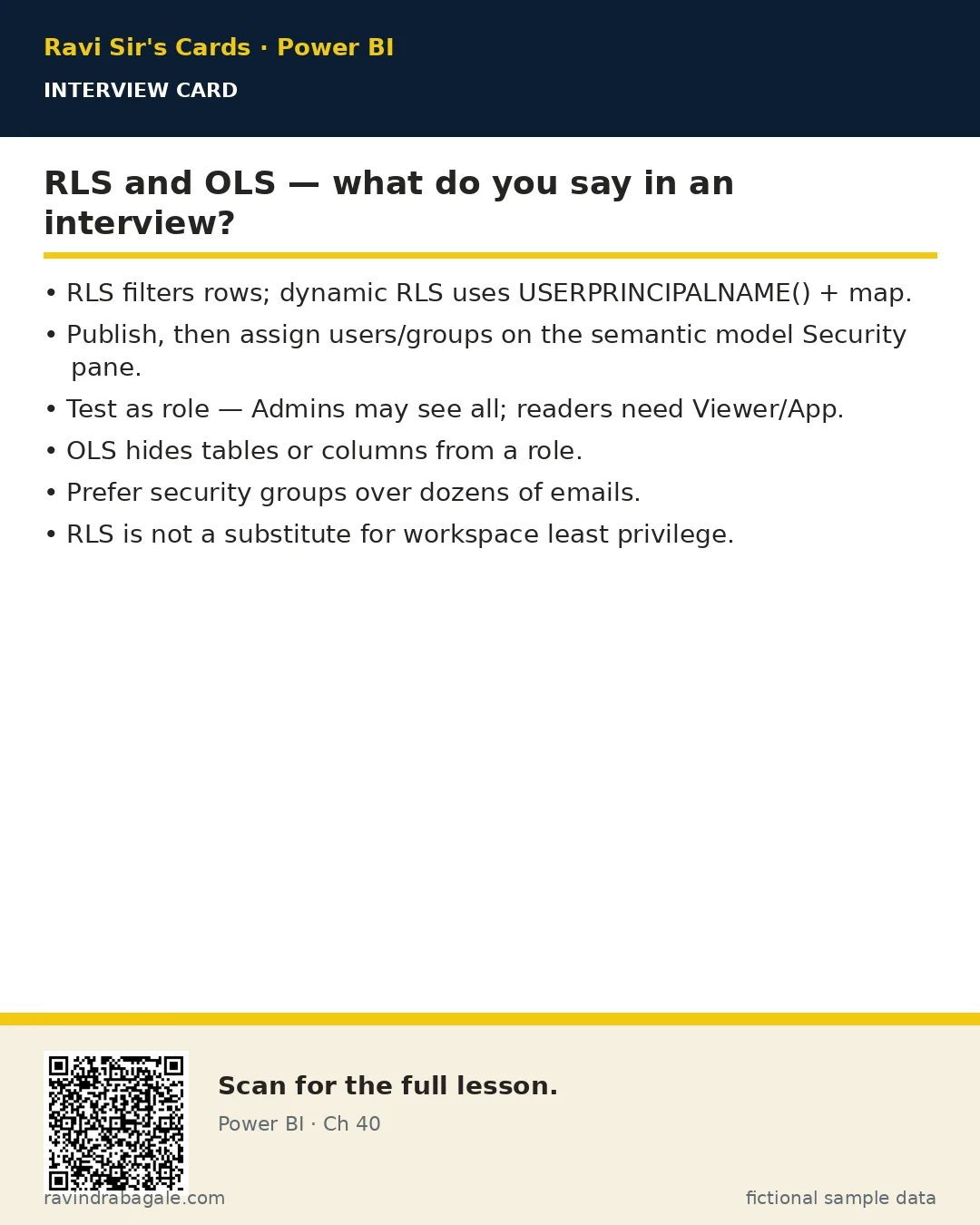
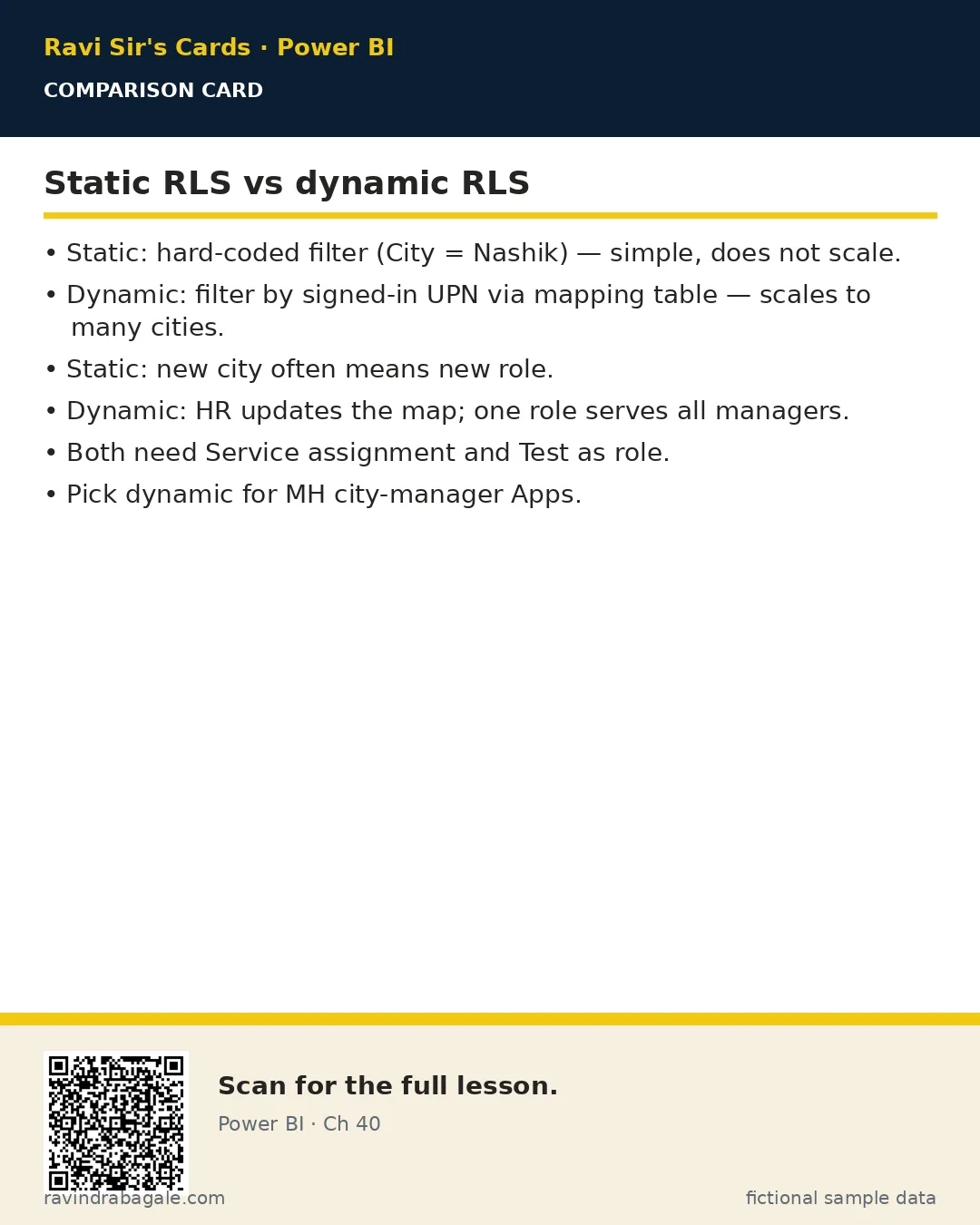
Standalone cards — no tip or photo sections. QR points to this lesson. Download PNG to revise offline.
Think like a professional
In a real tenant, rights and sharing are controlled by Fabric / Power BI admins. Always follow your company policy. This lesson uses fictional people and numbers so you can practise the ideas safely.