34.1 From Brief to Dashboard
Friends, Chapter 33 gave you the words. Chapter 35 gives project briefs. Today we learn the missing middle: how to turn “make a dashboard” into a build you can finish and hand over.
मित्रांनो, चapter 33 ने शब्द दिले. Chapter 35 project briefs देईल. आज मधला भाग: “dashboard बनवा” पासून पूर्ण handover पर्यंत कसे जायचे.
दोस्तों, Chapter 33 ने शब्द दिए। Chapter 35 project briefs देगा। आज बीच का हिस्सा: “dashboard बनाओ” से पूरा handover तक कैसे जाएँ।
- Write a one-page Power BI brief from a vague request.
- Ask discovery questions that lock grain, filters, owners and refresh.
- Sketch a simple wireframe and page map before opening Desktop.
- Apply naming standards for files, pages, measures and workspaces.
- Use a definition-of-done and handover checklist.
- Tell a 60-second interview story about discovery.
Start with a problem (fictional). Rani (regional head, fictional) texts: “Need a Blinkit-style ops dashboard by Friday.” Without a brief, Raja builds twelve pretty pages nobody opens. With discovery, three pages, one grain, 07:00 IST refresh, and a signed checklist — Friday demo succeeds.
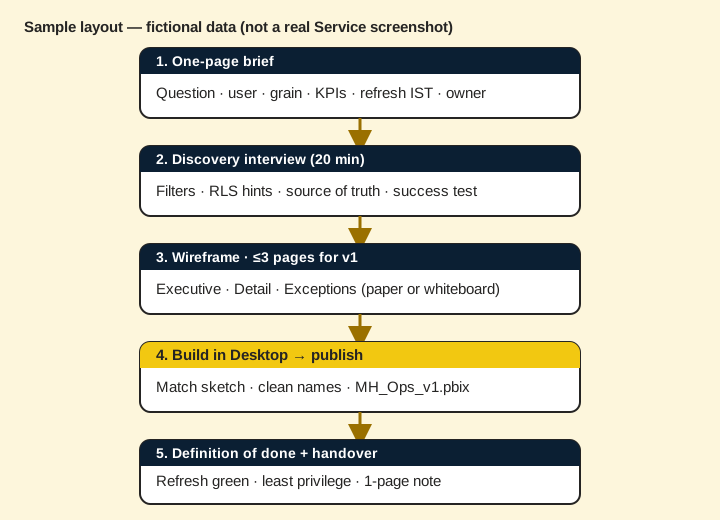
1. Why a brief beats “just make a dashboard”
Why: Vague requests create endless rebuilds and angry Fridays.
What: A brief is one page: question, user, grain, KPIs, filters, refresh, owner, due date.
How — write the one-pager:
Vertical steps (one under another)
- Write the business question in one sentence (not “show sales”).
- Name the primary user and the decision they will take.
- Lock the grain (what one row means) and the time zone (IST).
- List 3–7 KPIs max; mark vanity metrics separately.
- Write refresh need (live vs 07:00 IST) and the owner of the data.
- Get a spoken or written “yes, this is the brief” before heavy modelling.
Tiny example: Bad: “Sales dashboard.” Better (fictional): “Can Pune city managers see yesterday’s delivered orders and AOV by dark store before 09:00 IST standup?”
Ravindra Bagale's Tip
Friends, if you cannot write the question in one sentence, you are not ready to open Desktop.
Ravindra Bagale's Tip – मराठी
मित्रांनो, प्रश्न एका वाक्यात लिहू शकत नसाल तर Desktop उघडायची वेळ नाही.
Ravindra Bagale's Tip – हिंदी
दोस्तों, सवाल एक वाक्य में नहीं लिख सकते तो Desktop खोलने का समय नहीं।
2. Discovery questions (stakeholder interview)
Why: Assumptions about filters and access waste a week.
What: A short interview script: users, decisions, grain, dimensions, security, source, refresh, success test.
How — run a 20-minute discovery:
Vertical steps (one under another)
- Ask: Who opens this on Monday morning, and what decision do they take?
- Ask: What is one row? (order, order line, daily store summary…)
- Ask: Which filters must always be available? (city, date, category)
- Ask: Who must NOT see which rows or columns? (RLS / OLS hints)
- Ask: Where is the truth today — Excel, SQL, SharePoint folder?
- Ask: What time must numbers be fresh? (e.g. 07:00 IST)
- Ask: How will we know we are done? (one screenshot + one number check)
- Write answers into the brief; send back for confirmation.
Tiny example: Fictional answer: grain = one delivered order; filter = City + Date; RLS by City; source = SQL view Orders_v; refresh 06:45 IST.
Ravindra Bagale's Tip
Friends, discovery is not “being slow” — it is how seniors avoid building the wrong report twice.
Ravindra Bagale's Tip – मराठी
मित्रांनो, discovery म्हणजे हळू नाही — चुकीचा report दोनदा बनवणे टाळण्याची senor सवय आहे.
Ravindra Bagale's Tip – हिंदी
दोस्तों, discovery का मतलब धीमे होना नहीं — गलत report दो बार बनाने से बचना है।
3. Wireframes and page map before Desktop
Why: Dragging visuals first locks bad layout and wrong grain.
What: A paper or whiteboard page map: title, KPIs, one chart, one table, slicers — per page.
How — sketch three pages max for v1:
Vertical steps (one under another)
- Page 1 Executive: 4 KPI cards + one trend + city slicer.
- Page 2 Detail: table at the agreed grain + drill-through target.
- Page 3 Exceptions: late orders / cancellations only.
- Mark which measure sits on which visual (names only).
- Mark mobile: which page must work on phone.
- Only then open Desktop and match the sketch.
Tiny example: Fictional wireframe note: “Page 1 — Delivered Orders, AOV, Cancel %, On-time %; line = orders by day; slicers City + Date.”
Ravindra Bagale's Tip
Friends, a phone photo of a whiteboard wireframe is a valid artefact in interviews.
Ravindra Bagale's Tip – मराठी
मित्रांनो, whiteboard wireframe चा phone photo interview मध्ये valid proof आहे.
Ravindra Bagale's Tip – हिंदी
दोस्तों, whiteboard wireframe की phone photo interview में valid proof है।
4. Naming standards and folder habits
Why: Messy names make handover and App updates painful.
What: Simple rules for .pbix, pages, tables, measures and workspaces.
How — apply the naming card:
Vertical steps (one under another)
- File: MH_Ops_Orders_v1.pbix (team_topic_version) — not Final_Final2.pbix.
- Pages: 01 Executive, 02 Detail, 03 Exceptions (numbers first).
- Fact/dim tables: FactOrders, DimCity, DimDate — clear prefixes.
- Measures: [Delivered Orders], [AOV] — business words, not calc1.
- Workspace: MH Ops Lab (Dev) vs MH Ops (Prod) — never mix.
- Keep a short README in the project folder: brief + source + refresh time.
Tiny example: Fictional bad name: DashboardNew(3).pbix. Good: MH_Ops_CityManagers_v1.pbix.
Ravindra Bagale's Tip
Friends, naming is kindness to future-you and to the next developer.
Ravindra Bagale's Tip – मराठी
मित्रांनो, naming म्हणजे future-you आणि पुढच्या developer वर दया.
Ravindra Bagale's Tip – हिंदी
दोस्तों, naming मतलब future-you और अगले developer पर मेहरबानी।
5. Definition of done and handover checklist
Why: Pretty visuals without refresh, access and docs are not delivered.
What: A checklist covering data, model, report, Service, access and docs.
How — sign off before you say “done”:
Vertical steps (one under another)
- Data: grain matches brief; sample IST dates checked.
- Model: relationships correct; key measures match a known Excel total.
- Report: pages match wireframe; titles answer the question.
- Service: published to the right workspace; refresh scheduled; history green.
- Access: least privilege; Test as role if RLS exists.
- Docs: one-page handover — source, owner, refresh, known limits.
- Demo: 5-minute walkthrough with the real user, not only your manager.
Tiny example: Fictional sign-off line: “Rani confirmed Pune filter + yesterday AOV match Excel within ₹1 on 2026-10-27.”
Ravindra Bagale's Tip
Friends, handover without refresh owner is how Monday cards go blank.
Ravindra Bagale's Tip – मराठी
मित्रांनो, refresh owner नसलेला handover = Monday कार्ड रिकामे.
Ravindra Bagale's Tip – हिंदी
दोस्तों, refresh owner के बिना handover = Monday कार्ड खाली।
6. Interview story: how you ran discovery
Why: Interviewers hire people who prevent wrong builds, not only pretty charts.
What: A 60-second STAR story: Situation, Task, Action (discovery), Result.
How — practise the story out loud:
Vertical steps (one under another)
- Situation: stakeholder asked for “a sales dashboard by Friday” (fictional).
- Task: deliver a trusted v1 for city managers, not twelve unused pages.
- Action: ran discovery, wrote brief, sketched 3 pages, locked grain and RLS city.
- Result: demo passed; refresh green; user opened Page 1 every morning.
- Close: “I treat Desktop as step four — brief and wireframe come first.”
Tiny example: Sample close (fictional): “We cut scope from 12 pages to 3 and still answered the standup question.”
Ravindra Bagale's Tip
Friends, say “discovery” and “grain” clearly — those words mark a senior habit.
Ravindra Bagale's Tip – मराठी
मित्रांनो, discovery आणि grain स्पष्ट बोला — ही senior सवय दर्शवतात.
Ravindra Bagale's Tip – हिंदी
दोस्तों, discovery और grain साफ़ बोलो — ये senior आदत दिखाते हैं।
7. Sample brief: MH Ops city managers (worked)
Why: Students need one filled brief to copy the shape, not only empty headings.
What: A complete fictional brief for yesterday’s delivered orders and AOV by city.
How — copy then adapt the filled brief:
Vertical steps (one under another)
- Question: Can Pune and Nashik city managers see yesterday’s delivered orders and AOV by dark store before 09:00 IST standup?
- Primary users: City managers (fictional Rani / Amit).
- Grain: one delivered order row; AOV = revenue / delivered orders.
- KPIs: Delivered Orders, AOV (₹), Cancel %, On-time % — vanity: page views out of scope.
- Filters: City, Date (default yesterday IST), Dark store.
- Security hint: RLS by City; no OLS needed for v1.
- Source: SQL view dbo.Orders_v (fictional); owner: Ops data steward Meena.
- Refresh: 06:45 IST Import schedule; failure email to Meena + Raja.
- Success test: Pune yesterday AOV matches steward Excel within ₹1.
- Due: Friday demo; v1 ≤3 pages.
Tiny example: Fictional sign-off stamp: “Rani approved brief 2026-10-27 16:10 IST.”
Ravindra Bagale's Tip
Friends, a filled brief is a teaching tool — change city names, keep the structure.
Ravindra Bagale's Tip – मराठी
मित्रांनो, भरलेला brief = शिकण्याचे साधन — शहर बदला, रचना ठेवा.
Ravindra Bagale's Tip – हिंदी
दोस्तों, भरा brief = सीखने का औज़ार — शहर बदलो, ढाँचा रखो।
8. Wireframe annotations that save rebuilds
Why: Blank boxes on paper still leave measure and filter fights for Friday.
What: Annotate each visual with measure name, grain note, and interaction.
How — annotate before Desktop:
Vertical steps (one under another)
- On each KPI card write the measure name in brackets: [Delivered Orders].
- On the trend chart write: X = Date, Y = [Delivered Orders], default last 14 days IST.
- On the table write grain: one row = one dark store for selected day.
- Mark cross-filter: City slicer filters all; Date slicer filters all.
- Mark drill-through target page and required fields.
- Mark mobile: Page 1 only for phone; Detail stays desktop.
- Photo the annotated board; attach to the brief email.
Tiny example: Fictional sticky note: “Cancel % card uses DIVIDE — show 1 decimal.”
Ravindra Bagale's Tip
Friends, write measure names on paper — Desktop becomes copying, not inventing.
Ravindra Bagale's Tip – मराठी
मित्रांनो, कागदावर measure नावे लिहा — Desktop = कॉपी, invent नाही.
Ravindra Bagale's Tip – हिंदी
दोस्तों, कागज़ पर measure नाम लिखो — Desktop = कॉपी, invent नहीं।
9. Scope cuts: what to refuse in v1
Why: Saying yes to everything is how Friday demos fail.
What: A polite refuse list: live streaming, 20 pages, every column, Publish to web.
How — park extras in a backlog:
Vertical steps (one under another)
- Park “live every second” unless DirectQuery/live is truly required — prefer 06:45 IST Import for v1.
- Park map pages until grain and city names are clean.
- Park “export every row to Excel daily” — offer a filtered table page instead.
- Refuse Publish to web for private ops data — forever.
- Write backlog items with owner and “after v1 trust” date.
- Confirm the refuse list with the stakeholder in the same brief email.
Tiny example: Fictional line: “v1 = 3 pages; map + what-if, then backlog after refresh is green for 5 days.”
Ravindra Bagale's Tip
Friends, a short backlog is professionalism, not laziness.
Ravindra Bagale's Tip – मराठी
मित्रांनो, छोटी backlog = professionalism, आळस नाही.
Ravindra Bagale's Tip – हिंदी
दोस्तों, छोटी backlog = professionalism, आलस नहीं।
10. From brief to Ch 35 briefs and Ch 37 Service
Why: Students must know where this chapter ends and neighbours begin.
What: Ch 34 scopes; Ch 35 gives more briefs; Ch 37–44 teach Service depth after you build.
How — pick your next door:
Vertical steps (one under another)
- Finish Ch 34 checklist on one fictional brief.
- Open Ch 35 and pick one real-world brief; rewrite it with Ch 34 headings.
- Build the model/report using earlier Desktop chapters.
- When ready to publish and share, open Ch 37 (workspaces) then Ch 38–44 as needed.
- Do not skip discovery because Ch 35 already has a brief — still lock grain and refresh.
Tiny example: Fictional path: Ch 34, then Ch 35 Blinkit-style brief, then build, then Ch 37 publish, then Ch 40 RLS test.
Ravindra Bagale's Tip
Friends, Service chapters fix sharing; this chapter fixes building the wrong thing.
Ravindra Bagale's Tip – मराठी
मित्रांनो, Service chapters sharing सुधारतात; हा chapter चुकीचे build थांबवतो.
Ravindra Bagale's Tip – हिंदी
दोस्तों, Service chapters sharing ठीक करते हैं; यह chapter गलत build रोकता है।
11. Common discovery mistakes (and fixes)
Why: The same five mistakes burn student projects every term.
What: Mistake, then signal, then fix for grain, vanity KPIs, refresh, access, and demo users.
How — spot and fix before build:
Vertical steps (one under another)
- Mistake: grain = “sales”. Fix: write “one row = one delivered order” or “one daily store summary”.
- Mistake: 15 KPI cards. Fix: 3–7 that change a decision; park vanity.
- Mistake: “refresh whenever”. Fix: clock time IST + owner + failure email.
- Mistake: everyone is Admin. Fix: least privilege; plan RLS city roles early.
- Mistake: demo only to your friend. Fix: 5-minute walkthrough with the named user.
- Re-read the brief after each fix; bump version v1, then v1.1.
Tiny example: Fictional: Raja cut KPI cards from 14 to 5 after Rani said she only reads four numbers.
Ravindra Bagale's Tip
Friends, mistakes are normal — unsigned briefs are optional pain.
Ravindra Bagale's Tip – मराठी
मित्रांनो, mistakes सामान्य — unsigned brief हे optional दुख आहे.
Ravindra Bagale's Tip – हिंदी
दोस्तों, गलतियाँ सामान्य — unsigned brief वैकल्पिक दर्द है।
12. Handover note template (copy-paste)
Why: When you leave the project, trust must stay.
What: A six-line handover you can paste into email or README.
How — fill and send with the App link:
Vertical steps (one under another)
- Line 1: Report name + workspace + App name.
- Line 2: Business question (one sentence).
- Line 3: Grain + key measures.
- Line 4: Source system + steward + refresh time IST.
- Line 5: Security (RLS roles) + who to call when refresh fails.
- Line 6: Known limits + backlog link.
- Attach brief PDF/photo of wireframe; never only the .pbix.
Tiny example: Fictional Line 4: “Source dbo.Orders_v; steward Meena; refresh 06:45 IST Import via standard gateway.”
Ravindra Bagale's Tip
Friends, handover is part of done — not a favour after the demo.
Ravindra Bagale's Tip – मराठी
मित्रांनो, handover = done चा भाग — demo नंतरची कृपा नाही.
Ravindra Bagale's Tip – हिंदी
दोस्तों, handover = done का हिस्सा — demo के बाद का फ़ेवर नहीं।
Worked lab: 45 minutes from text to checklist
Why: Reading alone does not build the habit.
What: A timed lab using only paper, a timer, and a fictional ask.
How — run the lab:
Vertical steps
- Minute 0–5: Read the ask — “Need Blinkit-style ops dashboard by Friday” (fictional).
- Minute 5–15: Write the one-page brief using section 7 as a model; change names.
- Minute 15–25: Run discovery questions on yourself; fill gaps honestly.
- Minute 25–35: Sketch and annotate a 3-page wireframe; photo it.
- Minute 35–40: Write naming for file, pages, three measures, workspace.
- Minute 40–45: Tick definition-of-done items you can claim today; list backlog.
- Bonus: Record the 60-second interview story once; listen once; record again.
Tiny example result: Fictional student exits with brief v1.1, three annotated pages, and a backlog of “map later” — ready for Ch 35 practice briefs.
Quiz (5 questions)
1. What belongs on a one-page Power BI brief?
2. Why lock grain in discovery?
3. What is a good v1 page map habit?
4. Which file name is kinder for handover?
5. Definition of done should include:
Practice tasks (12) — hints only, no full answers
- Task. Rewrite “make a sales dashboard” into one business question for a Pune city manager (fictional).
Hint: Include decision + time (e.g. yesterday before standup). - Task. List 8 discovery questions for a cancel-rate report.
Hint: Cover user, grain, filters, RLS, source, refresh, success test. - Task. Write a one-page brief for dark-store AOV by city.
Hint: KPIs ≤5; IST refresh time; owner name fictional. - Task. Sketch a 3-page wireframe on paper; photo it.
Hint: Executive / Detail / Exceptions. - Task. Propose measure names for Delivered Orders, AOV, Cancel %.
Hint: Business words in brackets style. - Task. Rename a bad fictional file Final_Final2.pbix using the naming card.
Hint: Team_topic_v1 pattern. - Task. Write a definition-of-done checklist with 7 ticks.
Hint: Include Test as role if RLS. - Task. Draft a 6-line handover note (source, owner, refresh, limits).
Hint: One screen of text. - Task. Map which Ch 35 brief you would start after this chapter.
Hint: Pick one brief and say why grain is clear. - Task. Explain when you would next open Ch 37 (workspaces) after this chapter.
Hint: After Desktop build, before sharing with the team. - Task. Role-play discovery for 5 minutes with a friend as Rani.
Hint: Use the interview script. - Task. Record a 60-second interview story covering discovery, then 3-page v1.
Hint: STAR format.
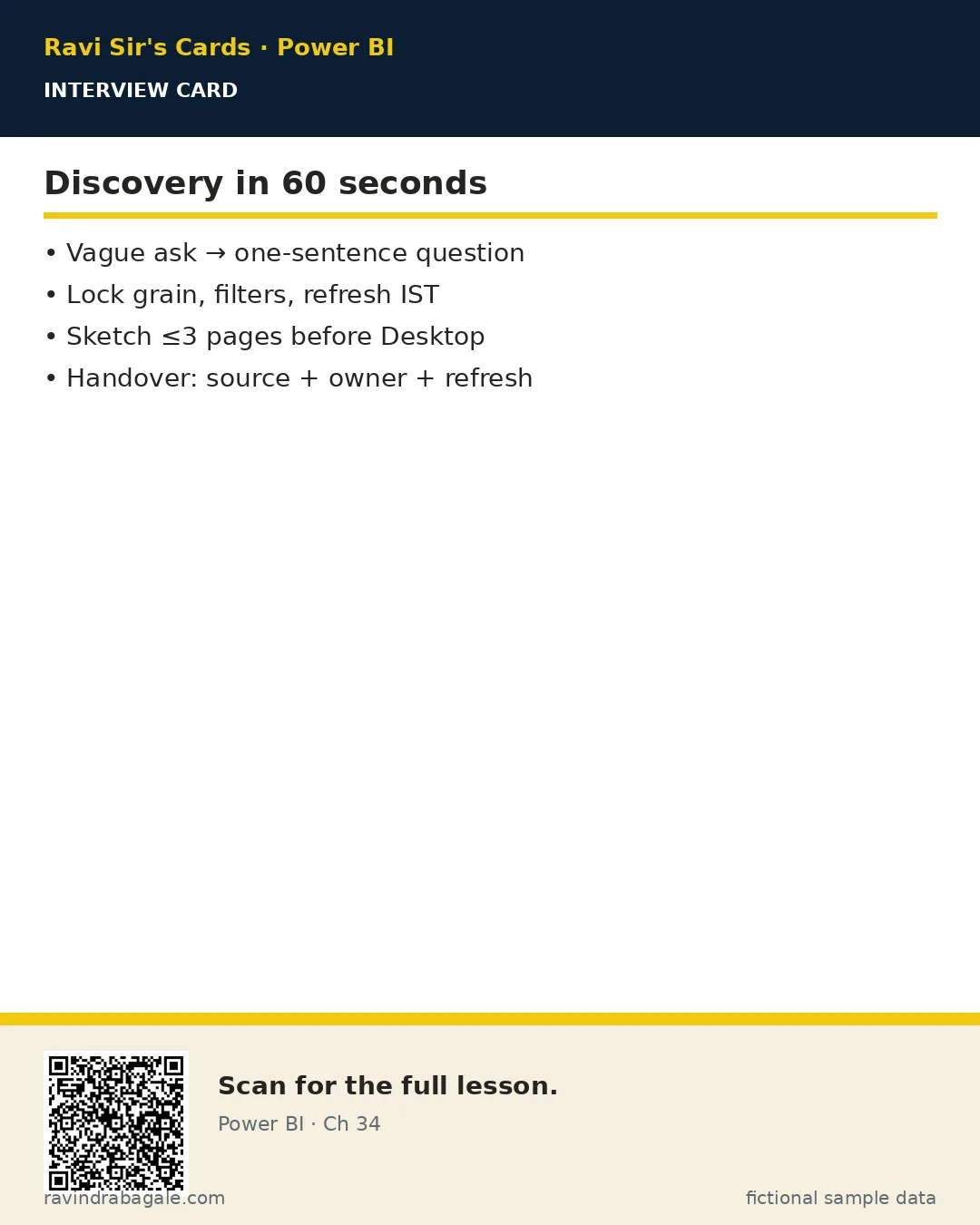
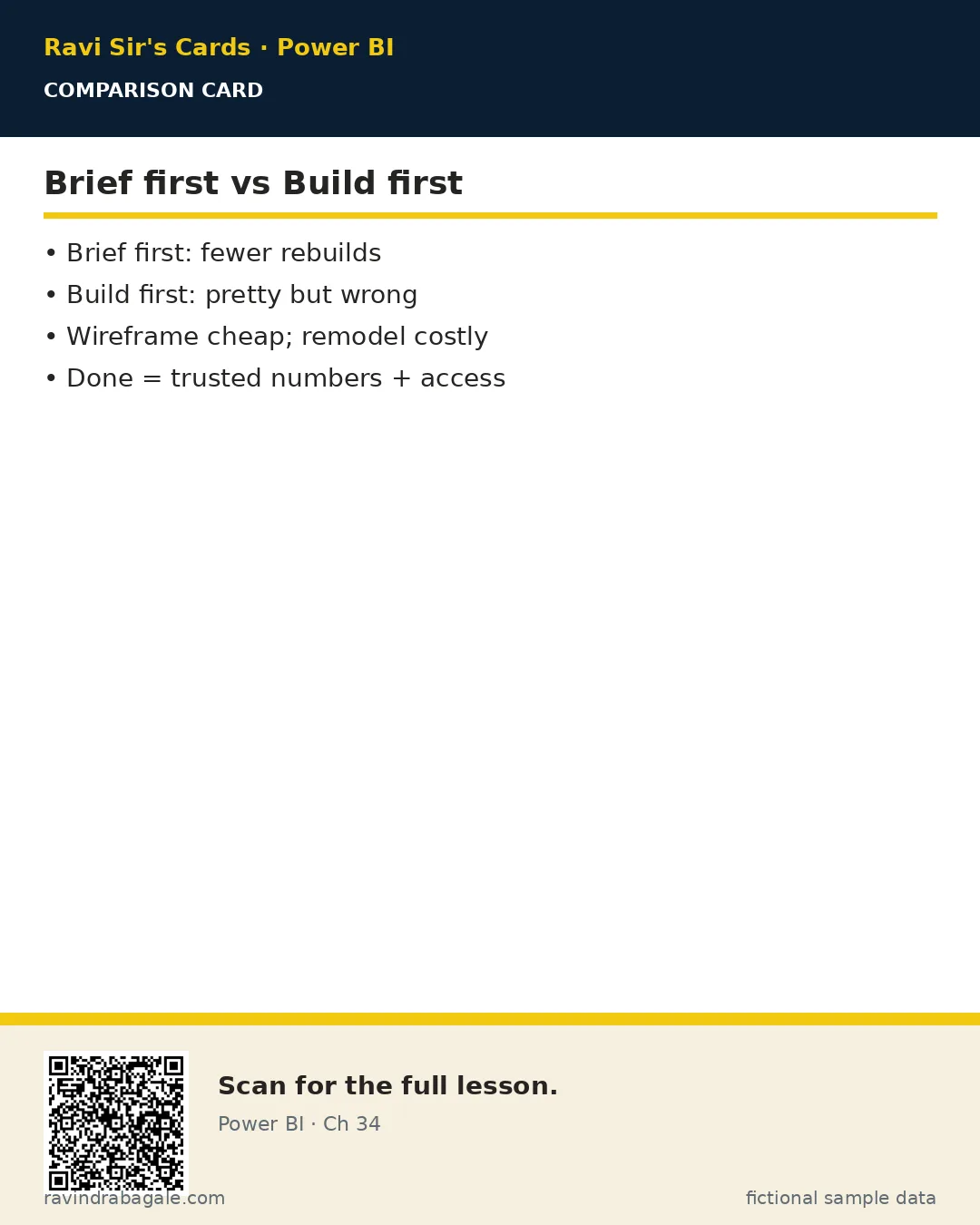
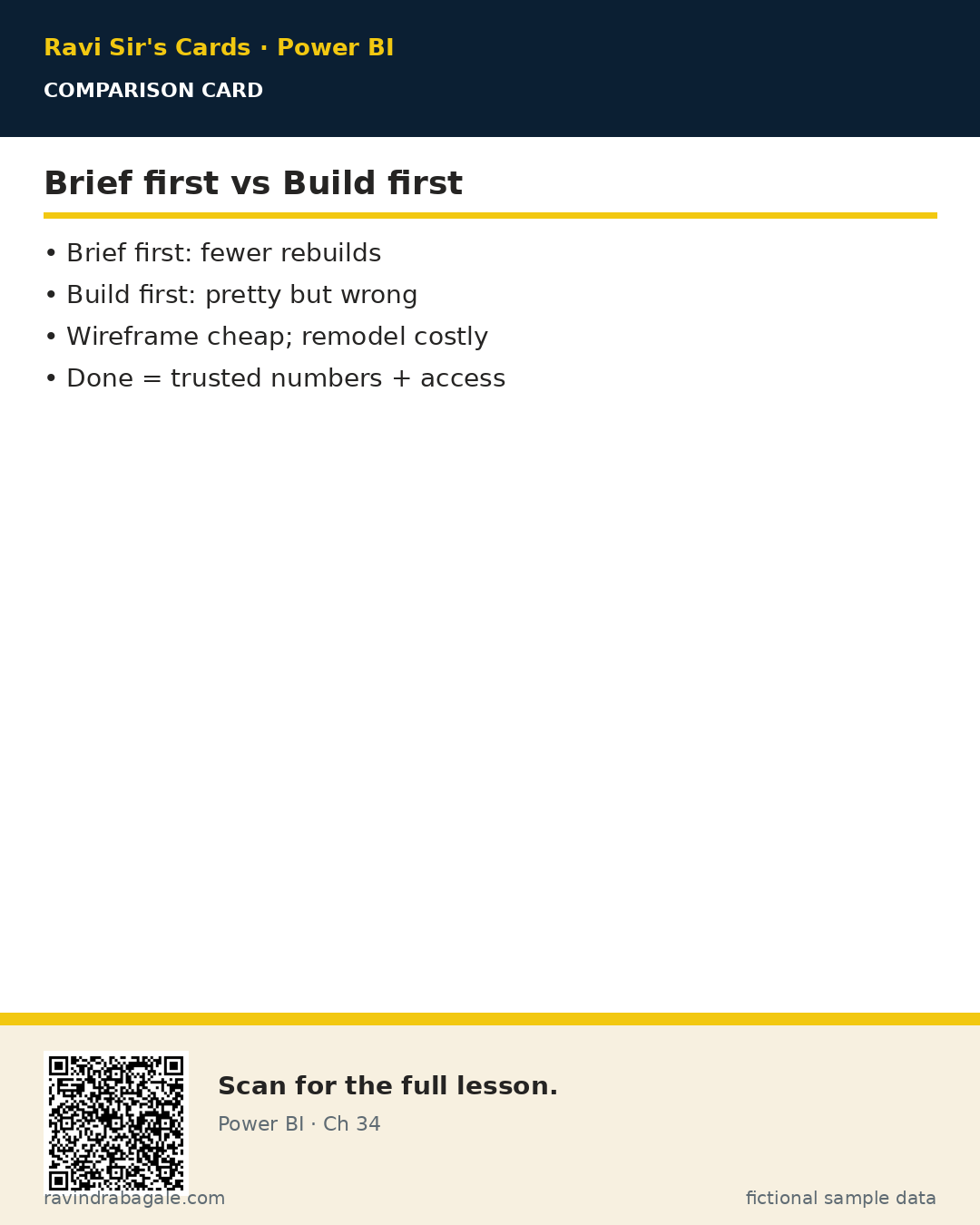
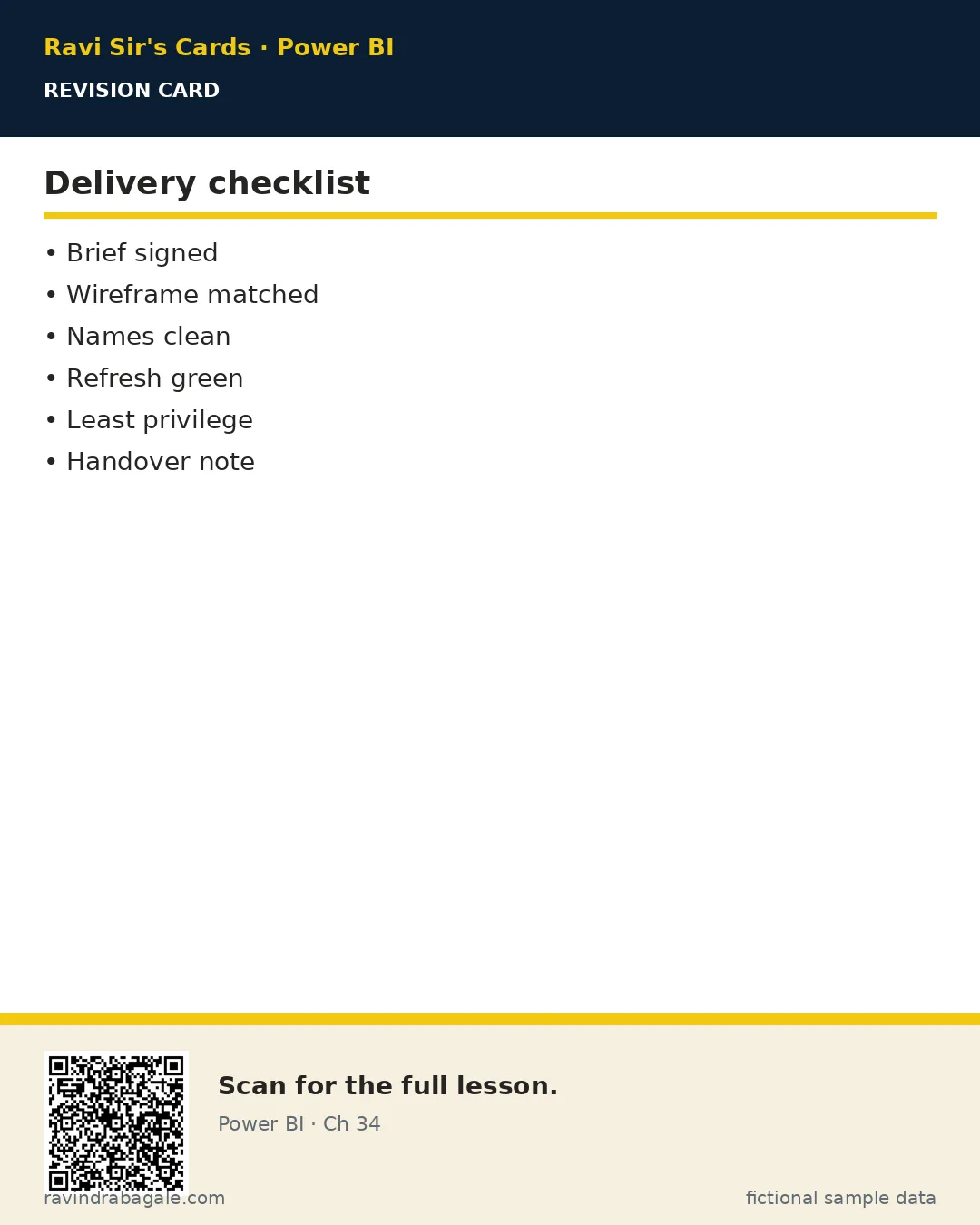
Ravi Sir's cards (Excel card style)
Standalone cards — no tip or photo sections. QR points to this lesson. Download PNG to revise offline.
Think like a professional
In a real tenant, rights and sharing are controlled by Fabric / Power BI admins. Always follow your company policy. This lesson uses fictional people and numbers so you can practise the ideas safely.