11.1 Goal Seek
Goal Seek for break-even with example — in 30 seconds
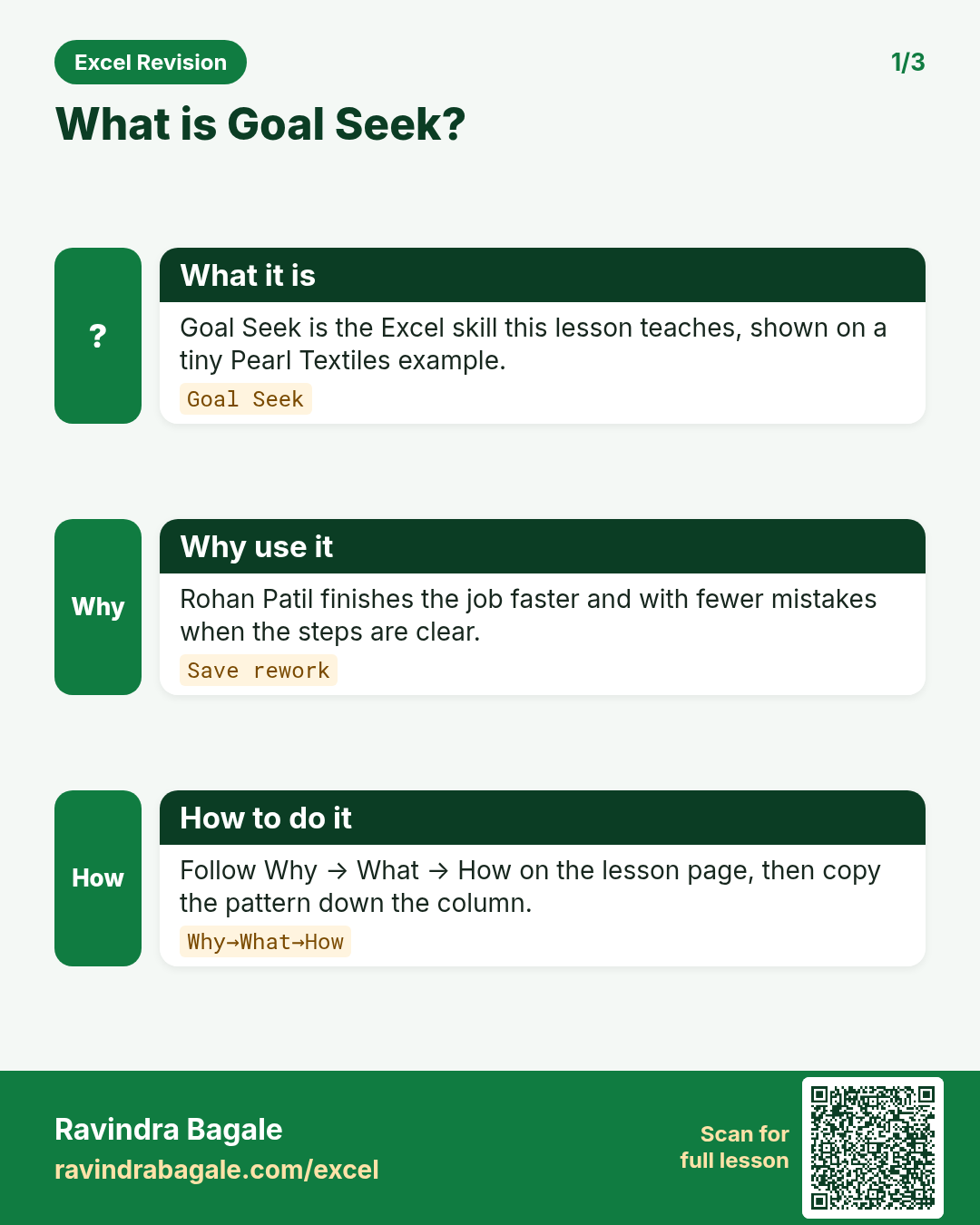
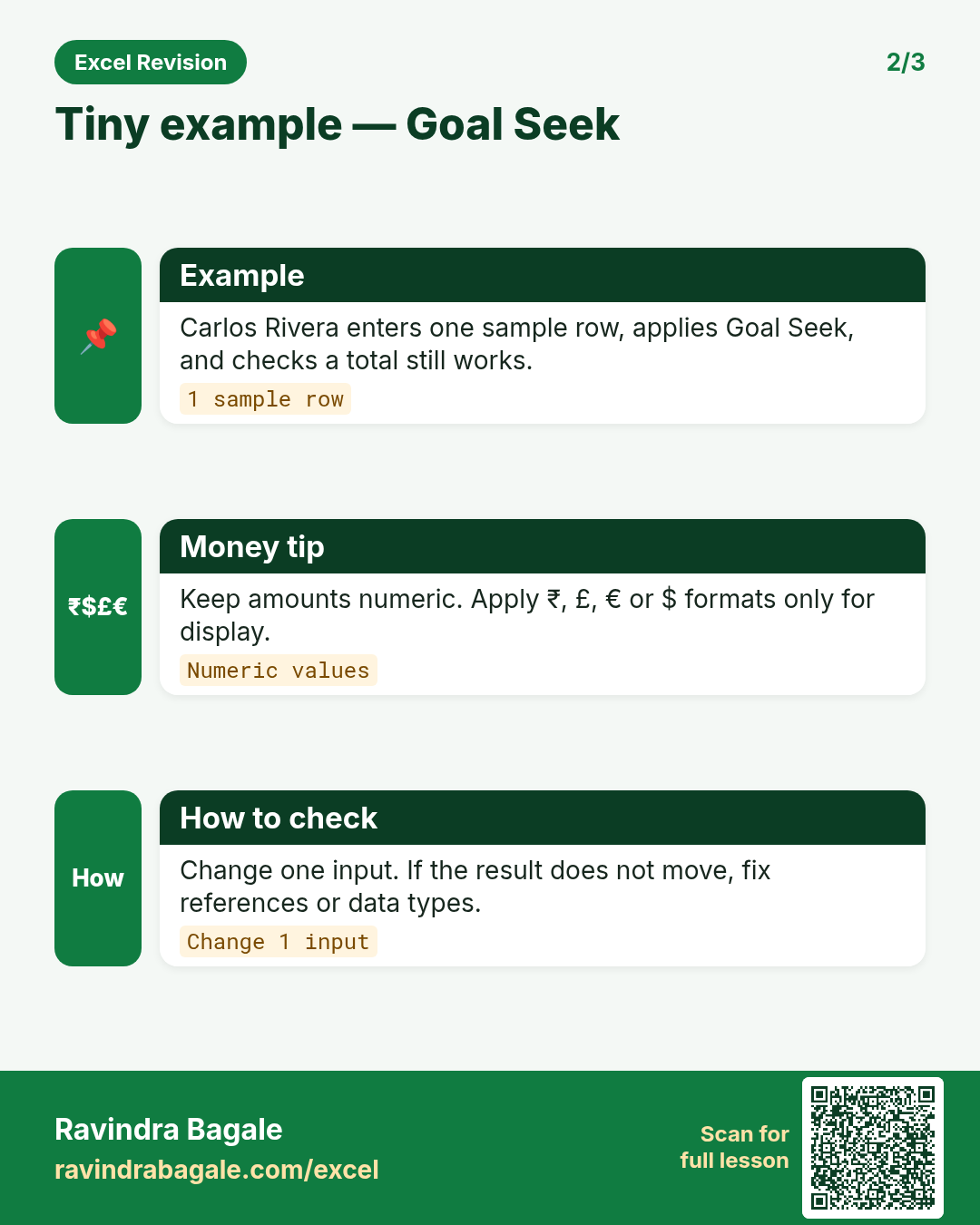
What: Goal Seek changes one input cell until a formula cell reaches the value you want.
Why: "How many orders do we need to stop losing money?" Goal Seek answers it in seconds, without algebra.
Tiny example: Margin ₹18 per order, fixed cost ₹27,000 a month. Profit is 0 at 1,500 orders.
Goal Seek for break-even with example — 30 सेकंदात
काय: Goal Seek एक input cell बदलत राहतो, जोपर्यंत formula cell ला तुम्हाला हवी ती value येत नाही.
का: "तोटा थांबायला किती orders लागतील?" Goal Seek algebra शिवाय काही seconds मध्ये उत्तर देतो.
छोटं उदाहरण: प्रत्येक order वर ₹18 margin, महिन्याचा fixed cost ₹27,000. 1,500 orders ला profit 0 होतो.
Goal Seek for break-even with example — 30 सेकंड में
क्या: Goal Seek एक input cell को तब तक बदलता है जब तक formula cell में आपकी चाही value न आ जाए.
क्यों: "नुकसान रुकने के लिए कितने orders चाहिए?" Goal Seek बिना algebra के कुछ seconds में जवाब देता है.
छोटा उदाहरण: हर order पर ₹18 margin, महीने का fixed cost ₹27,000. 1,500 orders पर profit 0 होता है.
First look at the data (before → after):
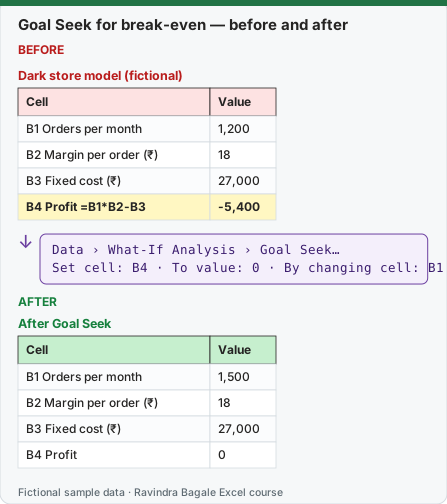
Expected result — After Goal Seek
| Cell | Value |
|---|---|
| B1 Orders per month | 1,500 |
| B2 Margin per order (₹) | 18 |
| B3 Fixed cost (₹) | 27,000 |
| B4 Profit | 0 |
About this data: Teaching sample for a fictional shop “Maple Bakery Co”. Figures and names (e.g. Rohan Patil) are made up for this lesson on goal seek.
Before table and formula as text
Before — Dark store model (fictional)
| Cell | Value |
|---|---|
| B1 Orders per month | 1,200 |
| B2 Margin per order (₹) | 18 |
| B3 Fixed cost (₹) | 27,000 |
| B4 Profit =B1*B2-B3 | -5,400 |
About this data: Demo table only — not real customer or company data. Built to practise goal seek.
Formula / click path
Data › What-If Analysis › Goal Seek…
Set cell: B4 · To value: 0 · By changing cell: B1
Do it step by step:
- Type the inputs in B1:B3 and
=B1*B2-B3in B4. - Click Data › What-If Analysis › Goal Seek….
- Set cell B4, To value 0, By changing cell B1.
- Click OK, then OK again to keep the answer.
- Check: B1 shows 1,500 and B4 shows 0.
स्टेप बाय स्टेप करून बघा:
- B1:B3 मध्ये inputs आणि B4 मध्ये
=B1*B2-B3type करा. - Data › What-If Analysis › Goal Seek… वर click करा.
- Set cell B4, To value 0, By changing cell B1 टाका.
- OK करा, आणि उत्तर ठेवायला परत OK करा.
- Check करा: B1 मध्ये 1,500 आणि B4 मध्ये 0.
स्टेप बाय स्टेप करके देखें:
- B1:B3 में inputs और B4 में
=B1*B2-B3type करें. - Data › What-If Analysis › Goal Seek… पर click करें.
- Set cell B4, To value 0, By changing cell B1 डालें.
- OK करें, और जवाब रखने के लिए फिर OK करें.
- Check करें: B1 में 1,500 और B4 में 0.
Goal Seek changes one input until a formula reaches a target value. Behind the scenes it tries value after value – an iteration (पुनरावृत्ती) process – until the result is close enough.
Steps in Excel – break-even orders per day
- Data › Forecast › What-If Analysis › Goal Seek…
- Set cell:
B13(Profit) › To value:0› By changing cell:B2(Orders per day) › OK. - Goal Seek shows the solution: 506.76 orders/day. Click OK to keep it or Cancel to restore 400.
- Round up for the business answer: about 507 orders per day to break even.
Check by hand: margin per order = 320 × 18% − 28 = ₹29.60; per month 30 × 29.60 = ₹888 per daily order; 4,50,000 ÷ 888 = 506.76 ✓.
Another question: at 400 orders/day, what AOV is needed to break even? Set B13 to 0 by changing B3 → about ₹363.89.
Ravindra Bagale's Tip
If you give Goal Seek's By changing cell a cell that contains a formula, Excel gives an error – it must be an input cell (a typed value). Many students make this mistake. And Goal Seek changes only one input – if you need to change two or three inputs together, use Solver. If you don't want to keep the result, don't forget to press Cancel.
Ravindra Bagale's Tip – मराठी
Goal Seek च्या By changing cell मध्ये formula असलेली cell दिली तर Excel error देतो – ती input cell (typed value) असायला हवी. बरेच students ही चूक करतात. आणि Goal Seek एकच input बदलतो – दोन-तीन inputs एकत्र बदलायचे असतील तर Solver वापरा. Result कायम ठेवायचा नसेल तर Cancel दाबायला विसरू नका.
Ravindra Bagale's Tip – हिंदी
Goal Seek के By changing cell में formula वाली cell दी तो Excel error देता है – वह input cell (typed value) होनी चाहिए. बहुत से students यह गलती करते हैं. और Goal Seek सिर्फ़ एक input बदलता है – दो-तीन inputs एक साथ बदलने हों तो Solver इस्तेमाल करो. Result हमेशा के लिए नहीं रखना हो तो Cancel दबाना मत भूलना.
Practice task
Using Goal Seek find: the delivery cost per order that makes profit ₹50,000 at 400 orders/day, and the gross margin % needed to break even.
Loading practice tasks...
- Monthly rate (Easy): Yearly rate in B3 divided by 12.
- Number of months (Easy): Years in B4 times 12.
- Monthly EMI (Easy): EMI for loan B2, yearly rate B3, years B4 (show it as a positive number).
- EMI rounded (Easy): The EMI from the last task, rounded to 0 decimals.
- Total paid (Medium): Total amount paid over the loan.
- Total interest (Medium): Total paid minus the loan amount B2, rounded to 0 decimals.
- Gap to target (Medium): EMI minus the target EMI in B6, rounded to 0 decimals.
- Within target? (Medium): Is the EMI at most B6? (TRUE or FALSE)
- Loan that fits the target (Hard): Loan amount whose EMI is exactly B6 (same rate and years), rounded to 0 decimals.
- Months needed at target EMI (Hard): Months needed to repay B2 at EMI B6, rounded up to a whole month.
Quick revision cards
Three standalone cards. Each one explains the idea with its own example. Scan the QR to open this lesson.