Power BI · मराठी आवृत्ती
13.4 DAX syntax
Measure Name = FUNCTION( Table[Column], argument2, ... )
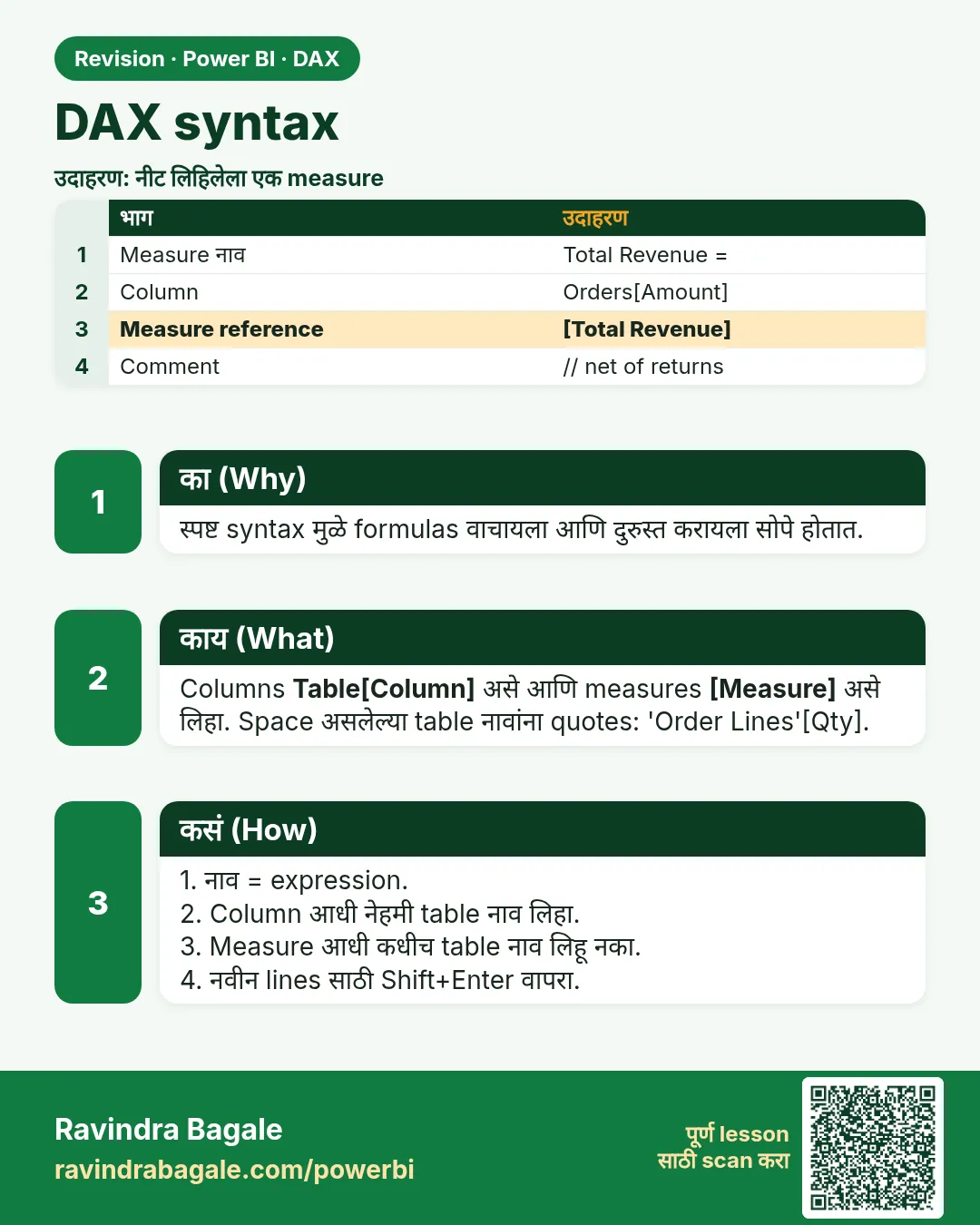
- नाव = expression.
- Spaces किंवा reserved नावांसाठी single quotes:
'Date'[Year]. - Column:
Orders[Quantity]; measure reference:[Total Sales]. - Text double quotes मध्ये: "Blinkit".
- Comments: --, // किंवा /* … */.
- Formula bar मध्ये Shift+Enter ने नवीन line; nested functions indent करा.
- Function names case-insensitive आहेत; consistent style ठेवा.
Types
Whole number, Decimal, Currency / fixed decimal, Date/time, Boolean, String आणि BLANK. अनेक operations मध्ये BLANK चे 0 सारखं conversion होऊ शकतं; प्रत्येक operator तसाच वागेल असं समजू नका.
| प्रकार | Operators | उदाहरण |
|---|---|---|
| Arithmetic | + − * / ^ | Quantity * RELATED(Product[Unit Price]) |
| Comparison | = == <> > >= < <= | Delivery Time Mins <=10 |
| Text | & | Area & ", " & City |
| Logical | &&, ||, NOT | Platform="Blinkit" आणि Quantity>5 |
| Membership | IN { } | City IN {"Pune","Nashik"} |
= BLANK ला 0 किंवा empty string सारखं मानू शकतो. == strict equality मध्ये BLANK फक्त BLANK शी जुळतो.
 उजळणी card